

Voice
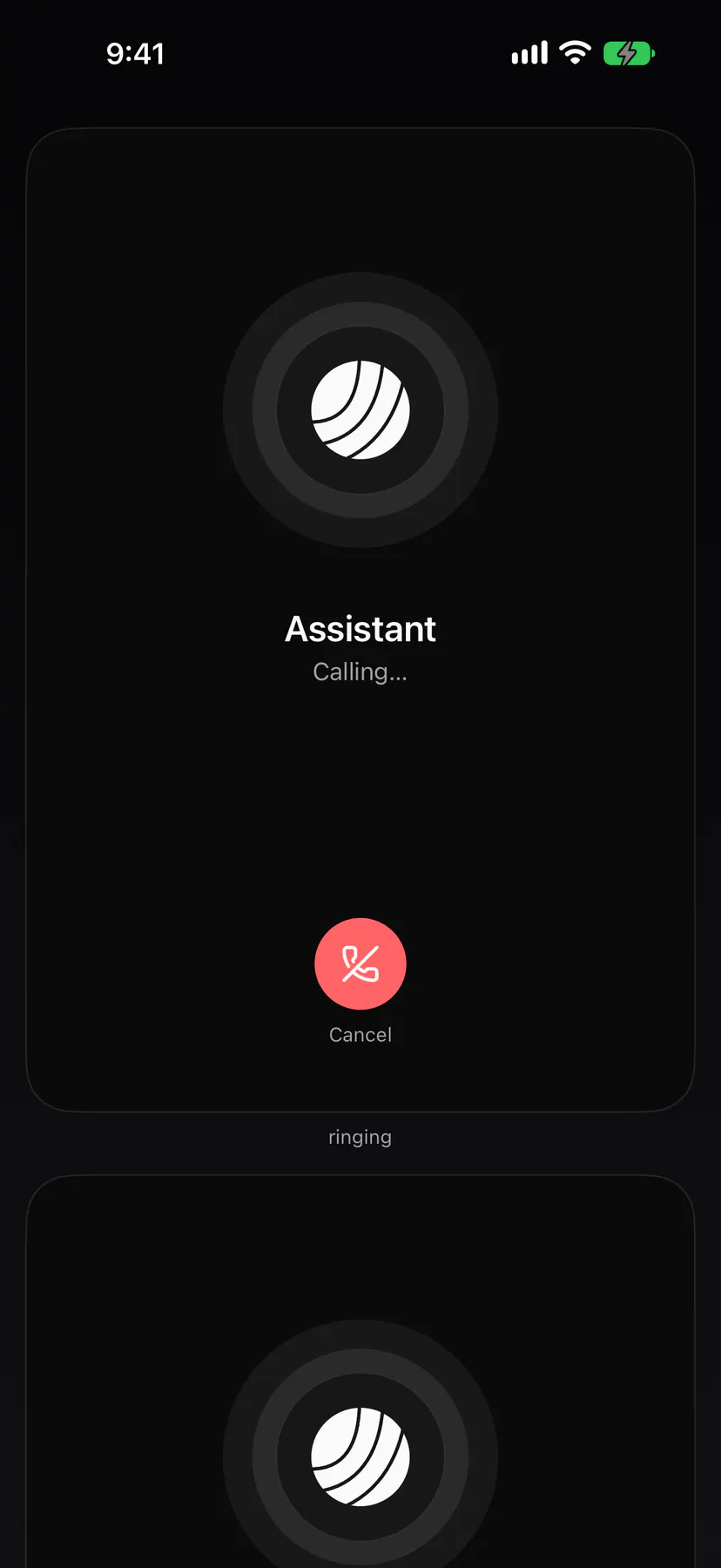
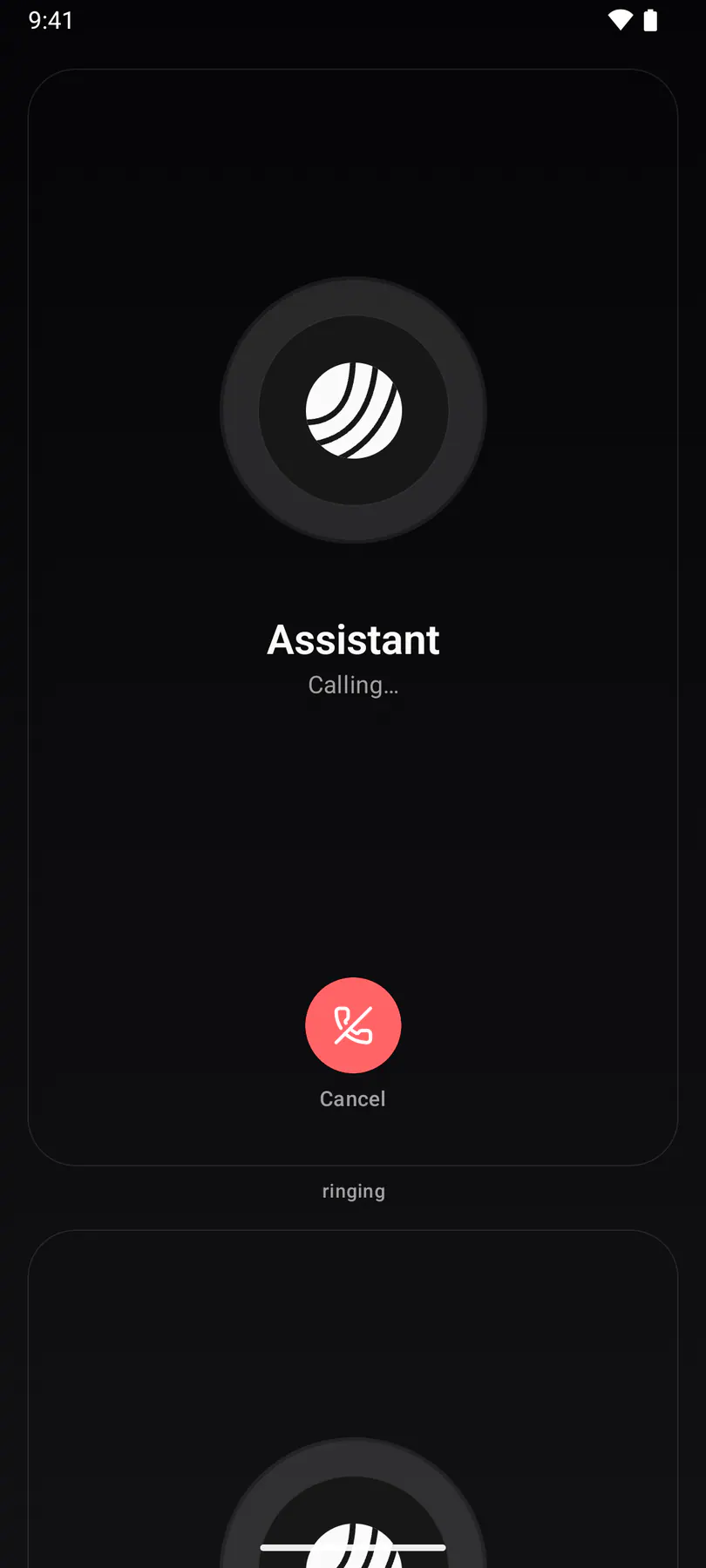
Your Assistant answers out loud, in English or German. Everything runs on your own desktop: the one your Assistant runs on. Voice is in beta.
Set it up
Section titled “Set it up”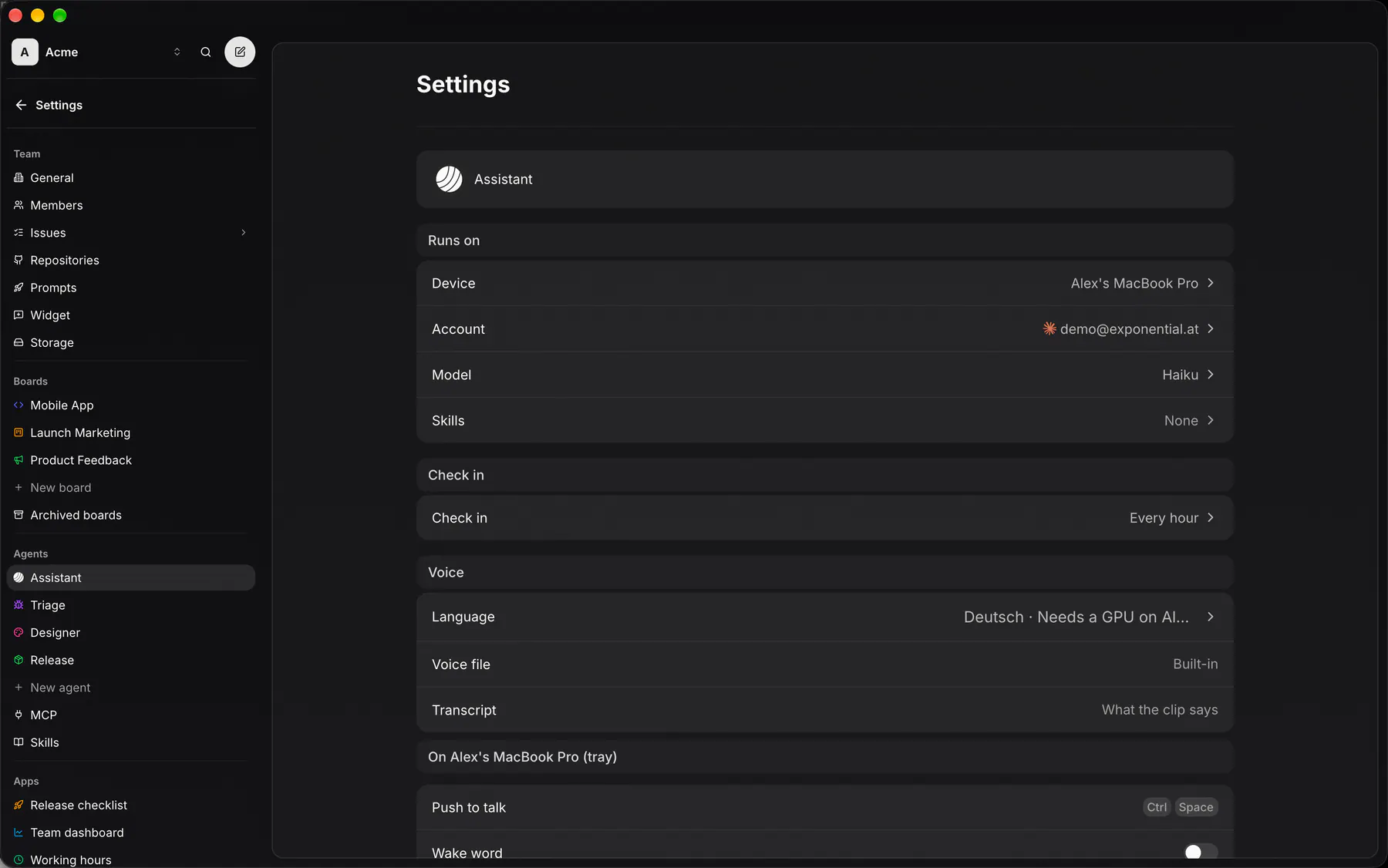
In Settings → Assistant, pick one of your desktops as the Device under Runs on. Its Voice section holds the language and, optionally, a clip of your voice. The desktop downloads the voice on first use; it needs a GPU (requirements).
Call it
Section titled “Call it”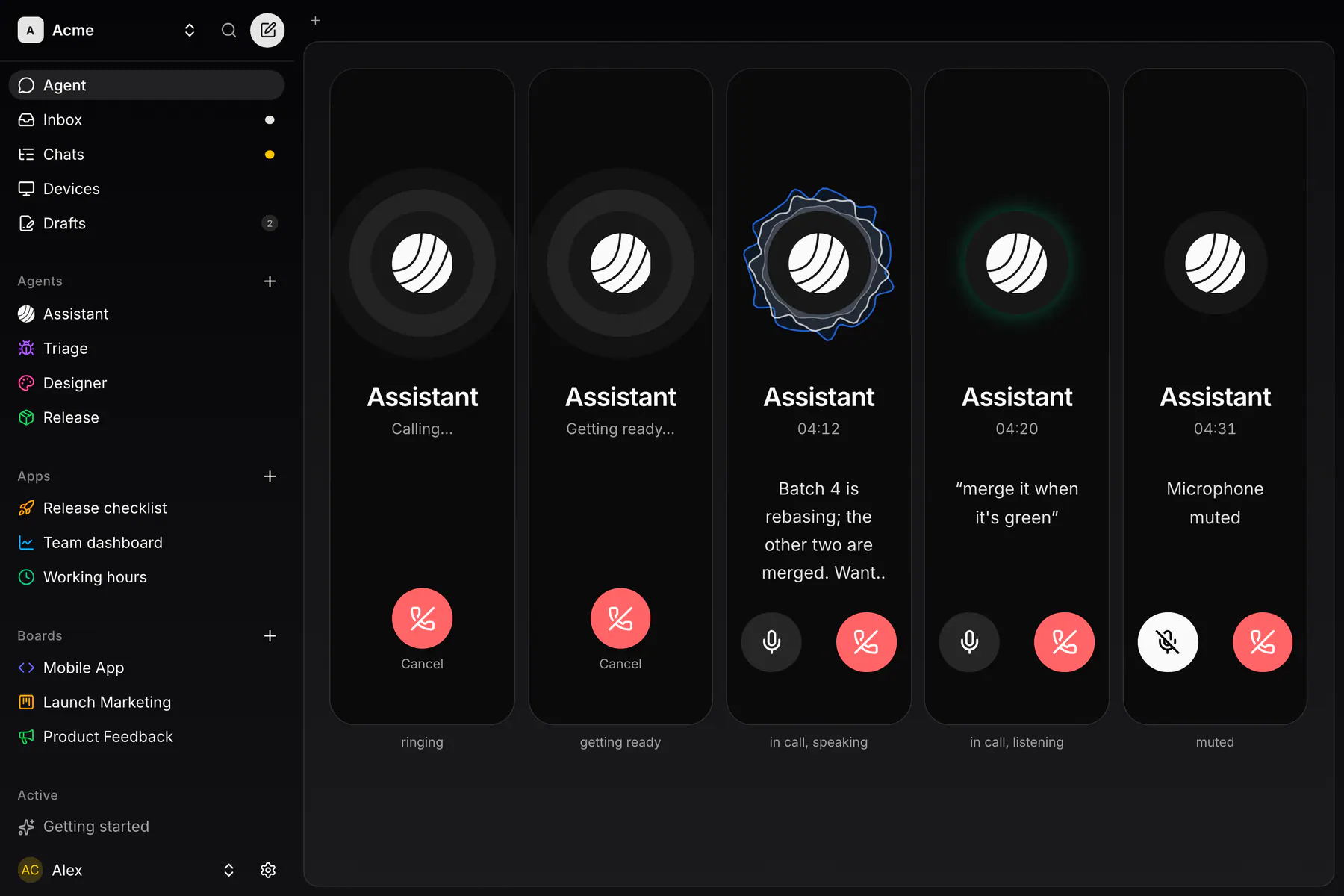
The phone in your Assistant’s chat calls it, from the web, your phone or the voice device itself. Talk over a reply to interrupt it. On a phone the call keeps going with the screen locked.
Push to talk
Section titled “Push to talk”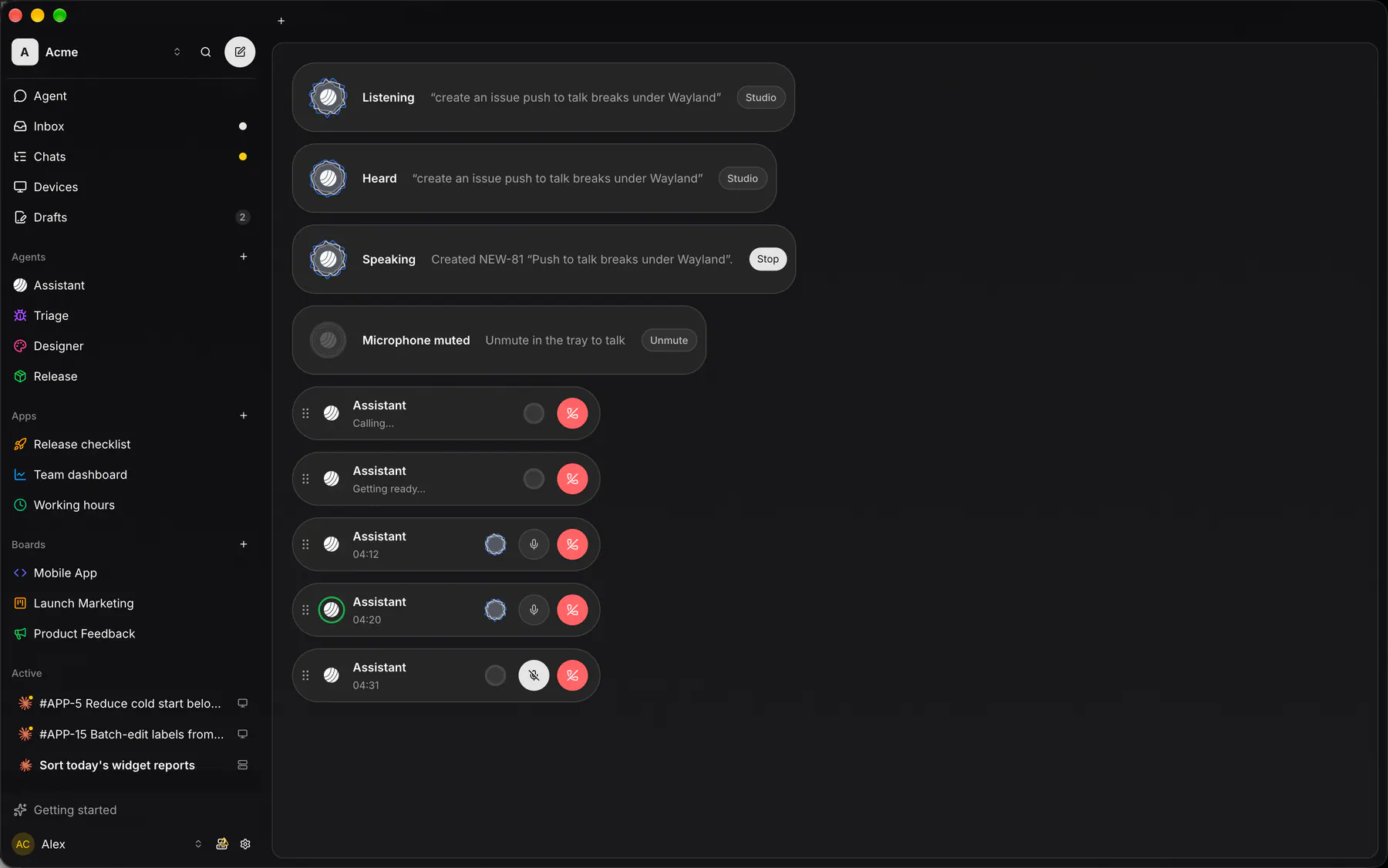
On the voice device, hold a shortcut, speak and let go. Record the shortcut under On <device> (tray) in the same section, or turn on the wake word and say its phrase. Shortcuts per platform.