

SplitView
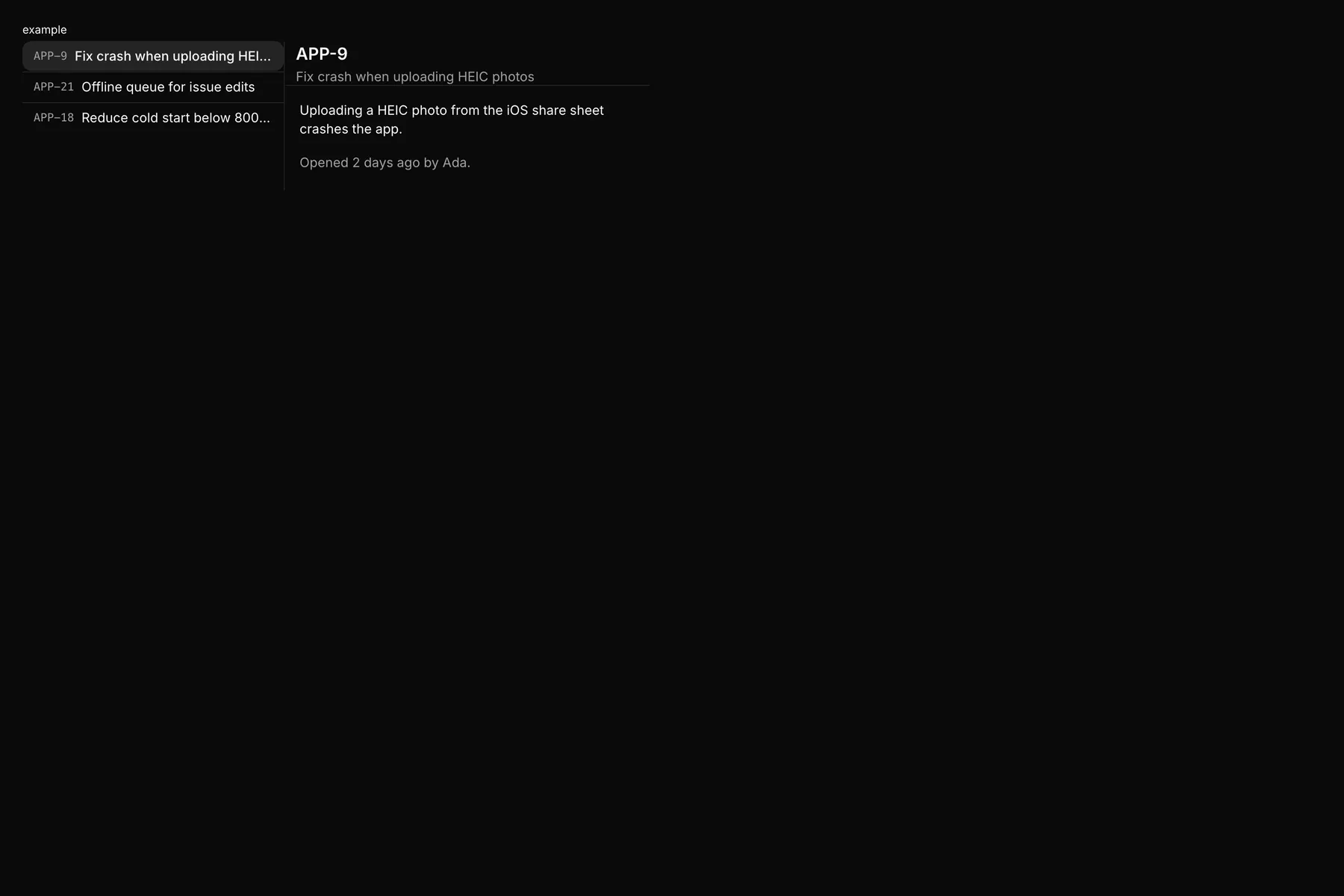
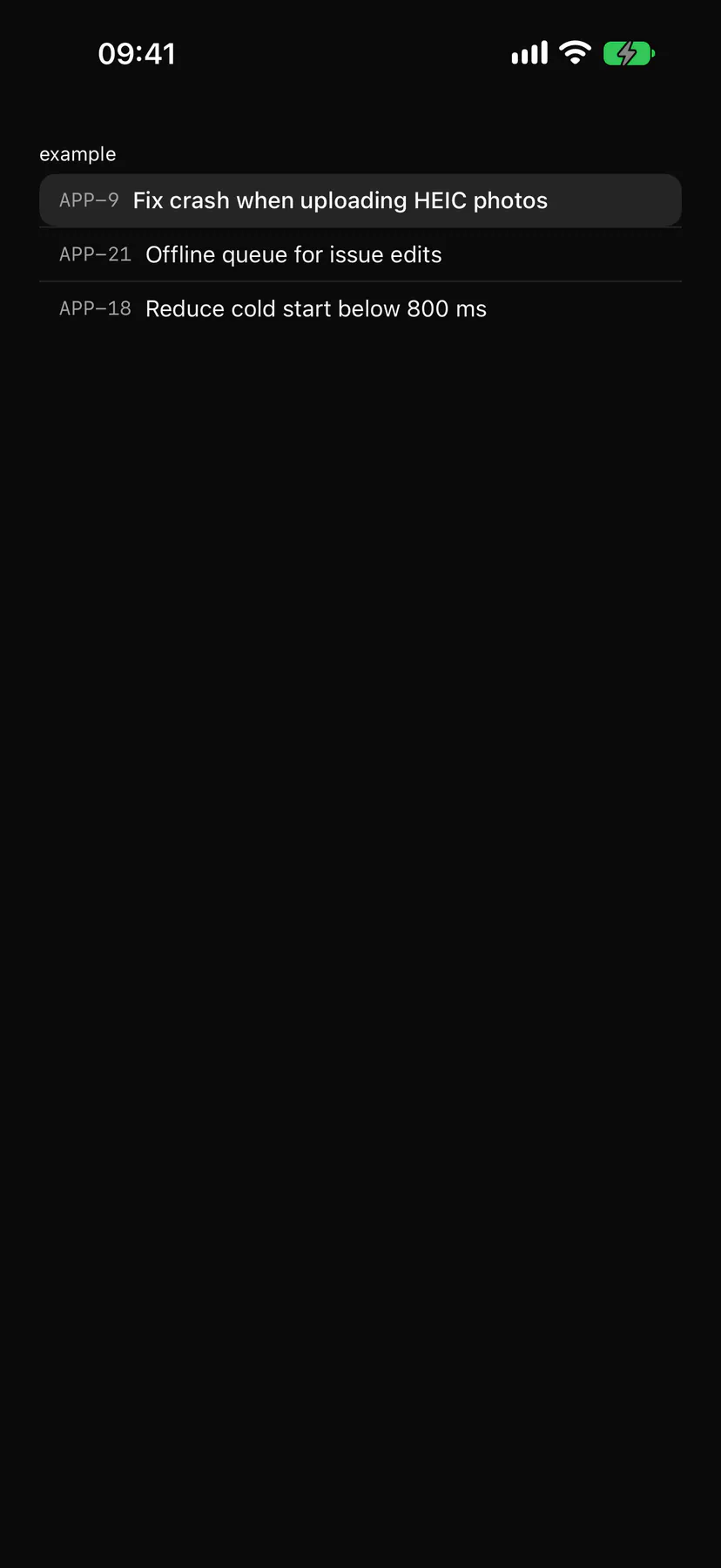
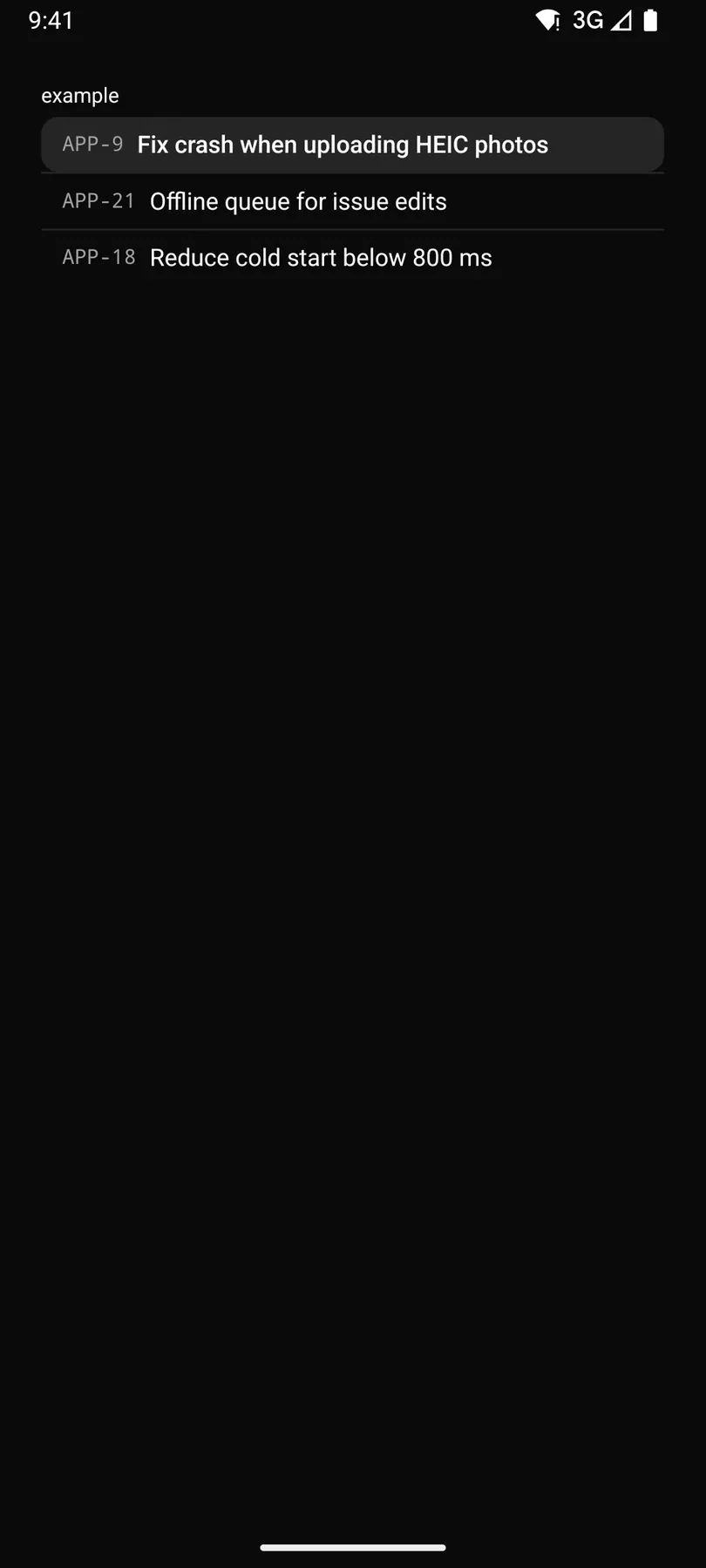
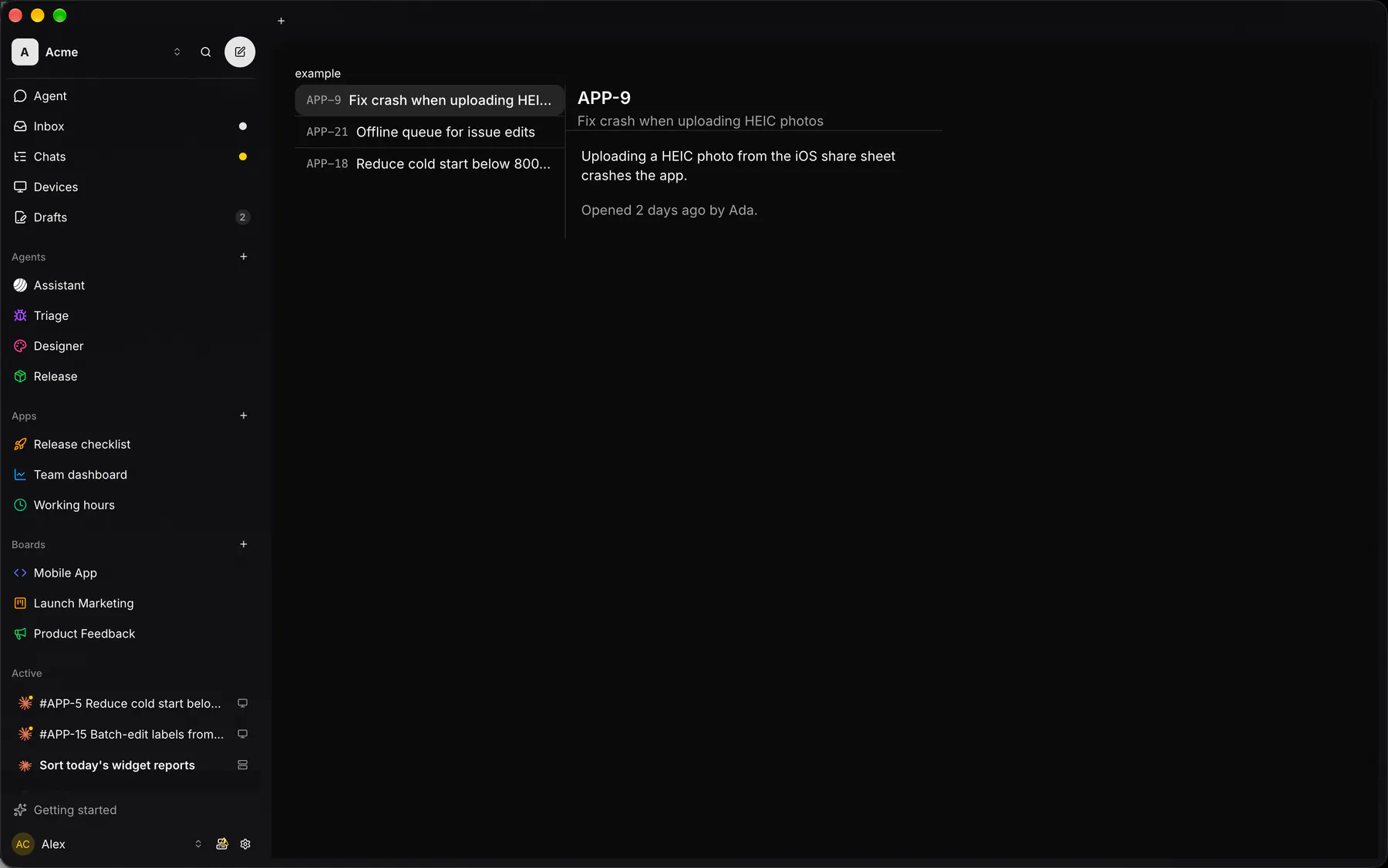
List (list slot) + detail (children); phones show one at a time, the detail with a back button.
Group: Layout · Kind: macro · in the lite catalog
Preview
Section titled “Preview”example
APP-9Fix crash when uploading HEIC photos
Uploading a HEIC photo from the iOS share sheet crashes the app.
Platforms
Section titled “Platforms”The same specimen painted by React, SwiftUI, Compose and gpui.
| Prop | Type | Required | Bindable | Description |
|---|---|---|---|---|
open |
boolean |
– | yes | On phones, the detail shows instead of the list; bind it to the open item. Default false. |
width |
number |
– | – | The list column width in px. Default 320. |
Events
Section titled “Events”on.back: runs an action
list: one component by id
Children
Section titled “Children”many
A2UI basic mapping
Section titled “A2UI basic mapping”No basic catalog component maps here.
Built from
Section titled “Built from”Accessibility
Section titled “Accessibility”Role: none
Layout only: the list part is a navigation landmark, the detail part the main landmark; the phone back button is labelled back ($a11y).
| Keys | Action |
|---|---|
| – | Enter, Space on back |
Theming
Section titled “Theming”Recipe parts: SplitView/root SplitView/list SplitView/divider SplitView/detail SplitView/backBar SplitView/back
Keyed by: :hover :pressed :focus :disabled :checked :open :selected :invalid :dragover
Related
Section titled “Related”List · Button · Separator · Box · Stack · Grid · Card · Resizable