

Desktop app
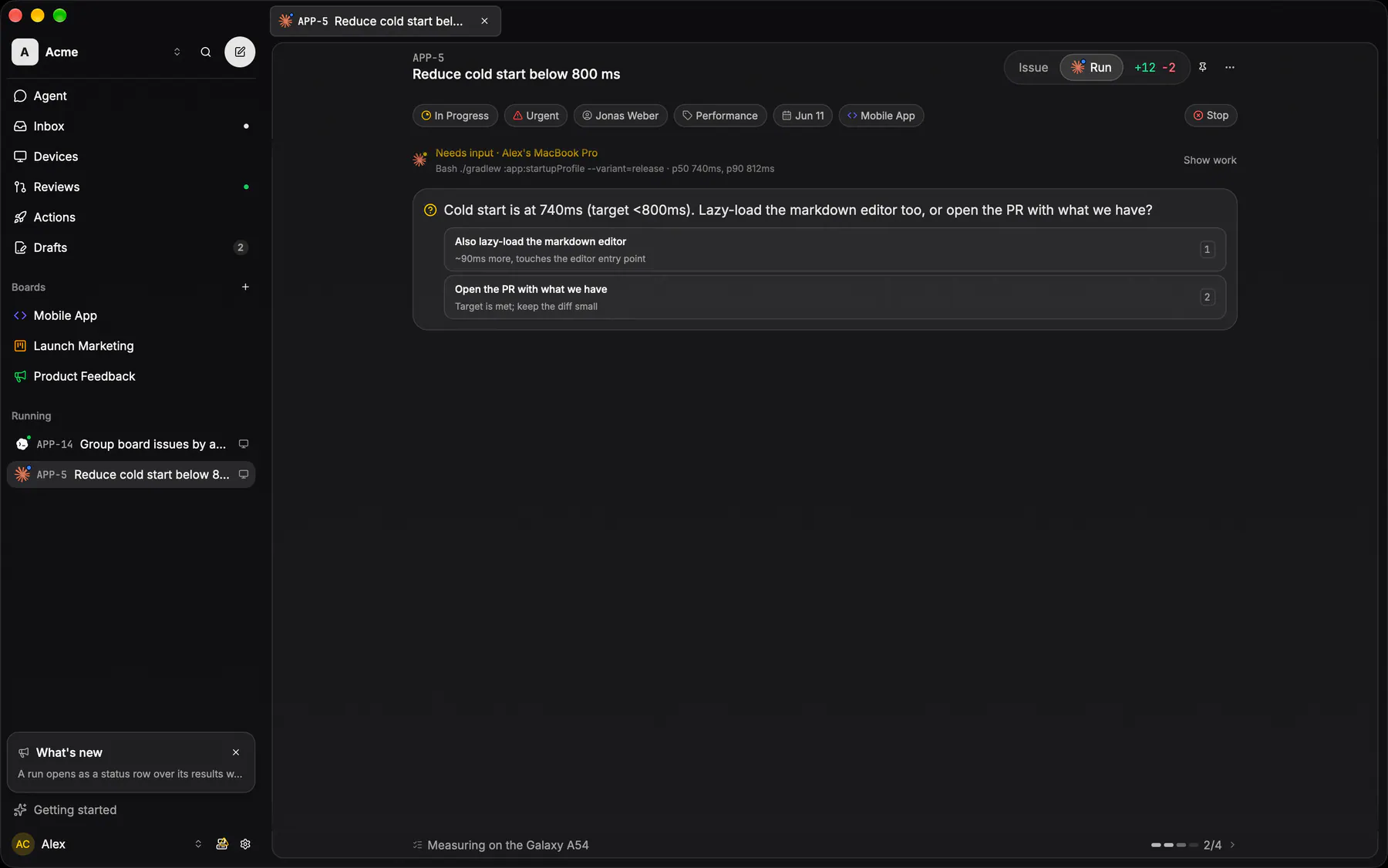
The desktop app runs your sessions and the git tools around them, on macOS, Windows and Linux. Sign in to the cloud or to your self-hosted server.
DownloadIt updates itself in the background and restarts once its sessions pause between turns. Restart to update in the banner does it at once.
Notifications
Section titled “Notifications”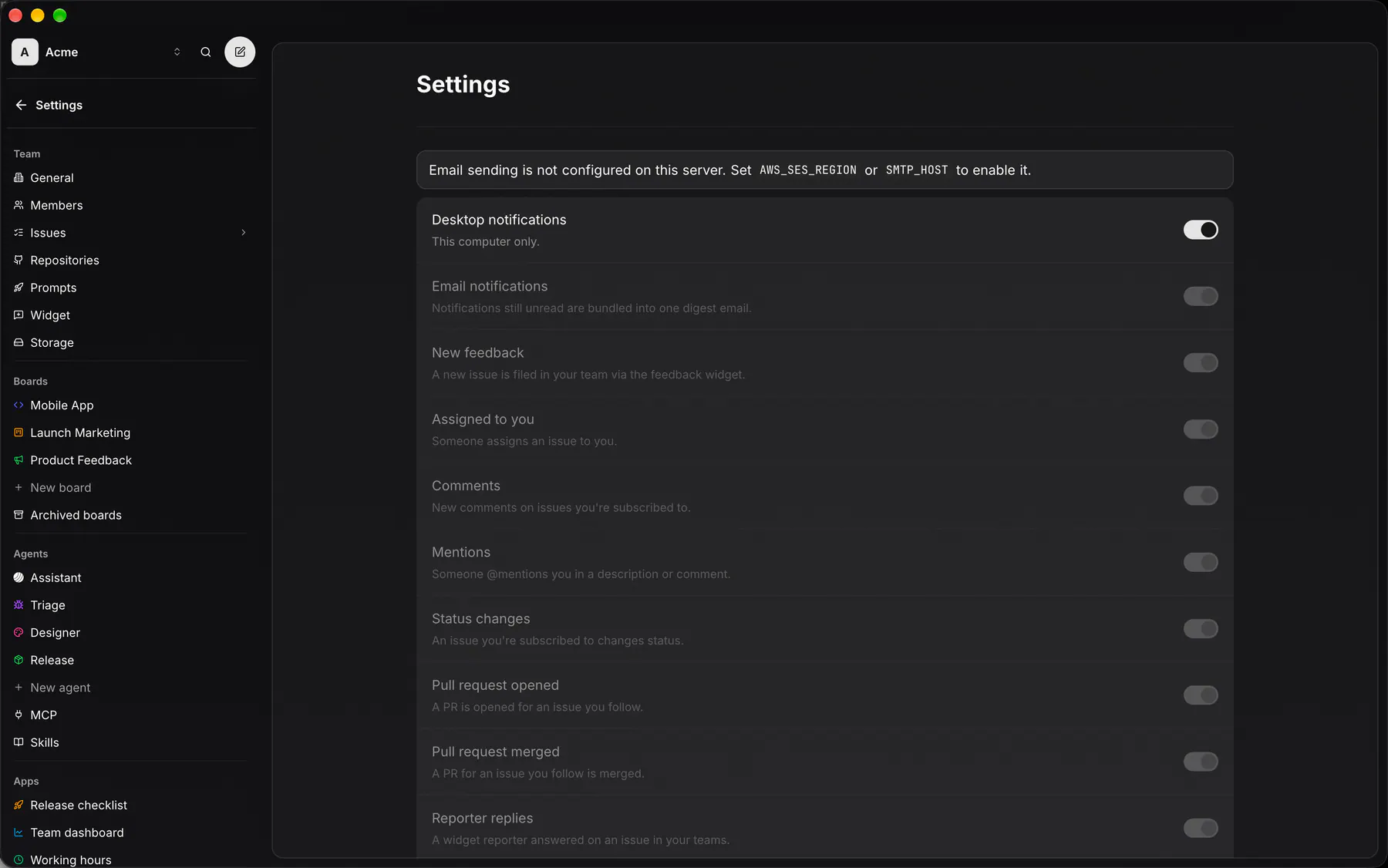
Whatever lands in your inbox also arrives as a system notification. A burst arrives as one, and nothing pops up for an issue you already have open. Settings → Notifications → Desktop notifications switches them for this computer, and the switches for each type apply too.
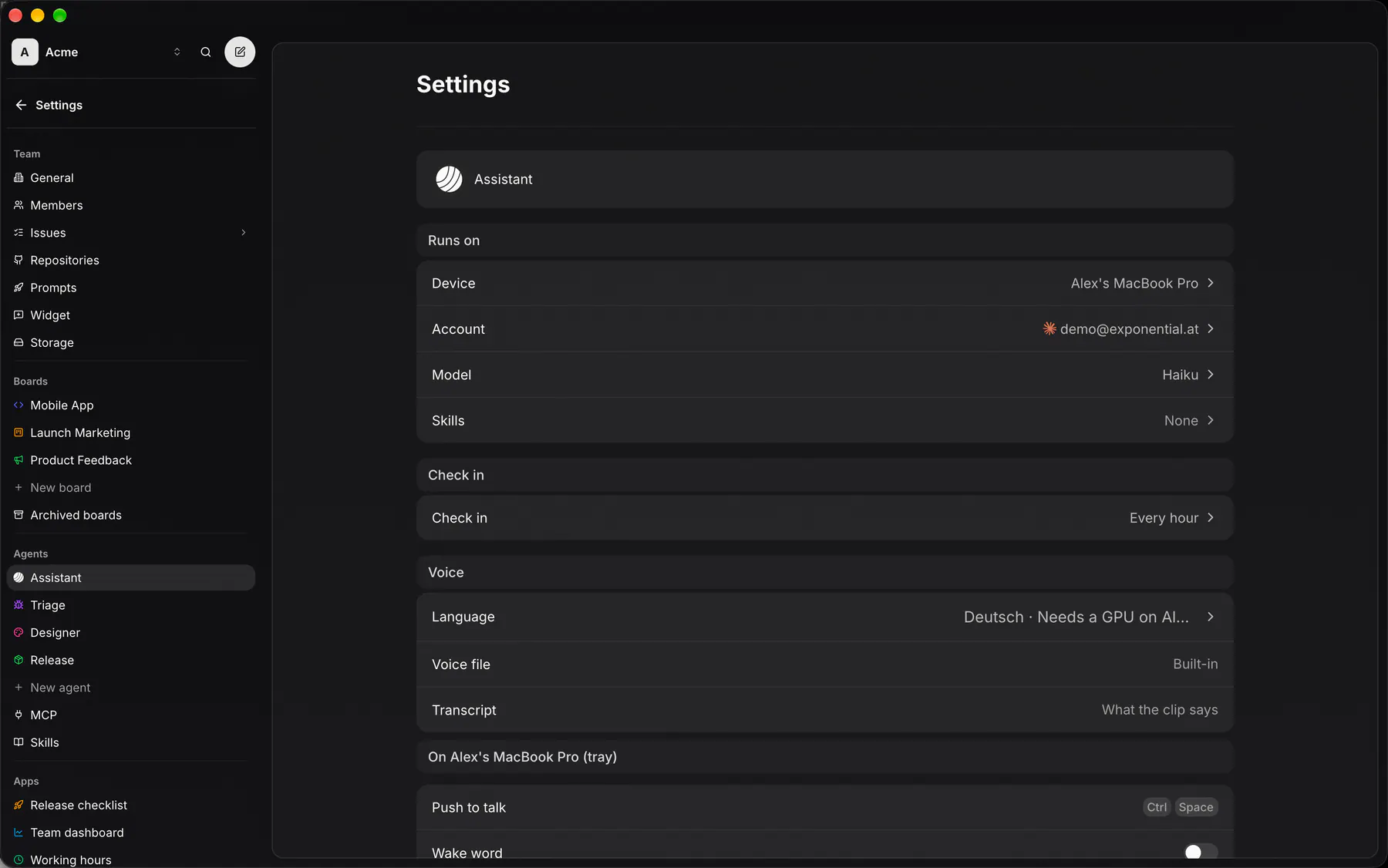
The desktop your Assistant runs on is your voice device: it listens and speaks for you. Its tray holds push to talk, the wake word and a call to your Assistant. See Voice.