

QrScanner
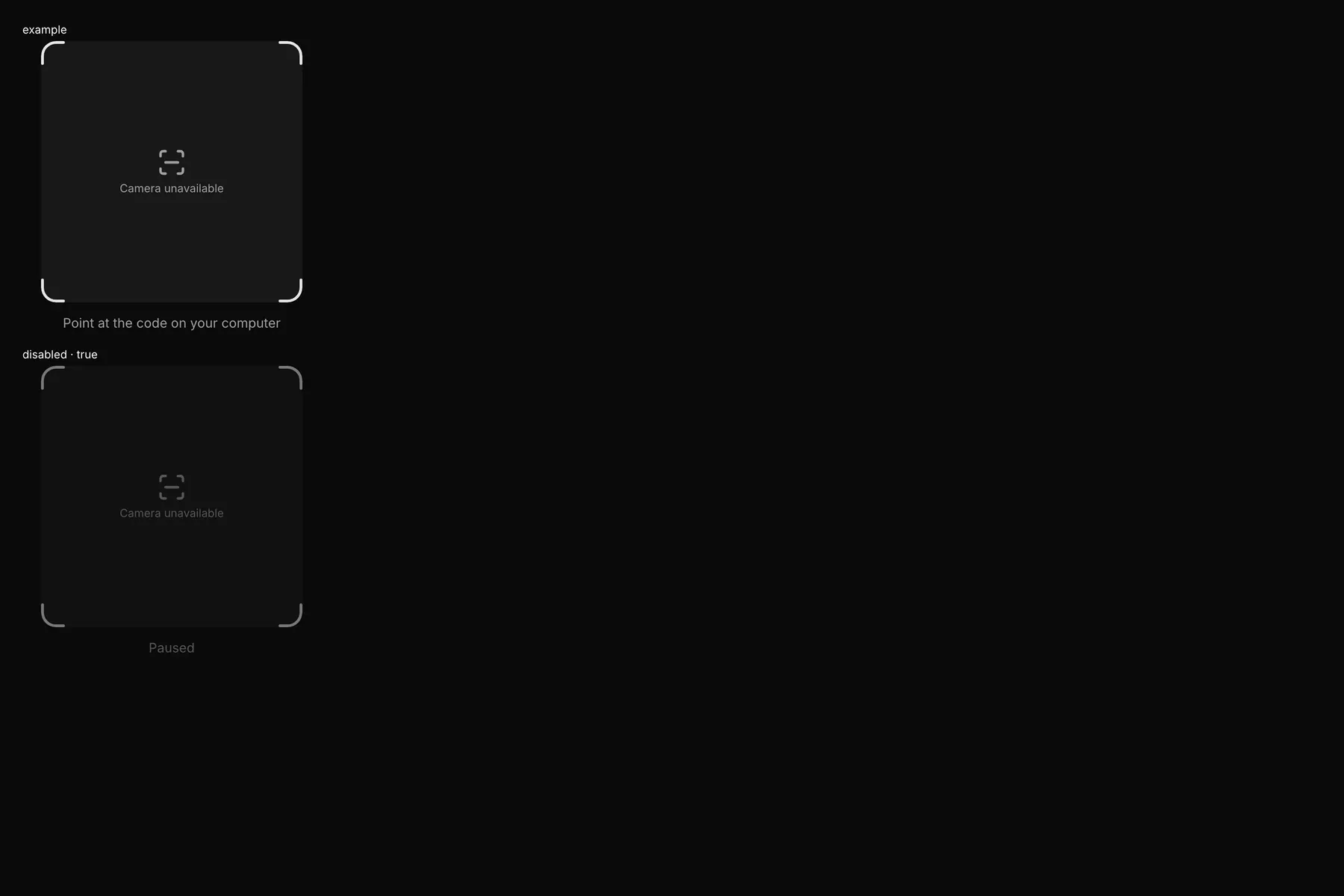
A QR scanner viewfinder; the host camera fires scanned {value}.
Group: Inputs · Kind: native
Preview
Section titled “Preview”example
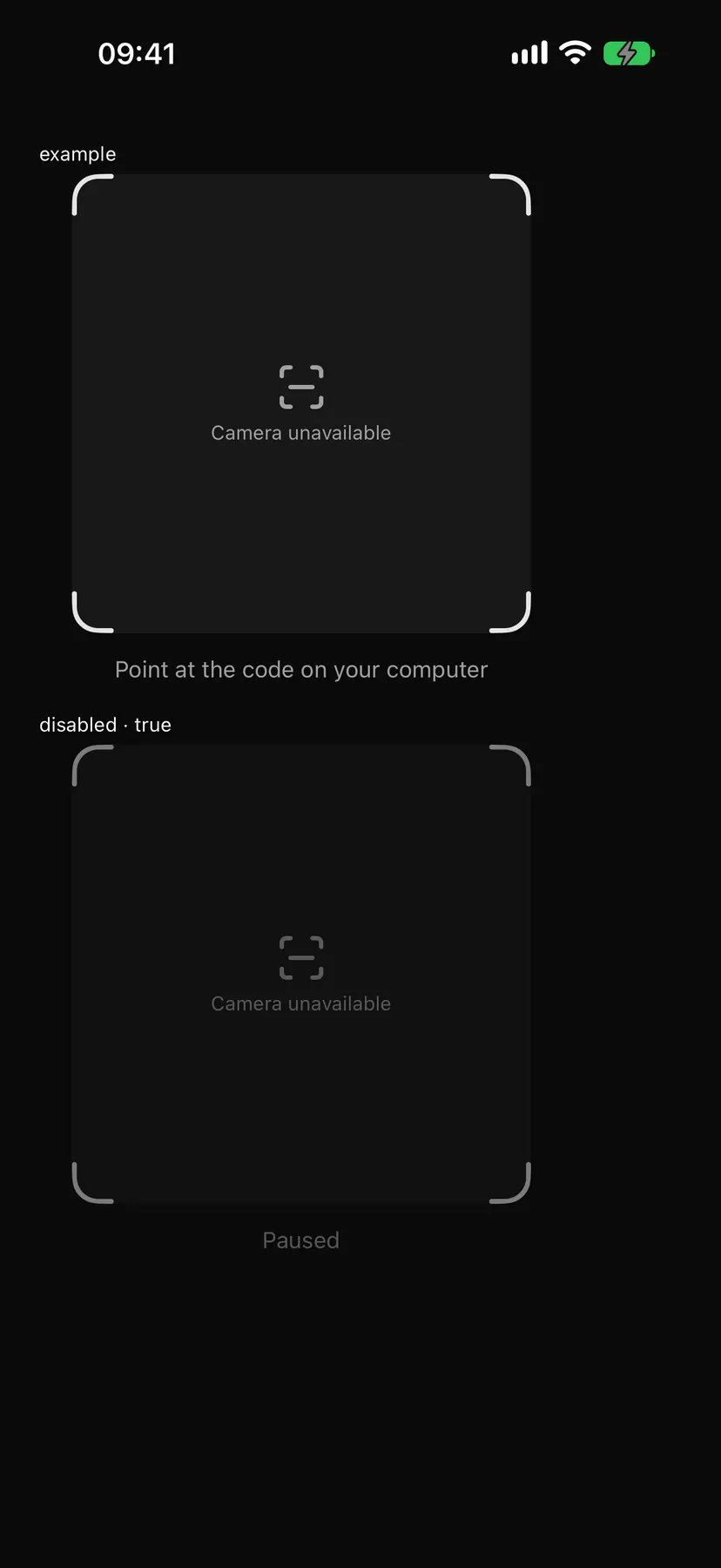
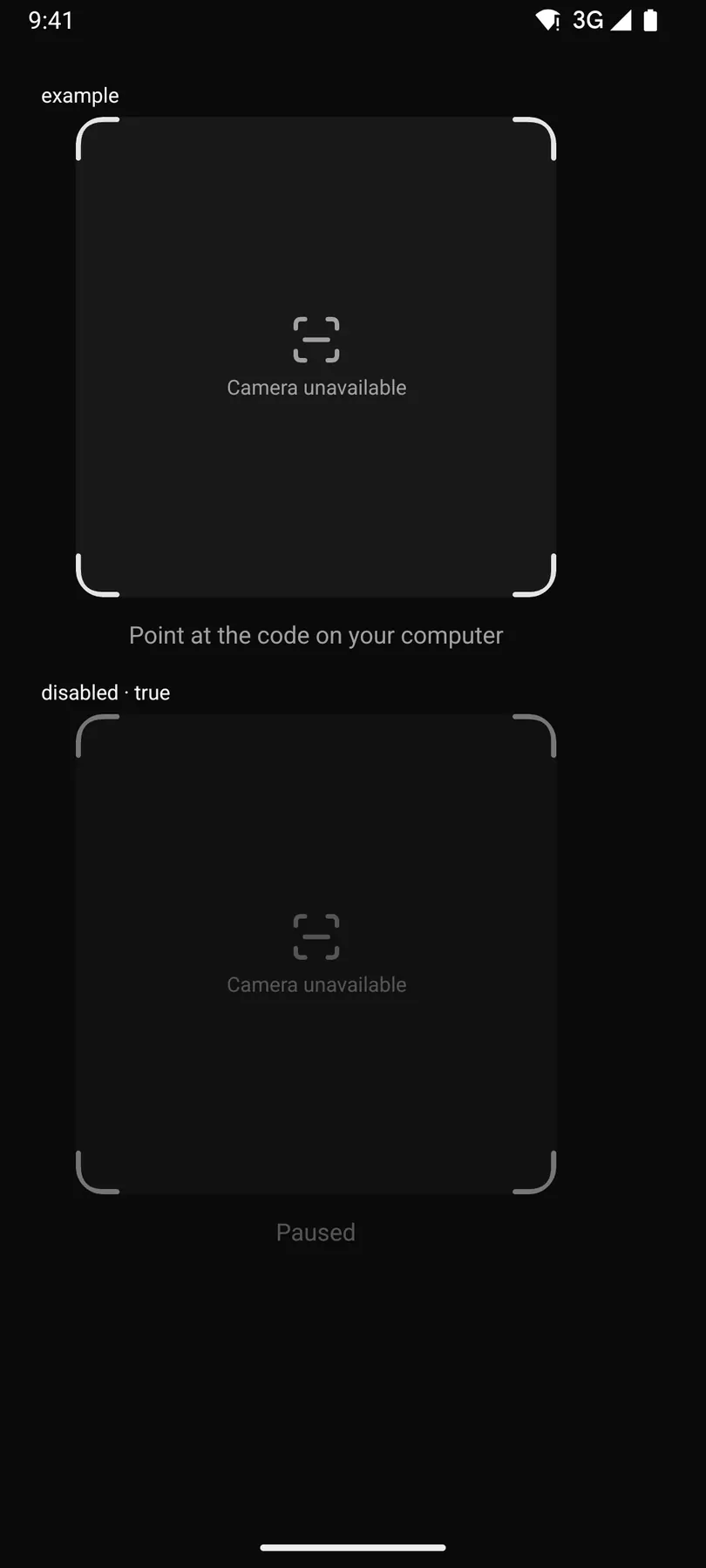
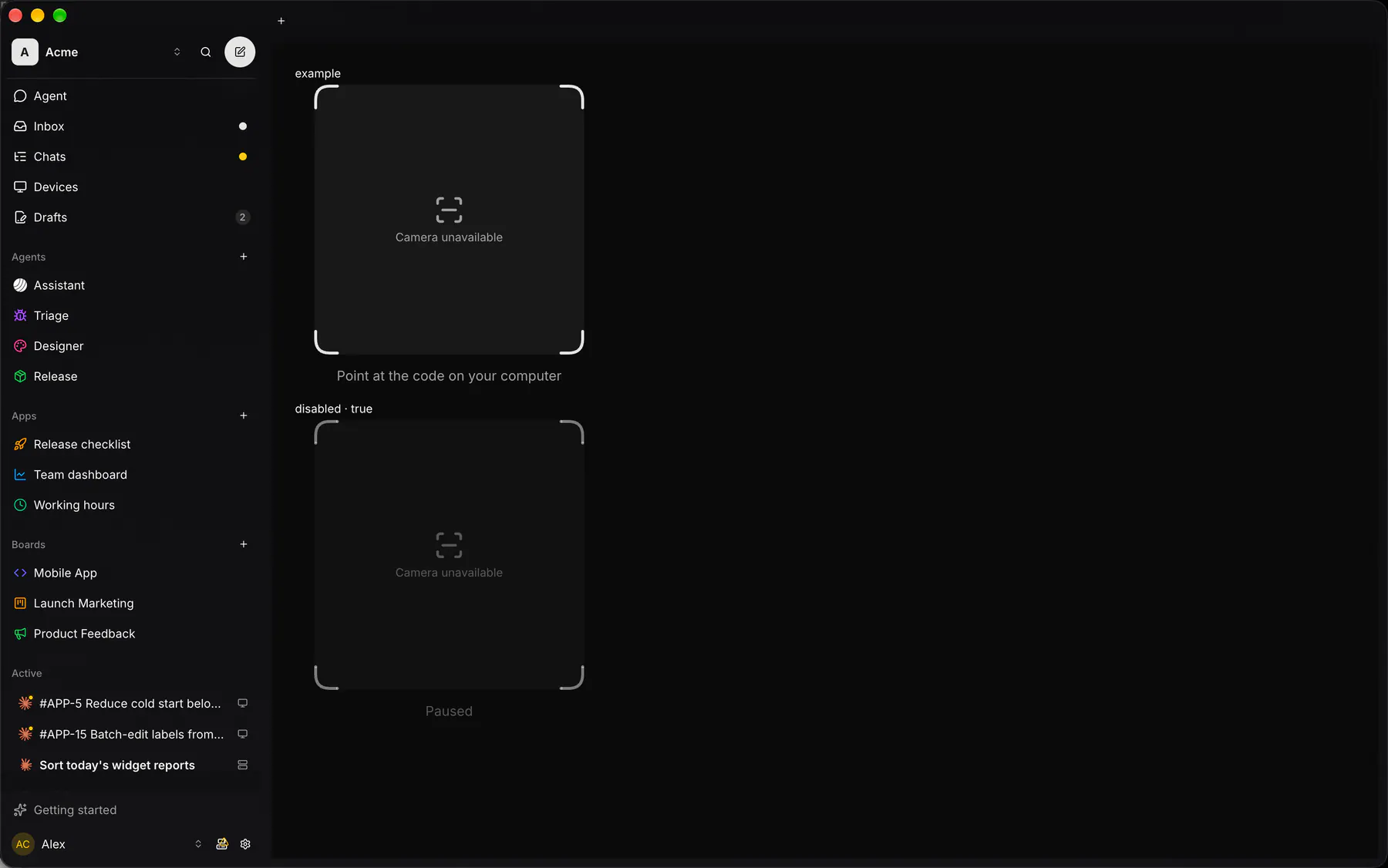
Point at the code on your computer
disabled · true
Paused
Platforms
Section titled “Platforms”The same specimen painted by React, SwiftUI, Compose and gpui.
| Prop | Type | Required | Bindable | Description |
|---|---|---|---|---|
hint |
string |
– | yes | Muted line below. |
formats |
[string] |
– | – | Code formats. Default ["qr"]. |
label |
string |
– | – | An accessibility label. Default "$string.scanQrCode". |
disabled |
boolean |
– | – | Stops scanning. Default false. |
Events
Section titled “Events”on.scanned: runs an action
None.
Children
Section titled “Children”none
A2UI basic mapping
Section titled “A2UI basic mapping”No basic catalog component maps here.
Built from
Section titled “Built from”A native component: every renderer paints it directly.
Accessibility
Section titled “Accessibility”Role: img
img named by label (default scanQrCode); a decoded value is announced politely; without a host camera the label reads cameraUnavailable
| Keys | Action |
|---|---|
None |
scanning needs no key; the host’s camera permission prompt is the platform’s |
Theming
Section titled “Theming”Recipe parts: QrScanner/root QrScanner/viewfinder QrScanner/feed QrScanner/corner QrScanner/scanLine QrScanner/placeholder QrScanner/placeholderIcon QrScanner/hint
Keyed by: disabled :hover :pressed :focus :disabled :checked :open :selected :invalid :dragover
Related
Section titled “Related”Form · FieldGroup · FormActions · Input · Textarea · NumberField · Checkbox · Radio