

ePilot
ePilot is computer use for agents: the agent looks at the real screen, acts on it with the real pointer and keyboard through the OS input APIs, and looks again. Pixels only, so it drives any app the person can. Apache-2.0.
Status
Section titled “Status”| Part | Where | State |
|---|---|---|
| Computer use | Coding sessions on the desktop app and the CLI daemon | in the app |
| Screen memory | The voice device, for your Assistant | in the app |
| The library | epilot and epilot-screen, a git dependency on epilot-v0.1.0 |
0.1.0 |
On master the tools are served through eMCP; the next tag carries that.
Plan, act, observe
Section titled “Plan, act, observe”The agent’s model plans; ePilot is its eyes and hands. Each step is a screenshot, one action, and another screenshot.
- Observe:
screenshotfits the display to the model’s frame (at most 1280 × 800). Every coordinate after that is in that image’s pixels, and ePilot maps it back to the screen. - Plan: the model reads the image and picks the next action.
- Act: a click, a drag, typed text or a key combo, through the OS’s own input APIs.
- Observe again:
waitlets the screen settle and returns the next screenshot.
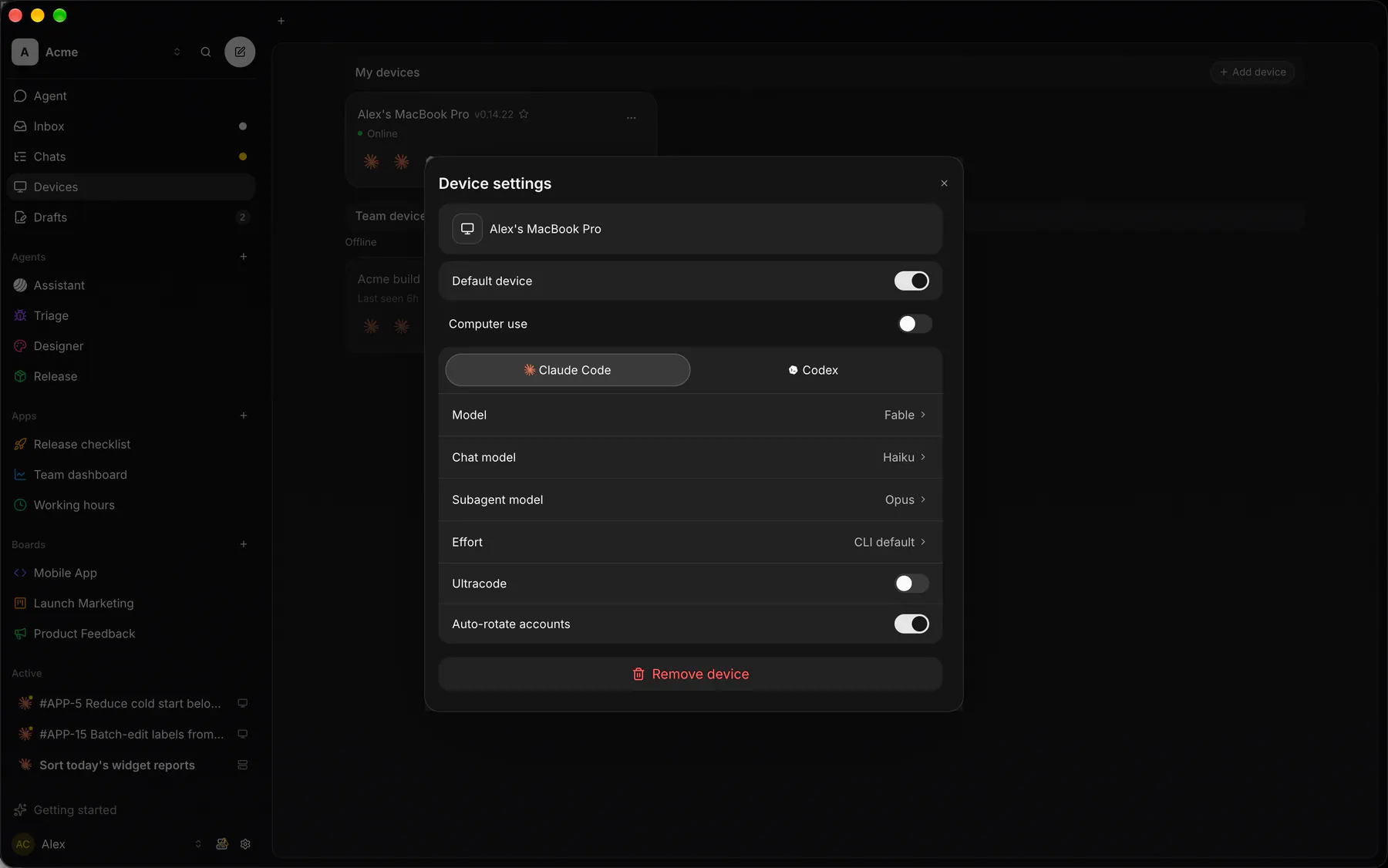
The host serves it as one loopback MCP server, computer. A session gets its URL and a token only while the device’s Computer use switch is on.
The tools
Section titled “The tools”| Tool | What |
|---|---|
screenshot |
The current display as a PNG fitted to at most 1280 × 800. Every other tool’s coordinates are in this image’s pixels. |
list_windows |
Every top-level window on the work screen, top first, plus the displays. |
activate_window |
Bring a window to the front and give it the keyboard. |
cursor_position |
Where the pointer is, in screenshot pixels. |
mouse_move |
Move the pointer (a hover). |
left_click |
Also right_click, middle_click and double_click: move there and click. |
drag |
Press at one point, move to another, release. |
scroll |
Move there and turn the wheel. |
type |
Type up to 4,000 characters into the focused control. |
key |
One key or combo: Return, ctrl+s, alt+Tab, cmd+space. |
wait |
Let the screen settle (up to 10 s), then take a screenshot. |
Foreground only
Section titled “Foreground only”The agent drives the person’s real pointer, so the person’s own mouse and keyboard are held while it works. Esc takes them back and stops the agent. The desktop app shows a banner the whole time.
The work screen decides what the agent sees and drives: every display without a fullscreen app, or one display you pick.
Screen memory
Section titled “Screen memory”epilot-screen keeps the last 10 minutes of the screen as deduplicated frames, on the device only. Its one tool, get_screenshots, returns up to 4 frames from a moment, each cut to the window the person was in, so a voice agent can see what you are talking about. Off by default; turning it off deletes the buffer.
Platforms
Section titled “Platforms”| Platform | Input | Needs |
|---|---|---|
| macOS | CGEvent | Screen Recording and Accessibility |
| Windows | SendInput | nothing |
| Linux (X11) | XTest | an X11 session; Wayland is not supported |
Desktop only: there are no Swift, Kotlin or npm packages.