

Mobile apps
Exponential runs natively on iOS 17.4+ and Android 8+, synced in real time with the web and desktop apps, for one team at a time.
App Store Google PlayThe board
Section titled “The board”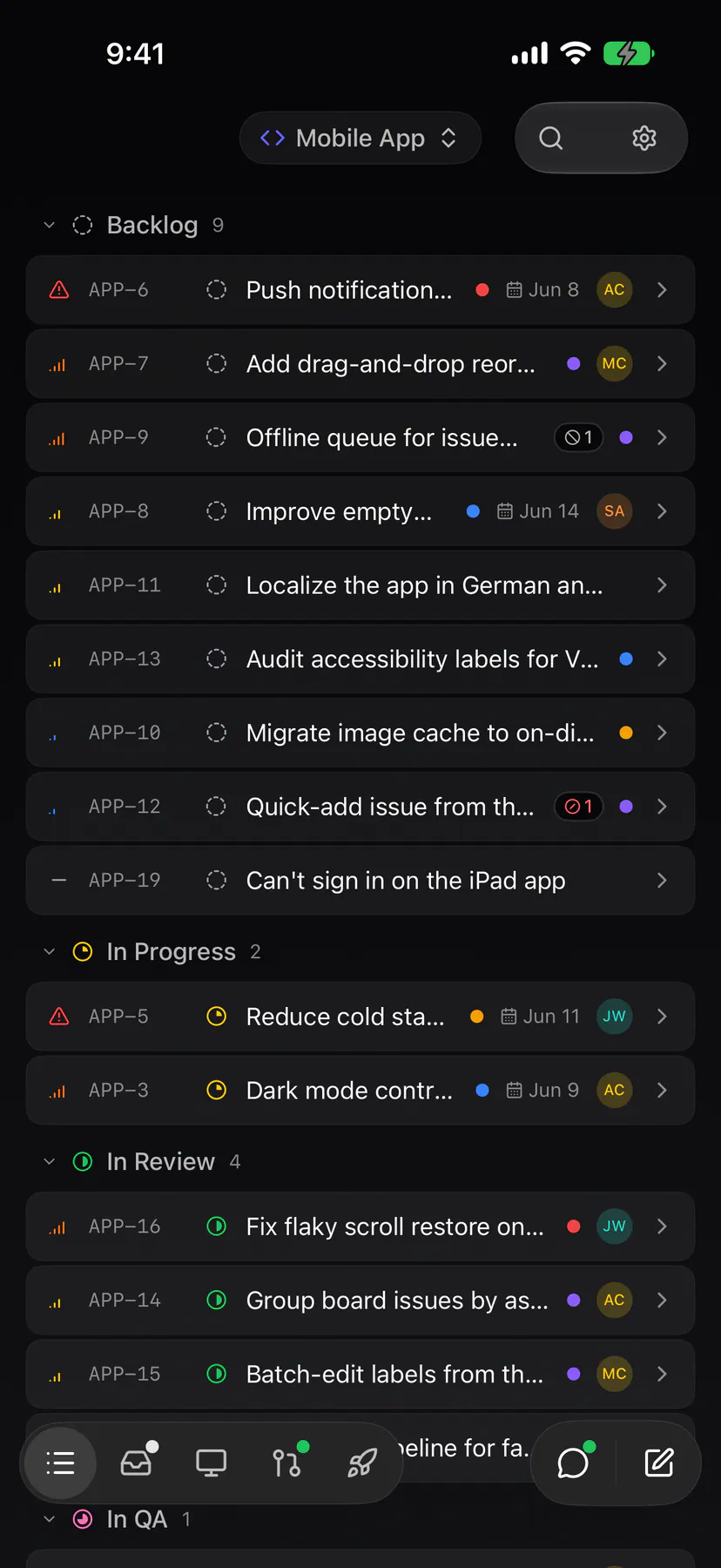
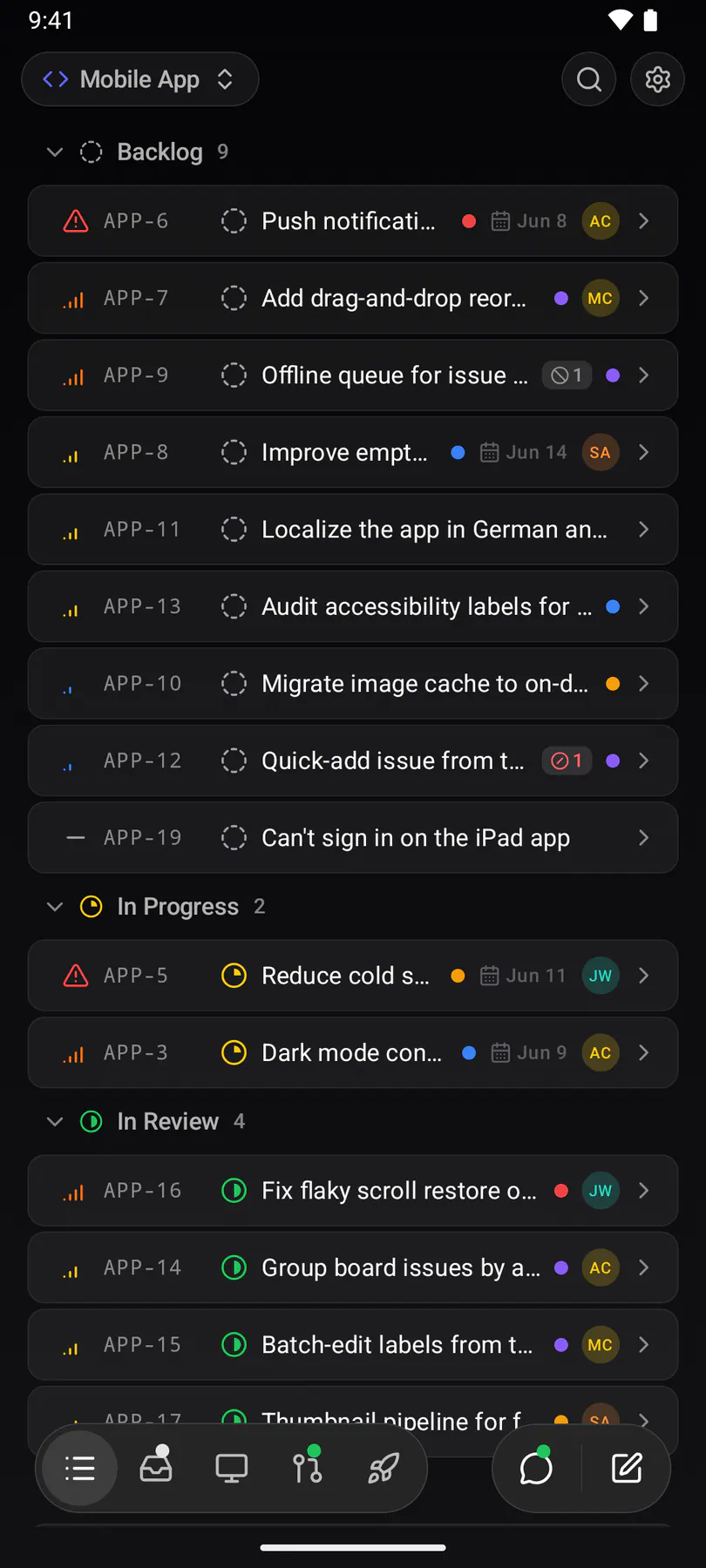
The bar along the bottom holds Board, Chats, Apps and Team. Board is named after the board you are on, with All issues, My issues and Drafts as chips under the title. Every page has round search and inbox buttons. Beside the bar, the chat button opens the Agent composer and the pencil files a new issue. Long-press an issue for its menu, or select several and the bulk bar takes the tab bar’s place.
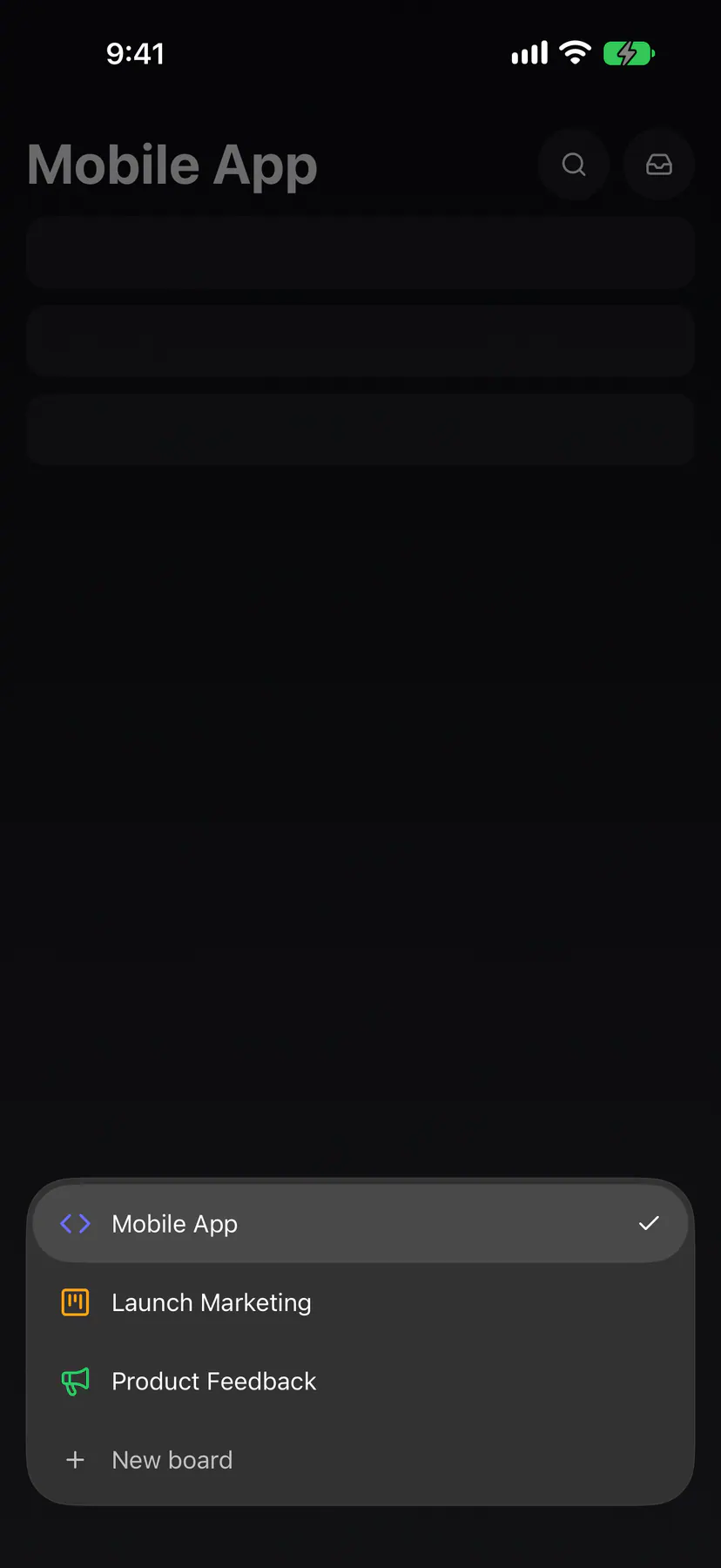
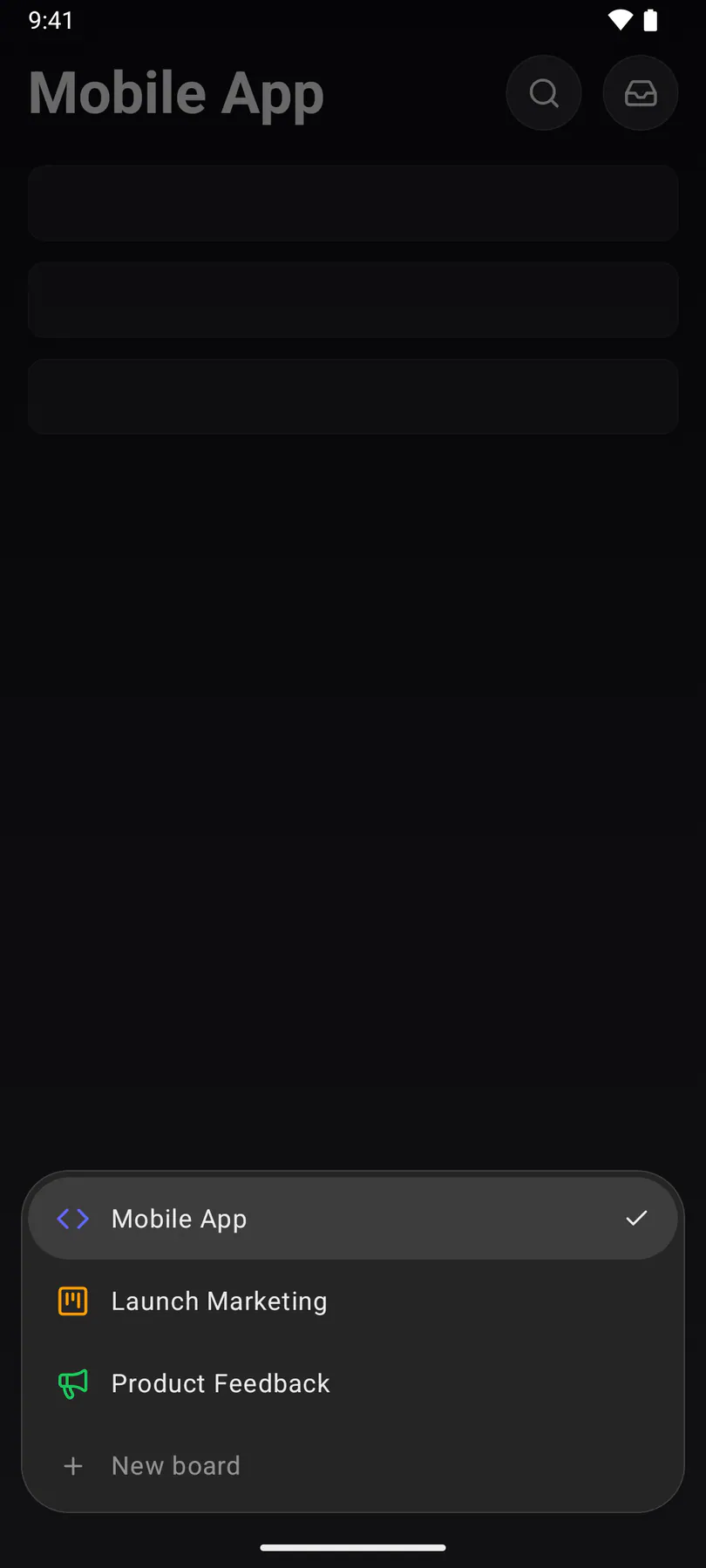
Tap Board again to switch boards or add one with New board. Team, named after the active team, switches teams and holds the team’s settings, your devices and your account.
Steer from anywhere
Section titled “Steer from anywhere”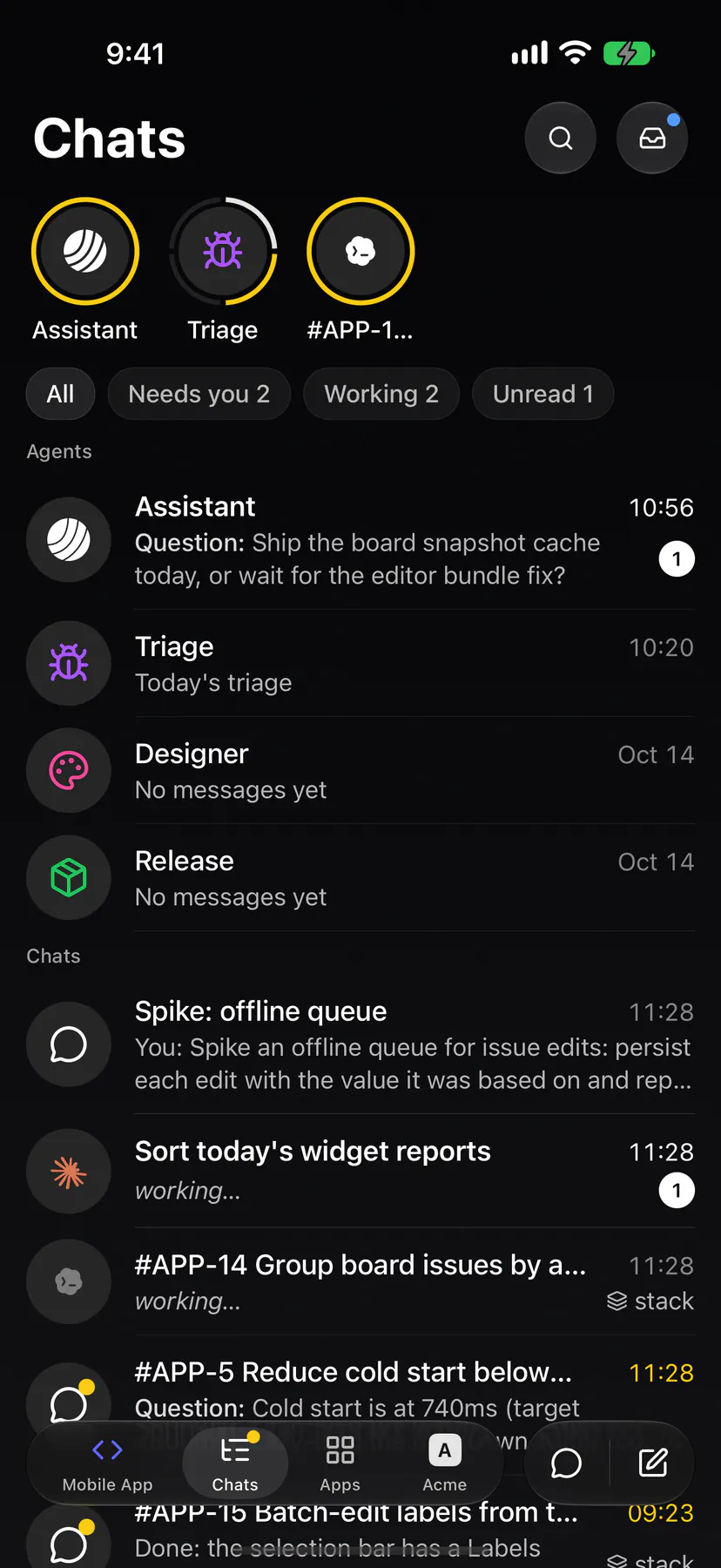
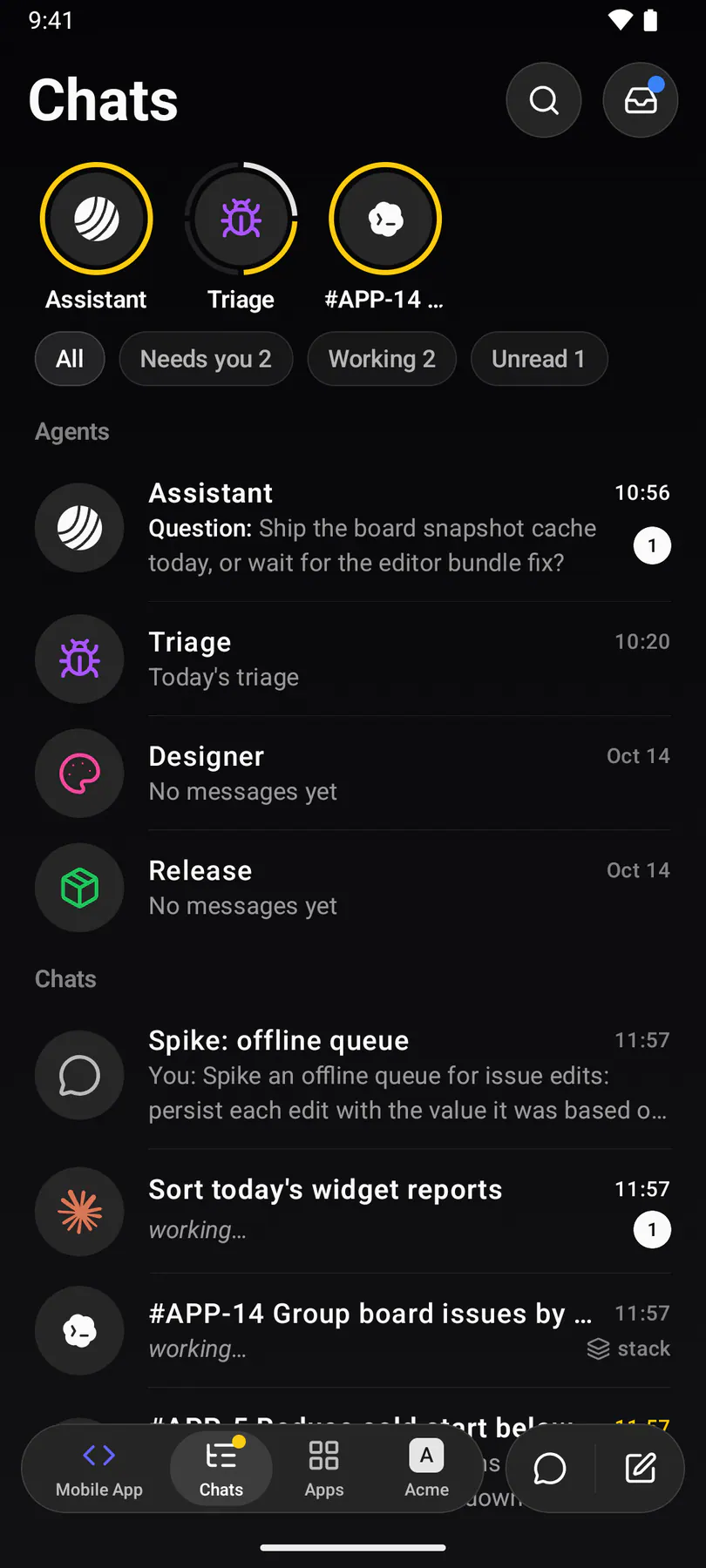
Chats lists every chat with the agents as bubbles on top and their stories in rings. Open one to watch the agent work live and steer it: answer its question, approve a plan, add a constraint. The feed and your messages travel straight between the phone and the machine running the session, end-to-end encrypted.
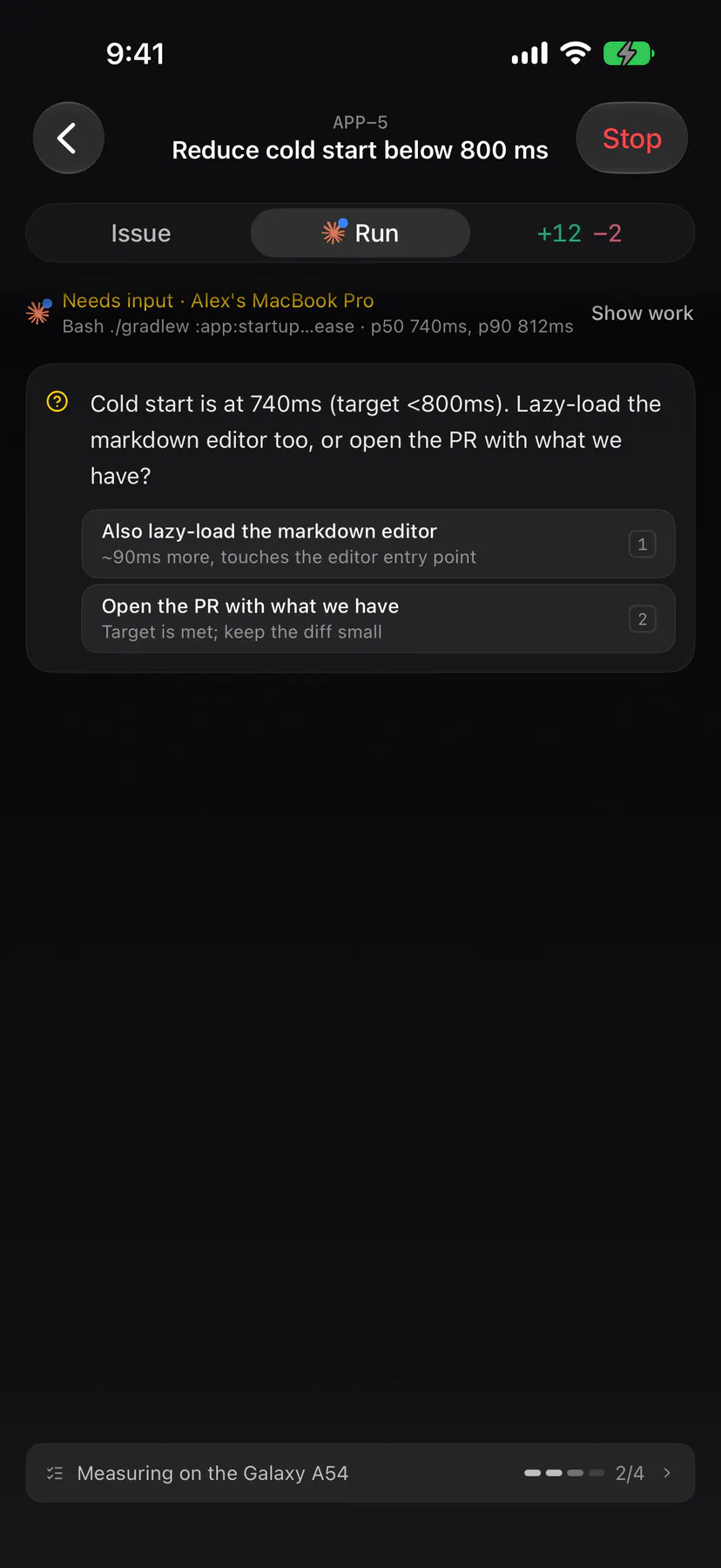
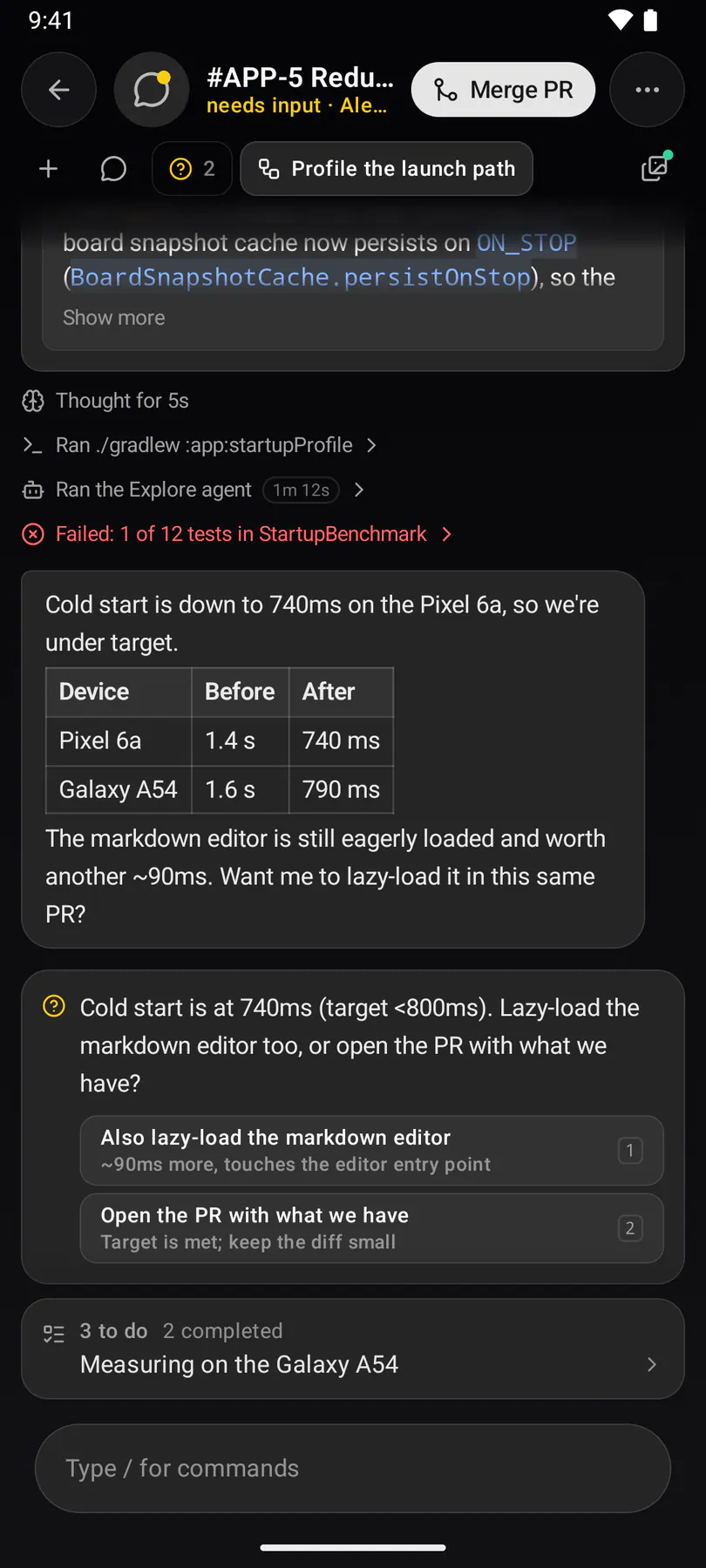
A chat is one screen paged by its strip: the Conversation, each linked issue and each session’s work. Questions and plans float above the composer and open as a sheet. The top bar carries Merge PR while the pull request is open, and Stop ends the chat. Long-press a chat in the list to stop or delete it.
You can start sessions here too: the composer’s + menu, / for prompts, @ for a teammate and # for an issue work as on the desktop. The full flow is in Sessions.
Push notifications
Section titled “Push notifications”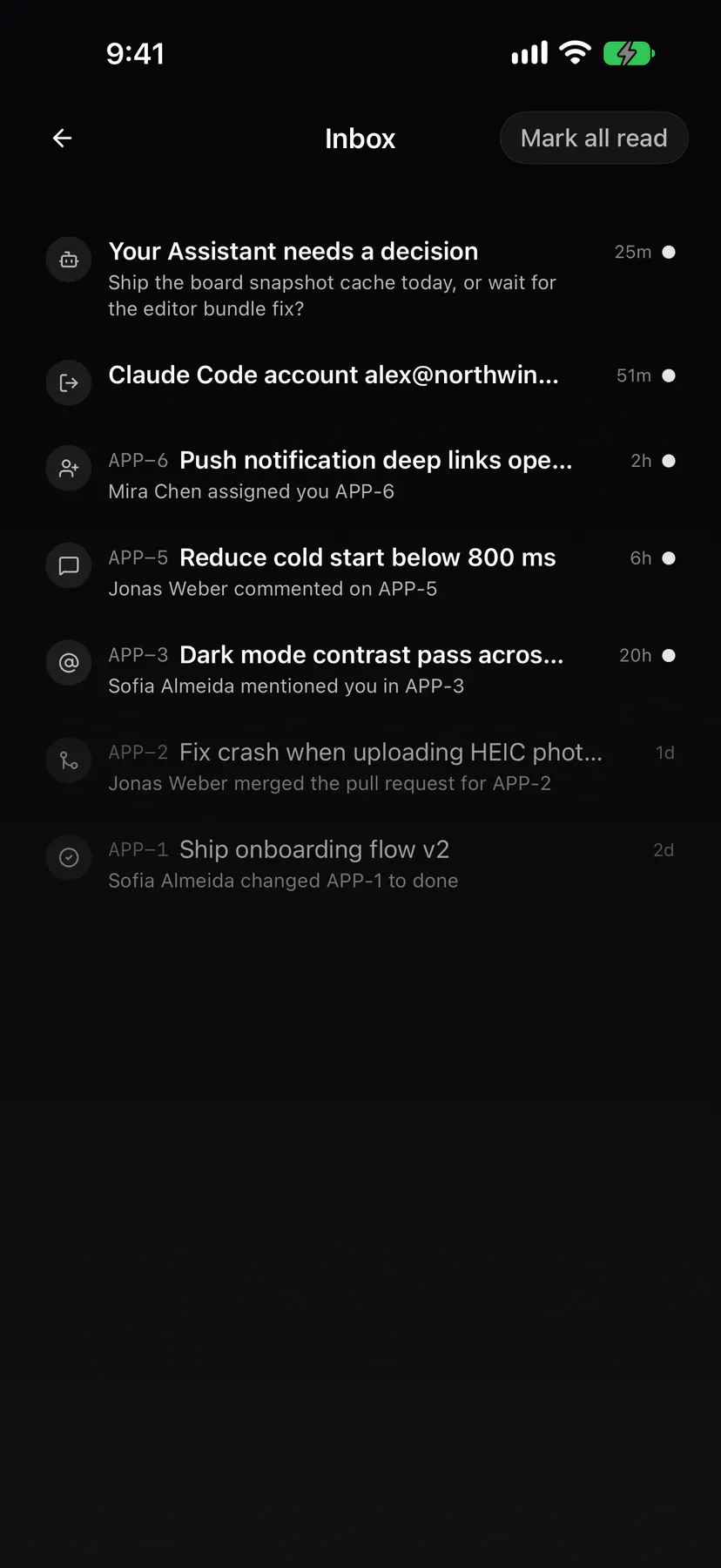
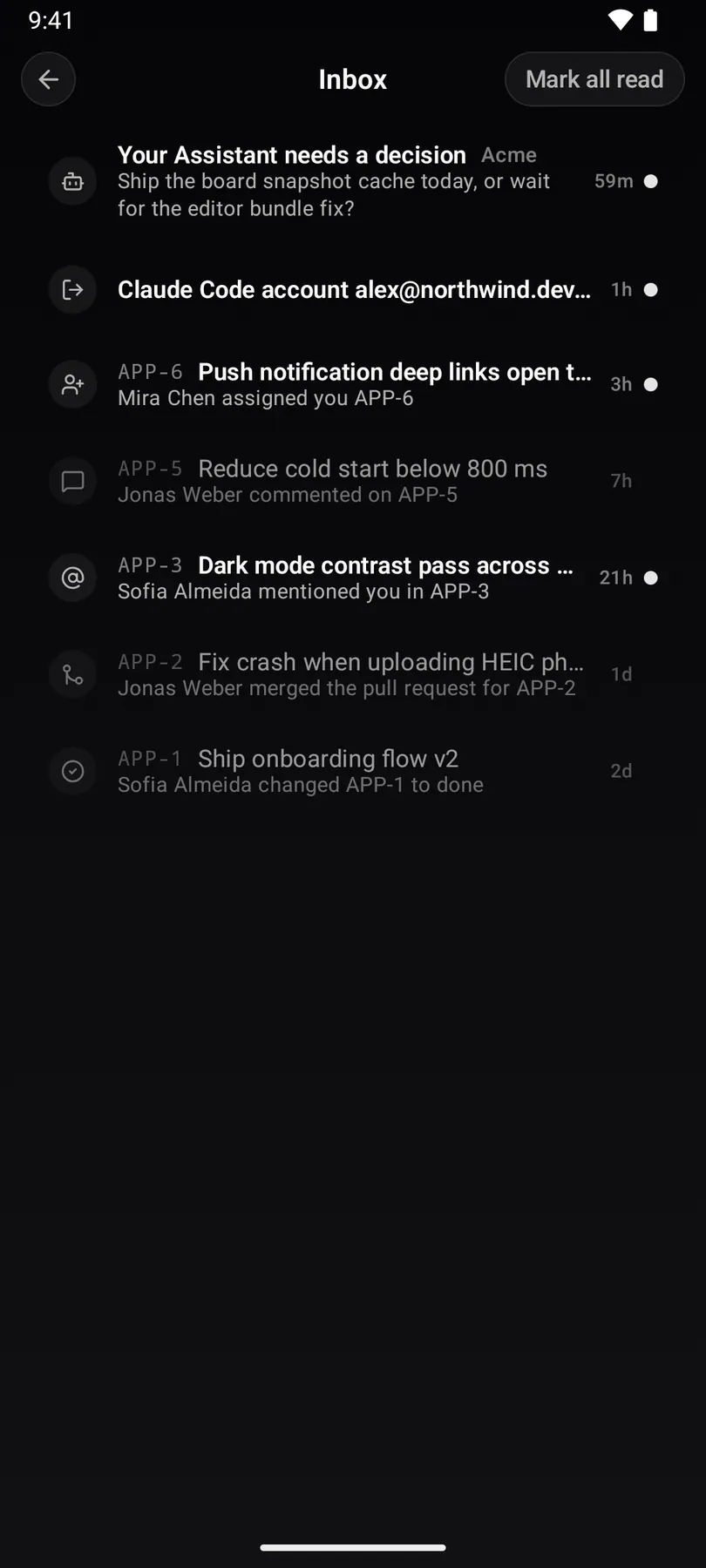
Everything that lands in your inbox (assignments, comments, mentions, status changes, PRs, feedback, reporter replies, and questions or plans from your chats) arrives as a push. Tapping one opens the issue or chat. Settings → Notifications applies to push too.