

Prompts
A prompt is a name, an icon and a markdown body, saved for the whole team. Write it once, then run it from the / menu. The session it starts picks its device, agent and repository like any other session.
Settings → Prompts
Section titled “Settings → Prompts”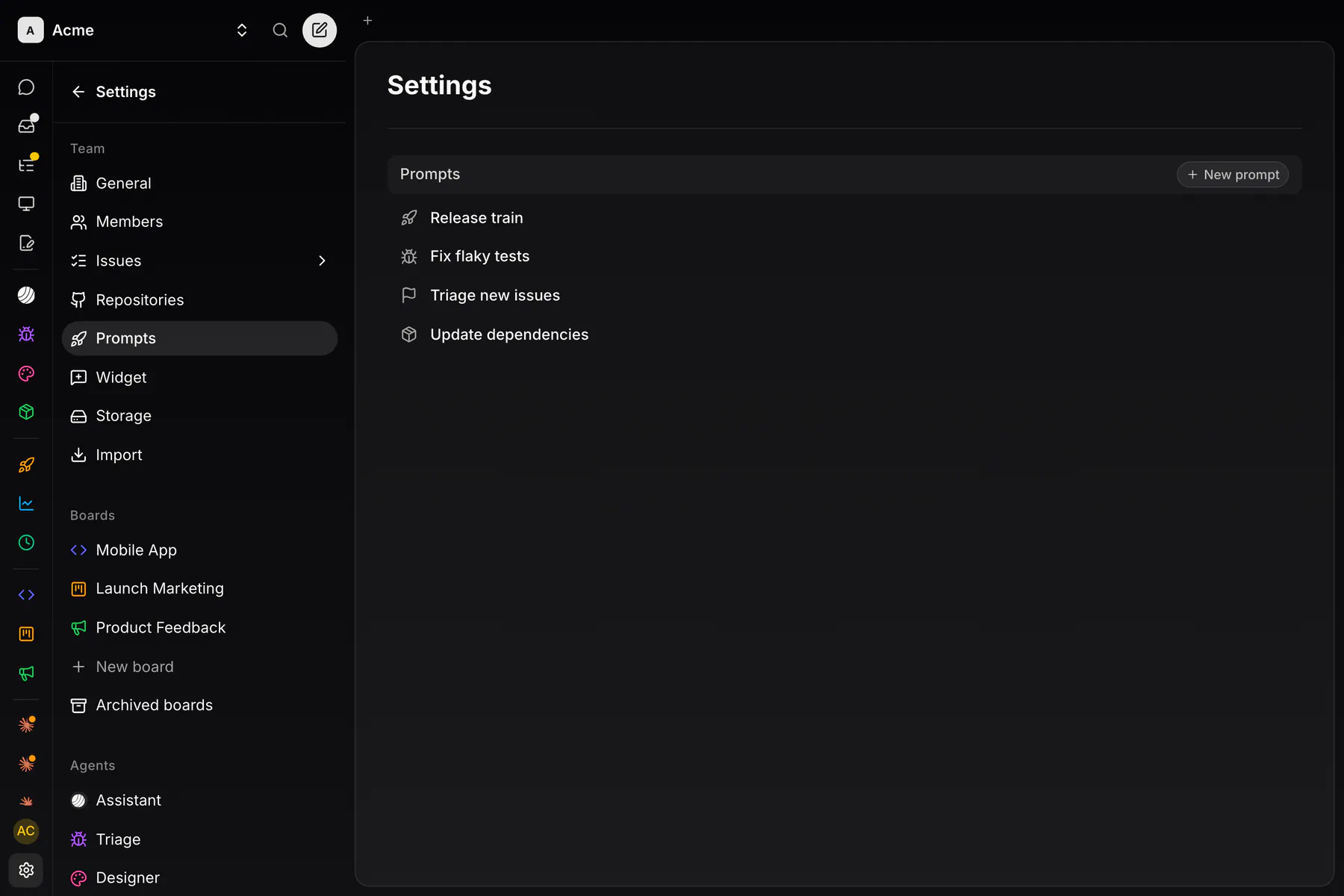
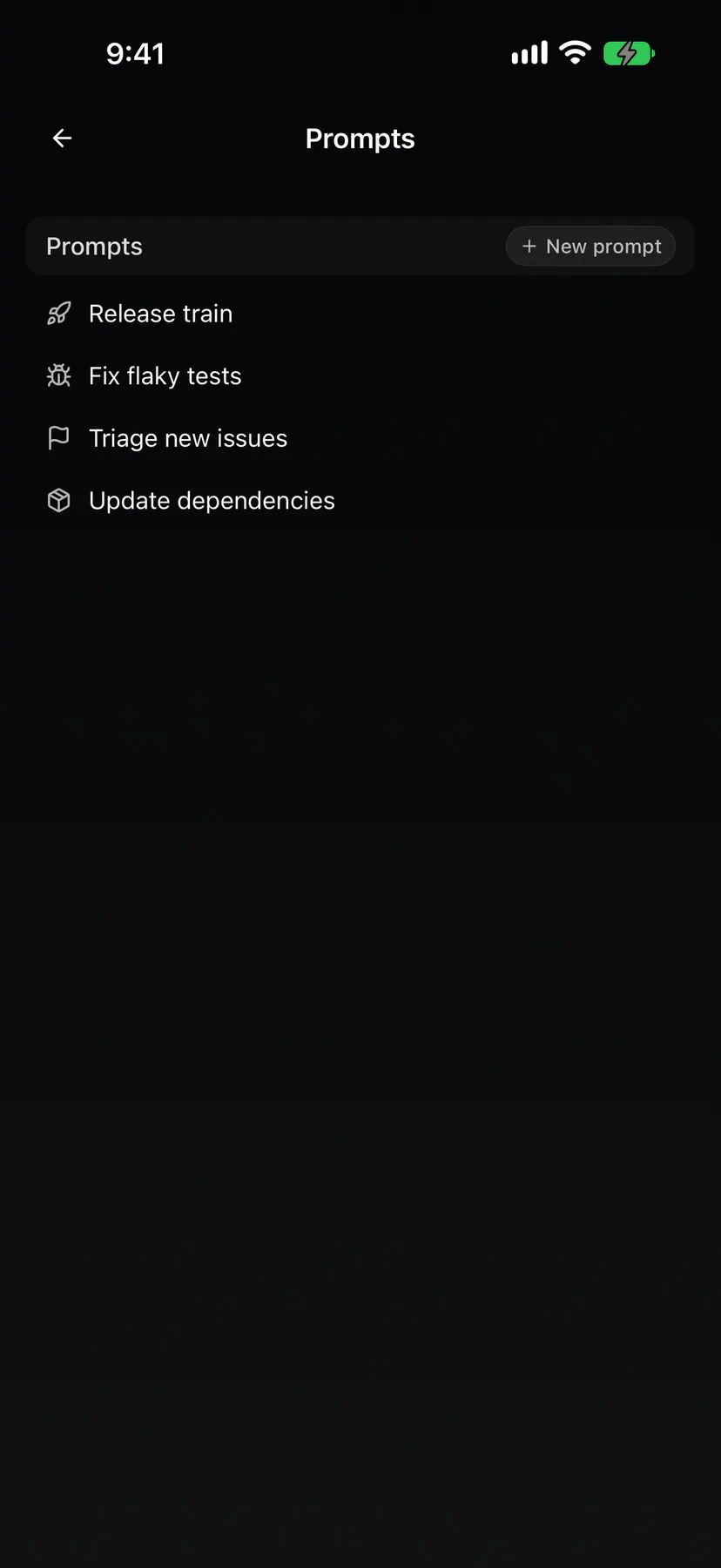
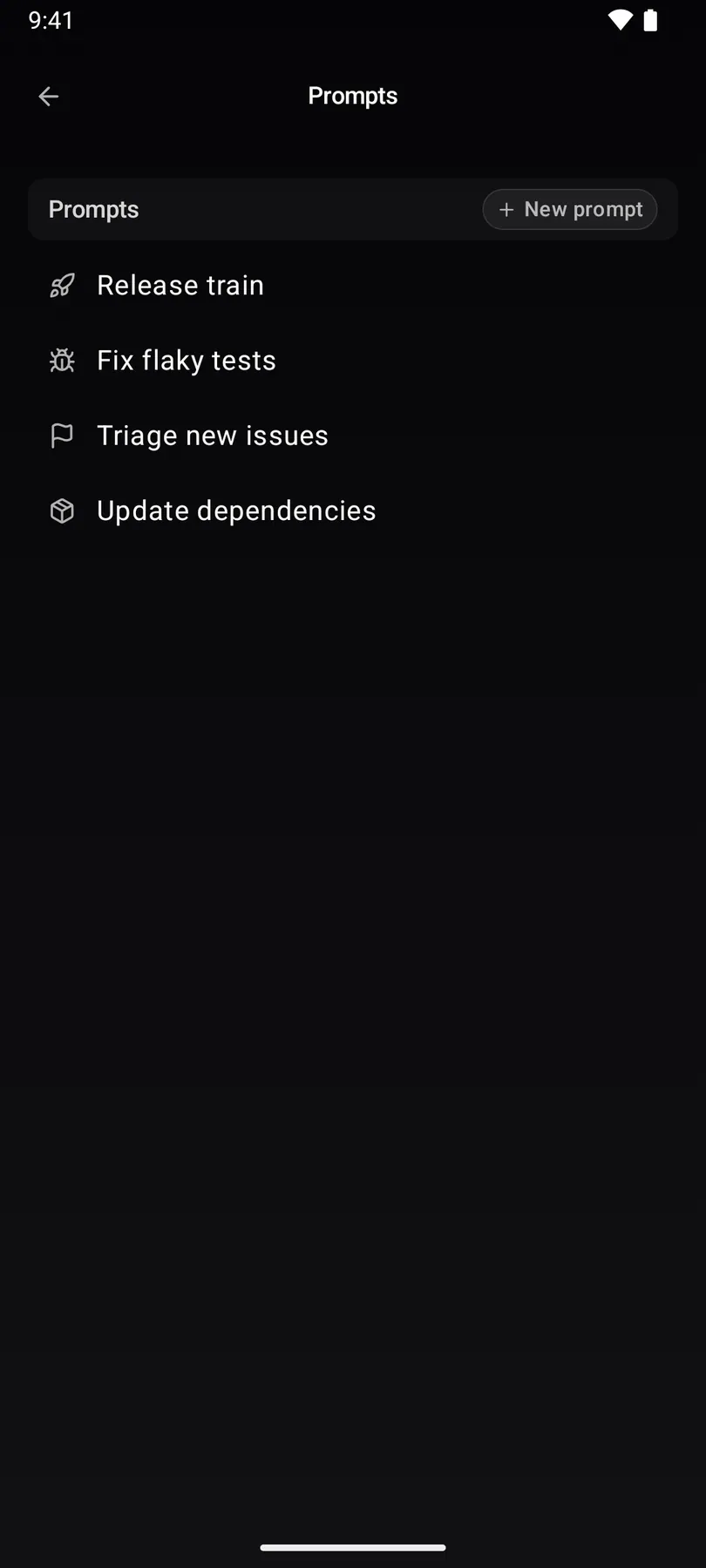
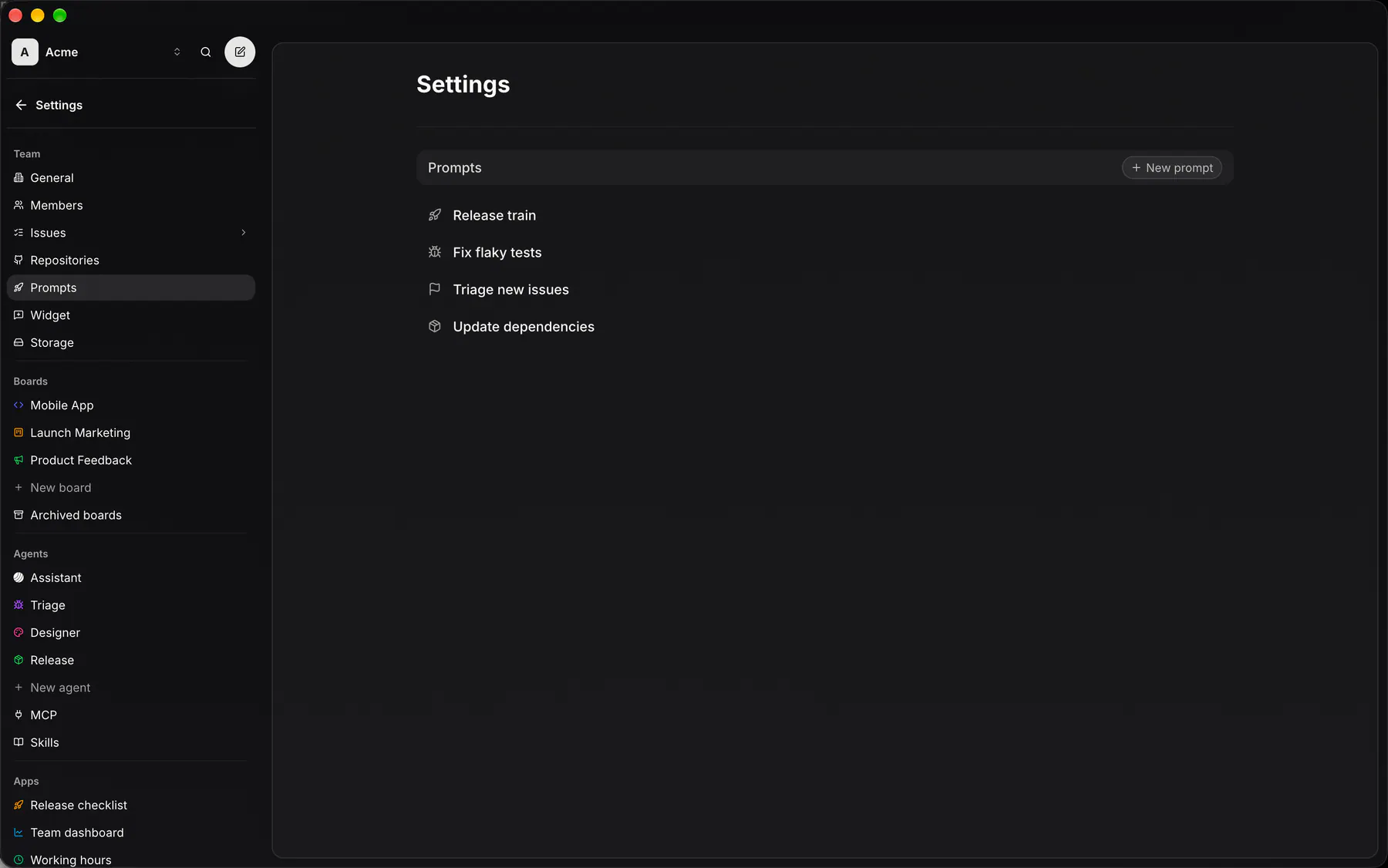
Settings → Prompts lists the team’s prompts. New prompt opens the editor: the icon and name over the body, then Create prompt. Opening a row opens the same page with Save changes and Delete prompt.
Owners create, edit and delete prompts. Every member can read and run them.
Start a session with a prompt
Section titled “Start a session with a prompt”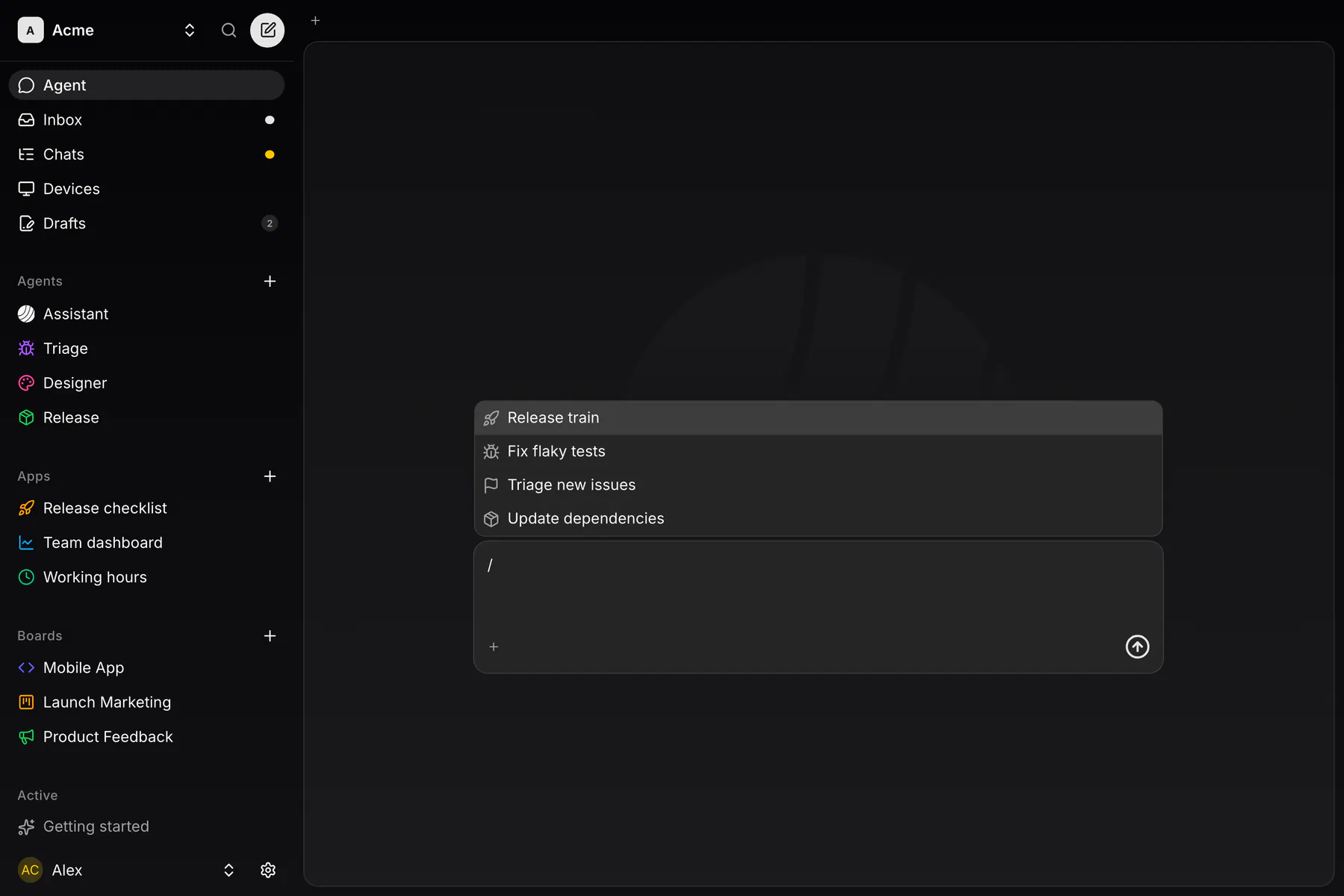
In the Agent page’s composer, type / to list the team’s prompts, keep typing to filter, then press Enter or click one. The prompt becomes the session’s subject, and sending starts a new session with its body followed by what you typed.
Use a prompt in a live session
Section titled “Use a prompt in a live session”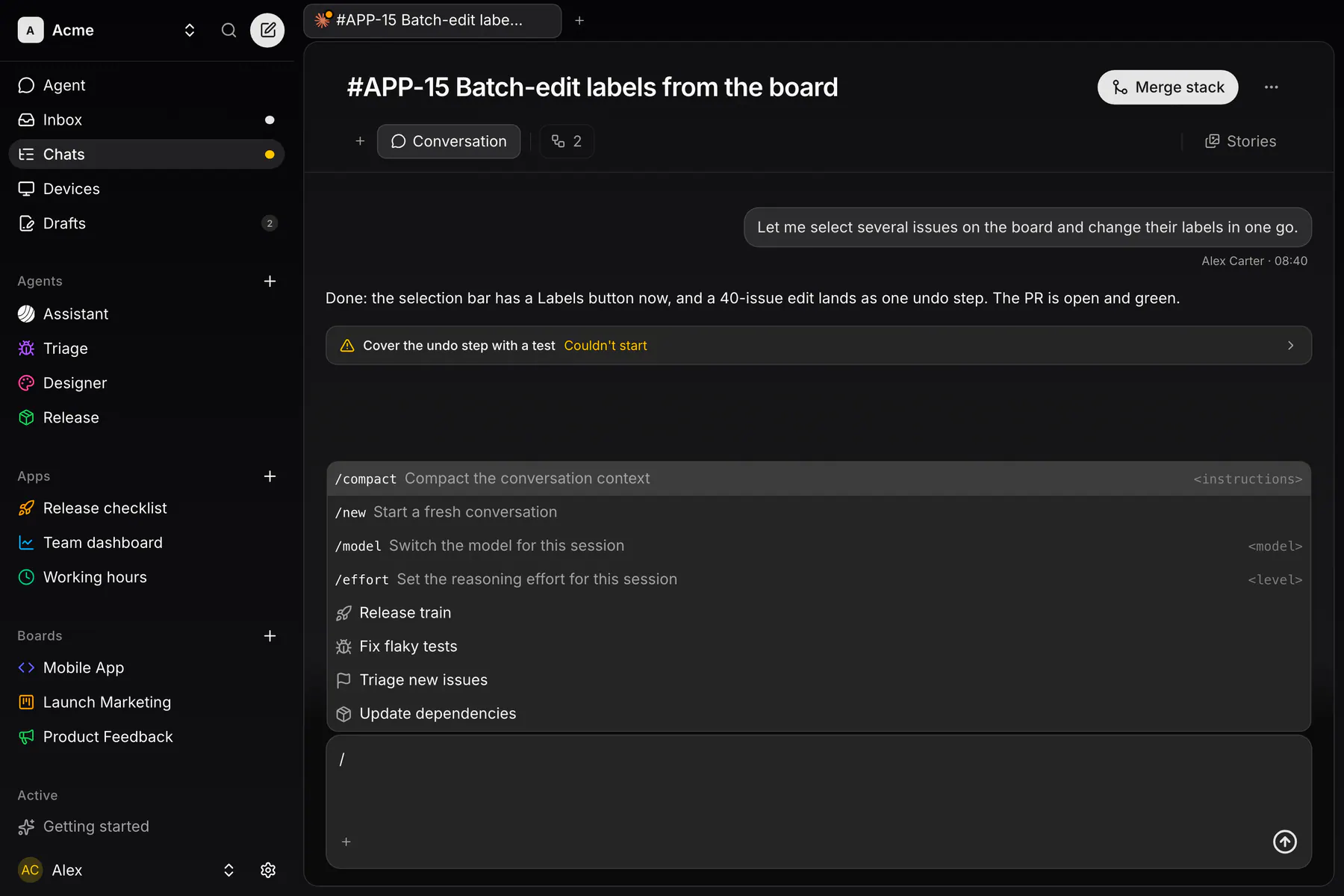
In a running session, / lists /compact, /new, /model and /effort first, then the prompts. Picking a prompt puts its body in your draft to edit before you send.
Prompts over MCP
Section titled “Prompts over MCP”Agents read prompts with the exponential_prompts tool (list, get; owners also create, update, delete). exponential_sessions_send takes a promptId to start a session with a prompt’s body first.