

Build an eApp
You build an eApp by asking for it. An agent writes the package, seeds sample data and saves a new version with every change; the preview repaints as each one lands.
Start a draft
Section titled “Start a draft”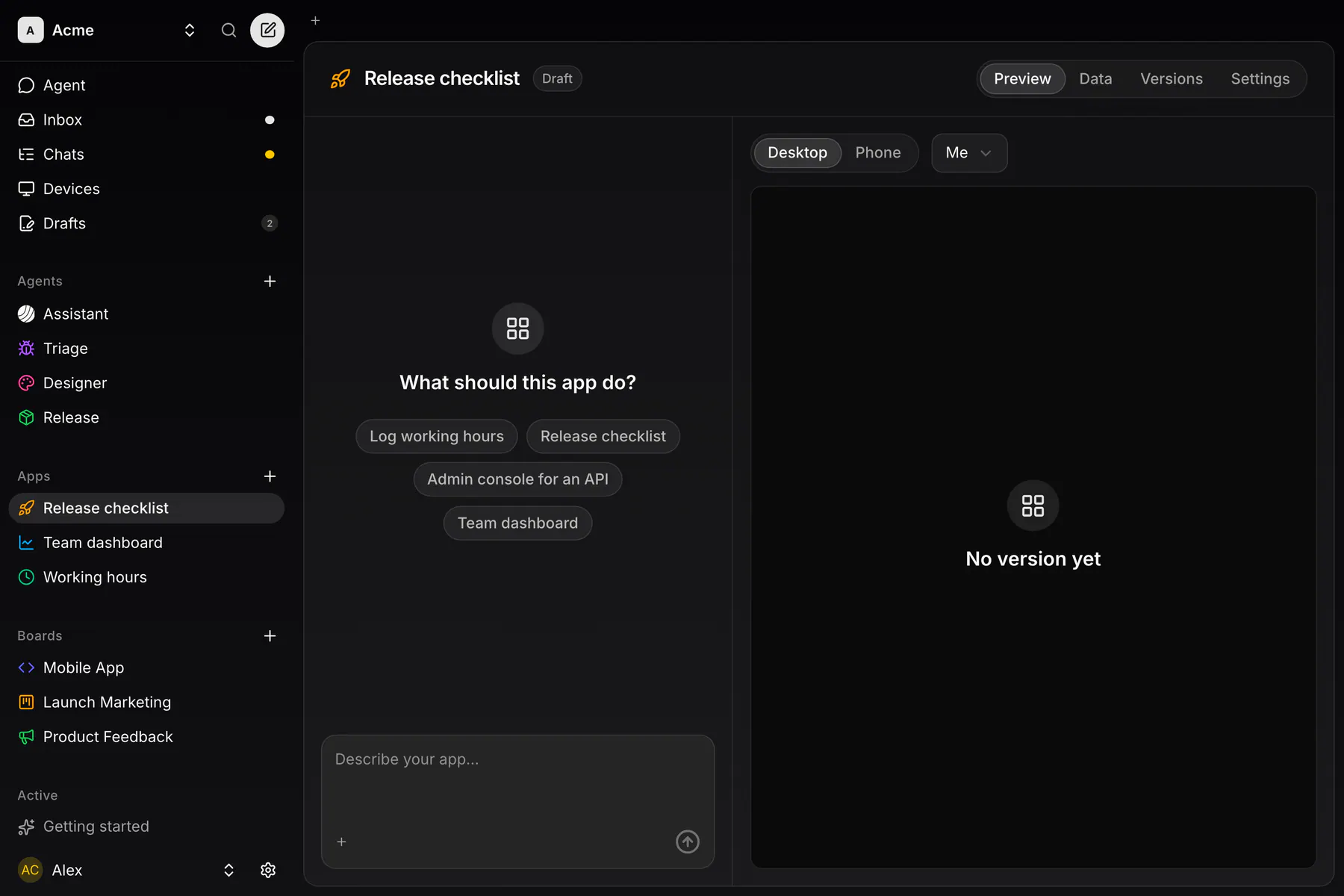
Press + on the sidebar’s Apps group or New app on the Apps list. The editor opens on an Untitled app draft. Pick a starter (Log working hours, Release checklist, Admin console for an API, Team dashboard) or type into Describe your app…. The agent names the app and picks its icon and colour with the first version. A draft you leave without sending anything is discarded.
Talk to the editor
Section titled “Talk to the editor”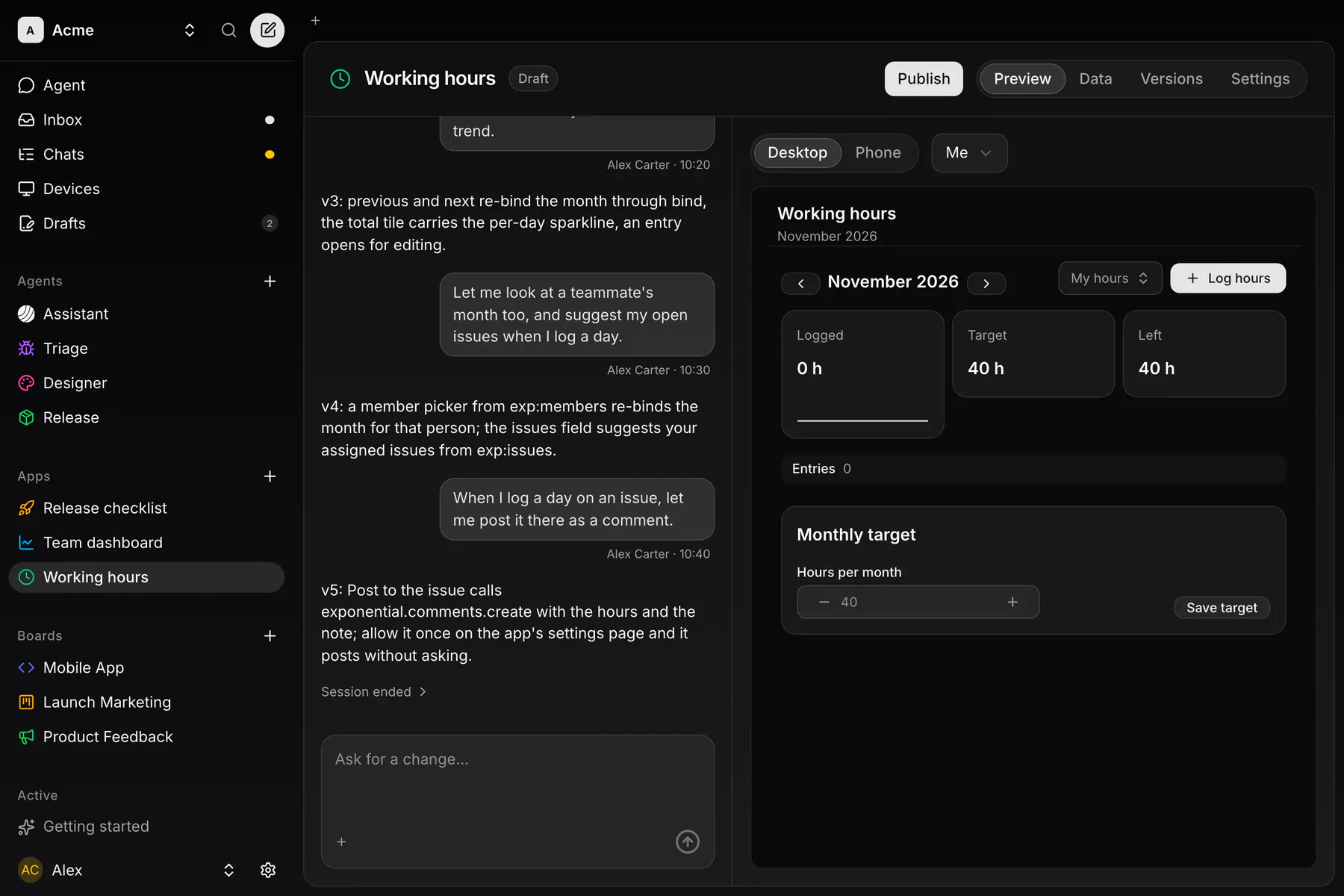
The chat is your editor session with the app. It runs on one of your devices, so a device has to be online (Quick start). The agent reads the eUI catalog, writes the package and adds sample records. Type into Ask for a change… to keep going.
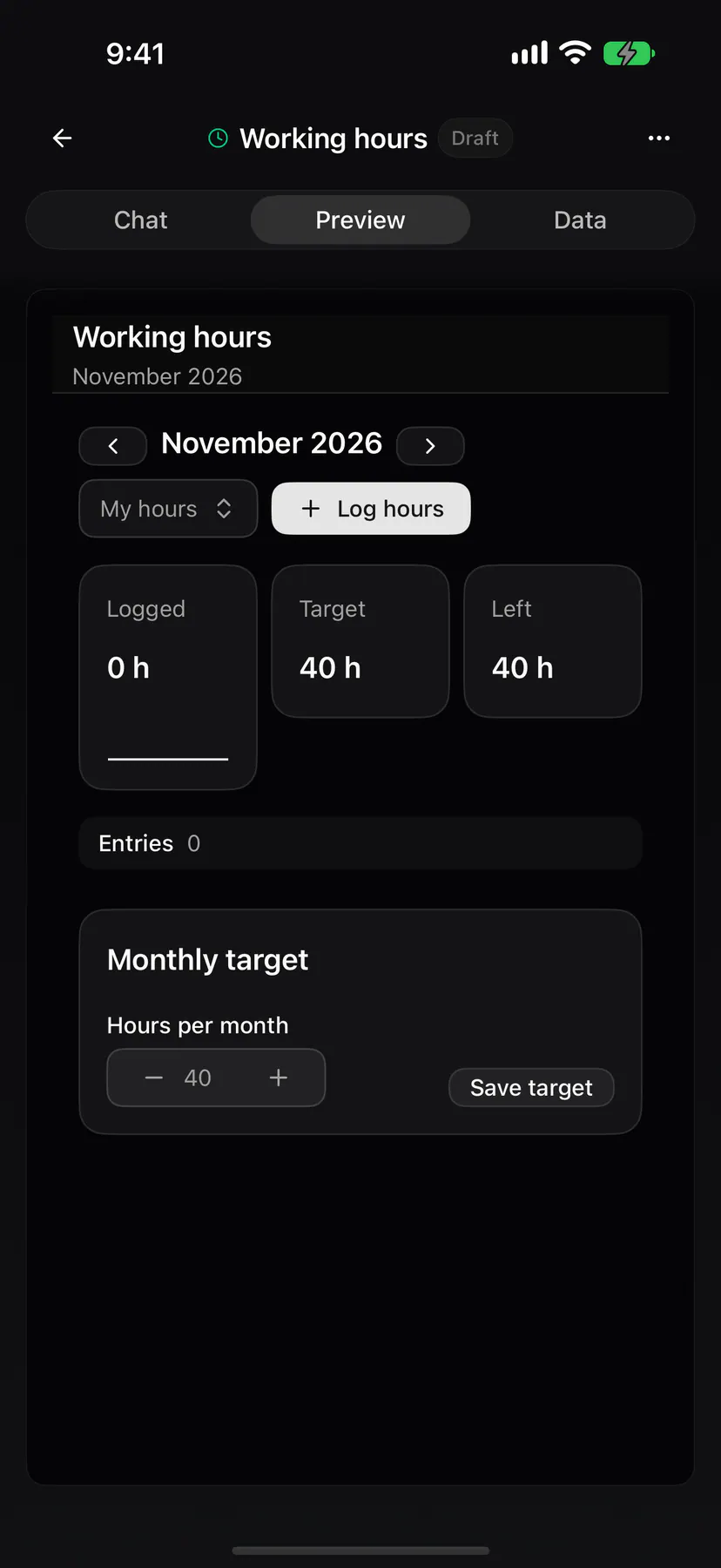
On the web and the desktop, the chat sits beside four tabs: Preview (with a Desktop and a Phone frame), Data, Versions and Settings. On a phone, the editor has Chat, Preview and Data; Versions, Settings, Export and Delete are in the … menu.
Versions
Section titled “Versions”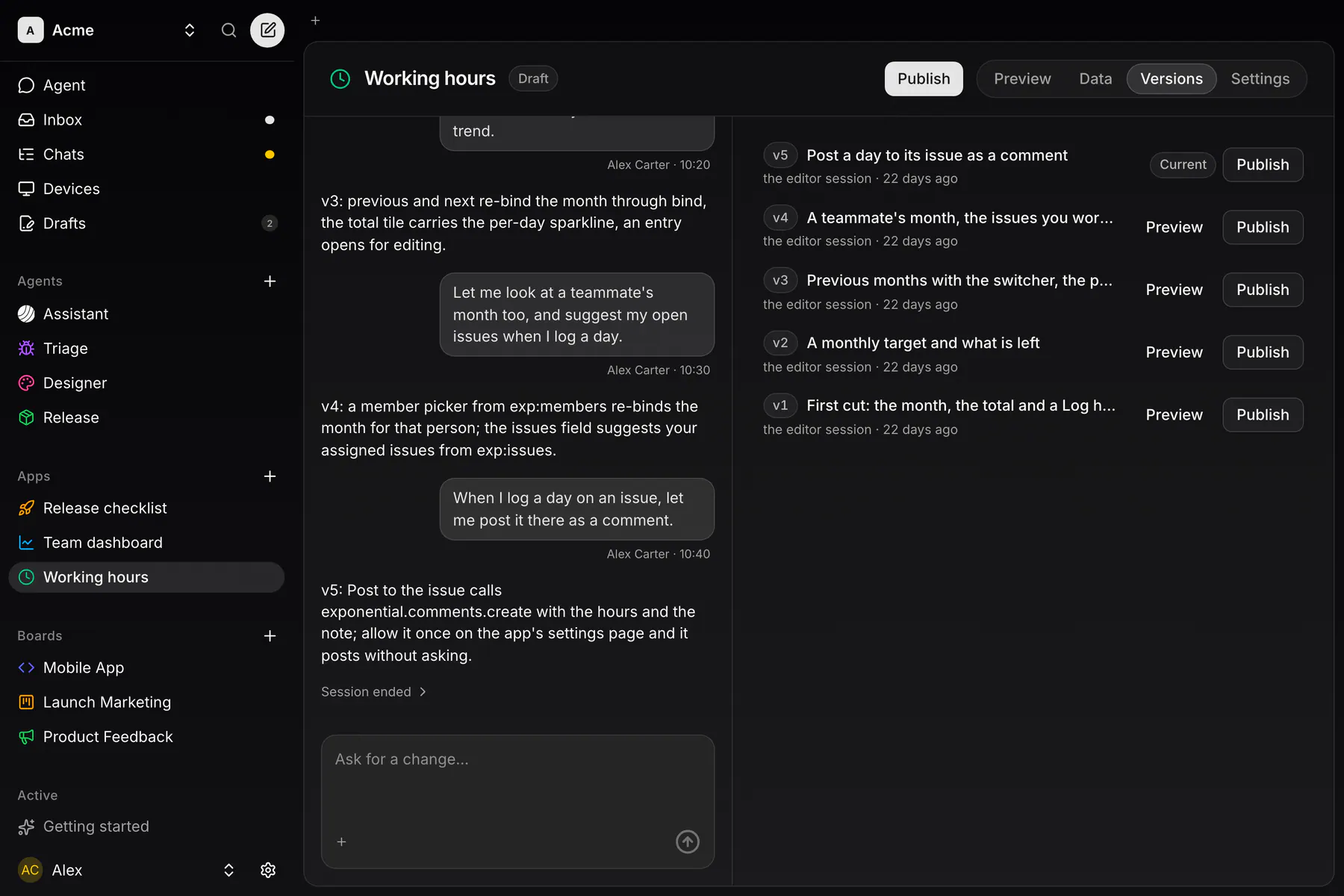
Every change is a version (v1, v2, …) with a note, a time and an author; the newest is Current. Preview an older one, then Restore to publish it again as a new version. Any member can create an app; its creator or a team owner can rename and delete it.
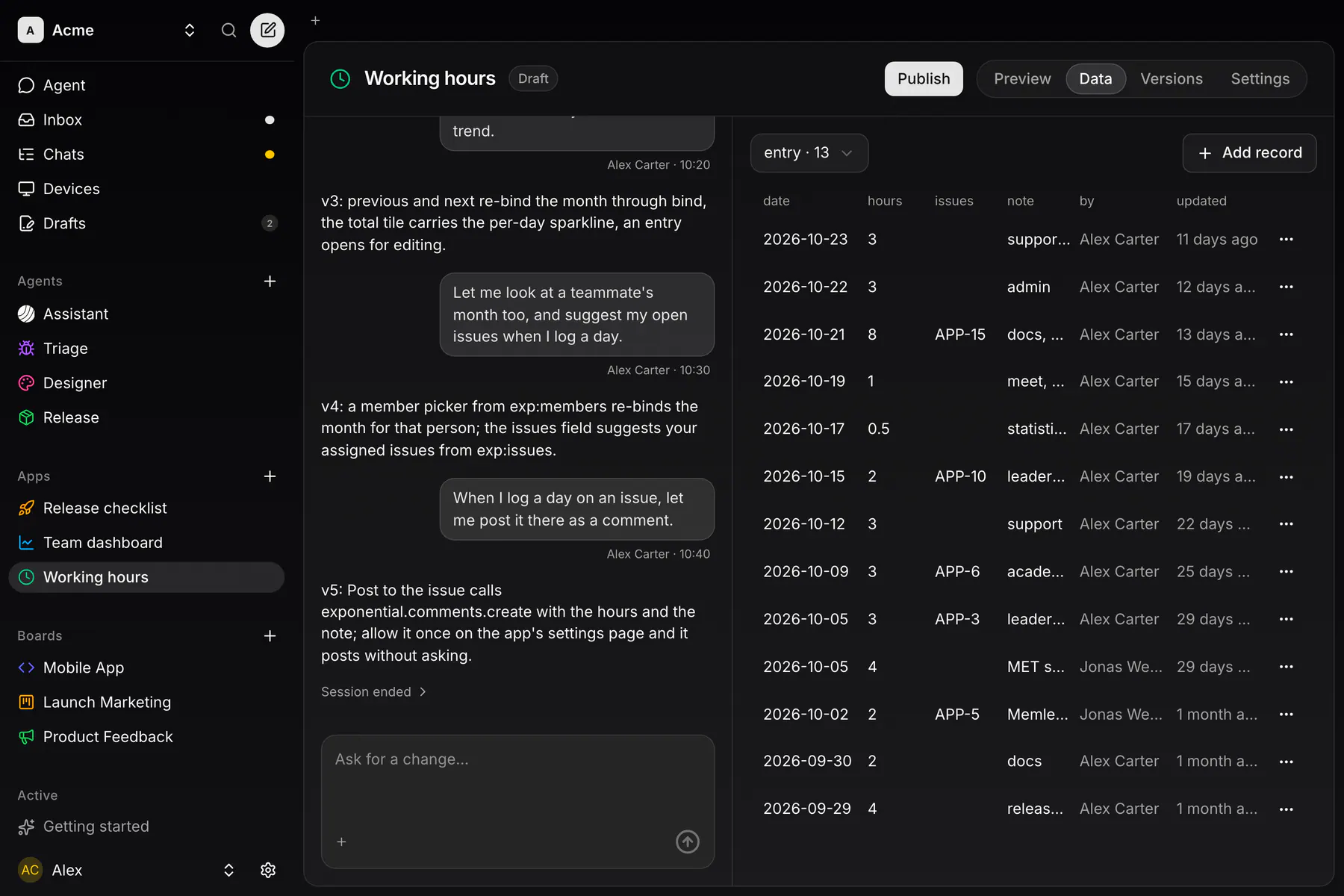
An app keeps its own data as records, in up to 16 kinds (a day of hours, a todo, a customer), each with a schema the server checks on every write. Every member sees the same records on every device. The Data tab lists and edits them; Add record adds one.
Whoever creates a record is its author. Only the author or a team owner can change or delete it; an owner can also write on behalf of a member, and the row then reads “Ana for Ben”. Free teams keep up to 1,000 records, Team plans 25,000. A deleted record is purged after 30 days.
Tools and consent
Section titled “Tools and consent”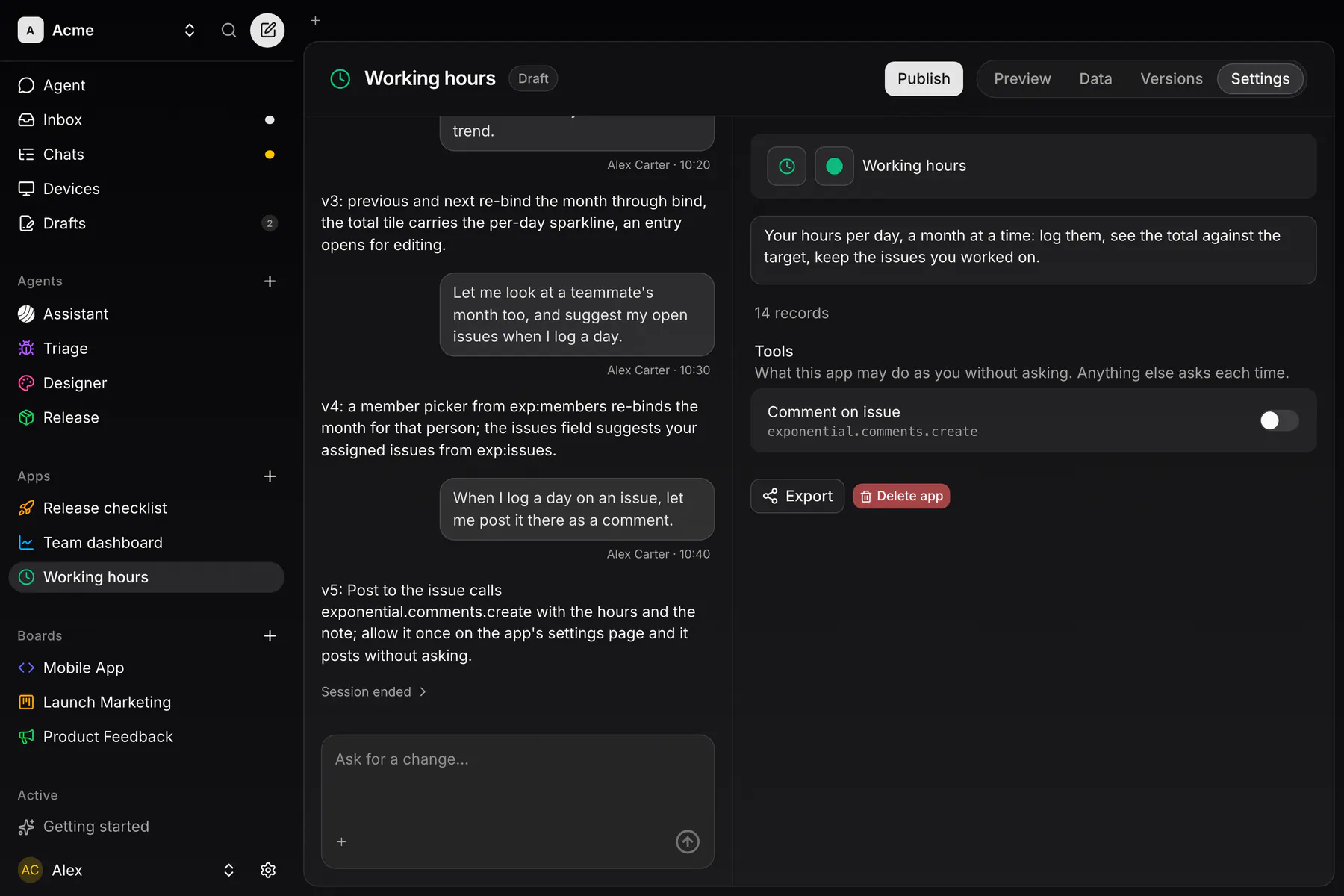
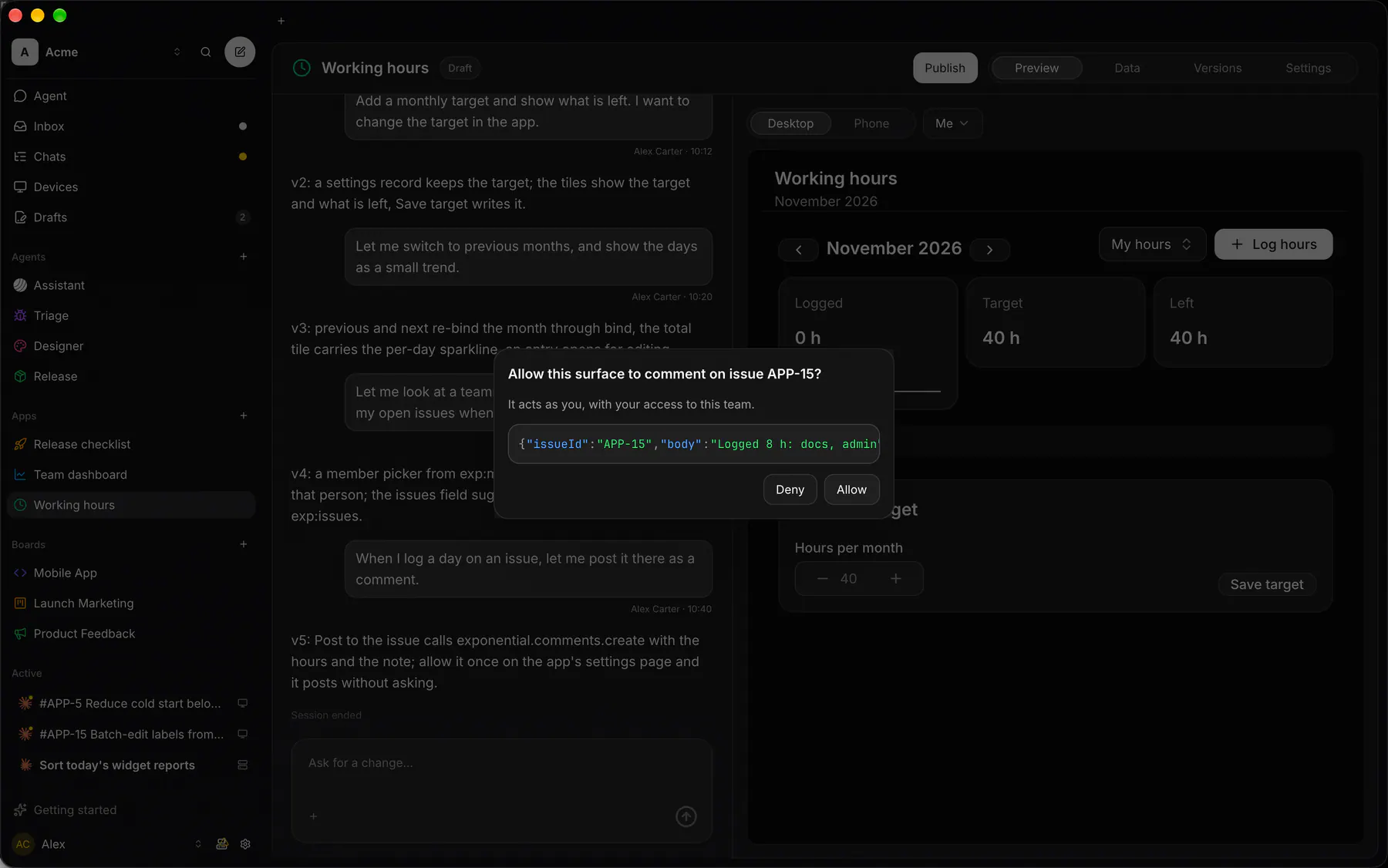
A button can only call the functions the package lists. Writing the app’s own records never asks. An Exponential operation (post a comment, set a status, start a session) runs as you and asks first:
Settings lists those operations under Tools, with a switch each. A switched-on tool runs without asking. Only a team owner flips the switches; operations that delete, merge, close, end, remove or trash always ask. A new version from a member who is not an owner starts with every switch off.
Tools the app exposes over MCP appear under MCP tools, and the team MCP servers they call under Accounts, with your connection to each. Any MCP client then calls them as you at /api/mcp/apps, named <app>__<tool>, after the consent shown on What eApps are.
Share as a file
Section titled “Share as a file”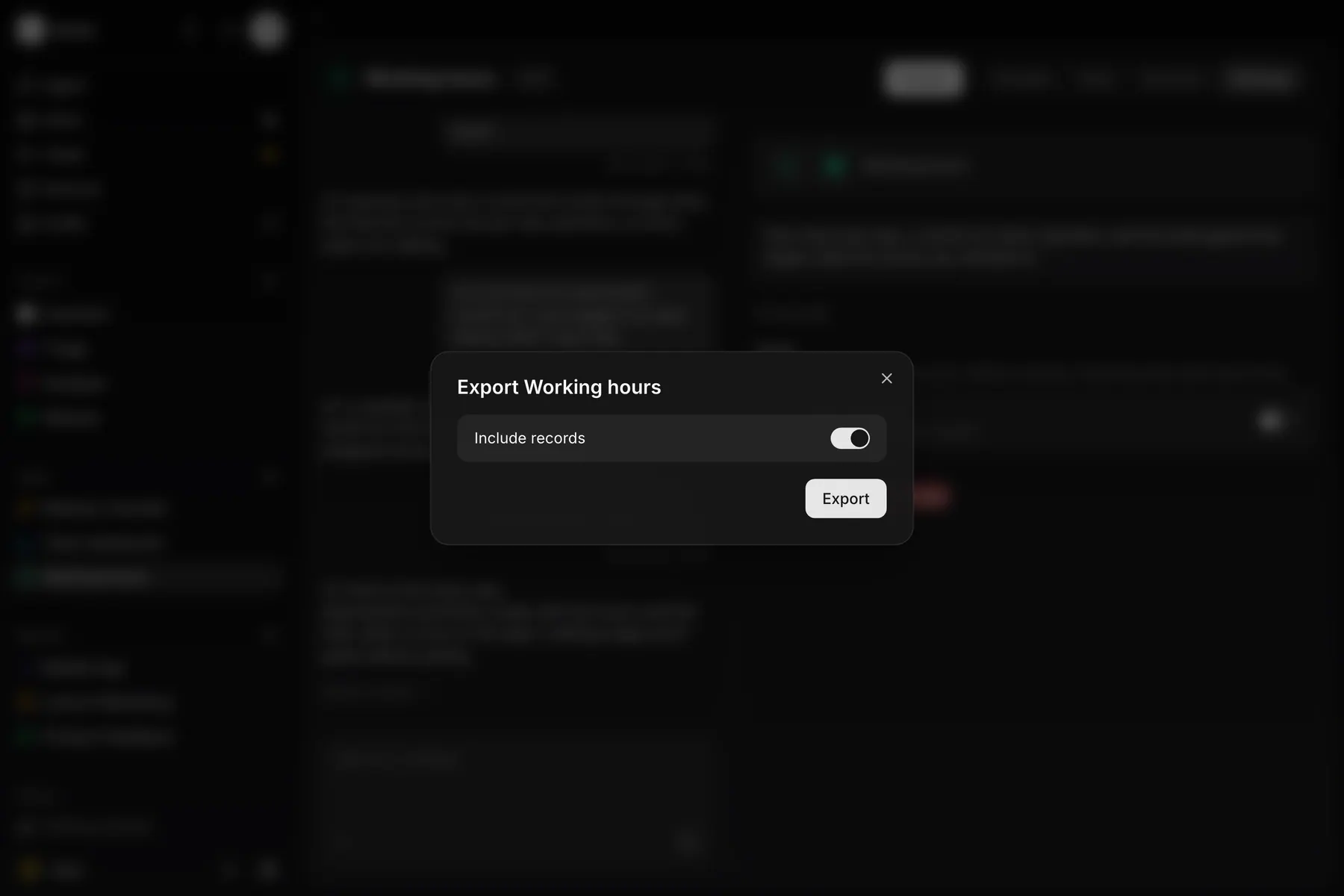
Export from the app’s menu, editor or settings saves one .app.json file with its name, icon, colour, current version and, with Include records on, its records. Import… on the Apps list takes a pasted file or a picked one and lists any problem before you import. An imported app starts with no tools granted.
Start from a template: the same Import dialog lists Exponential’s signed templates (Time tracker, CRM, Standup). Pick one to get a finished, published app you can keep editing; switch on Include sample records to start with example data. A new app’s empty chat offers the same list.
Build over MCP
Section titled “Build over MCP”Any coding agent can do what the editor does through the exponential_apps tool: catalog reads the eUI catalog, upsert writes a version, and records_list, records_upsert and records_delete work on the data.
Run a package in your own host
Section titled “Run a package in your own host”A package also runs outside Exponential, in any eUI host: the web, SwiftUI, Compose and gpui renderers. validatePackage lists every problem with its path; createAppHost installs the package and lends it the functions and sources it names.
import { createAppHost, validatePackage } from "@exponential_app/eui"import type { AppPackage } from "@exponential_app/eui"import pkg from "./hello.app.json"
const issues = validatePackage(pkg)if (issues.length) throw new Error(issues.map((i) => `${i.path}: ${i.message}`).join(`\n`))
export const app = createAppHost({  package: pkg as AppPackage,  functions: { "app.toast": ({ text }) => console.info(String(text)) },  sources: { weather: (_source, emit) => emit({ summary: `Sunny, 21 °C` }) },})
app.open(`hello`) // paint with <HostSurface host={app.host} surfaceId="hello" />
Against an Exponential instance, ExponentialConnector does the MCP OAuth grant and serves its issues, boards, teams and members as exp: sources.