

KeyRecorder
Shortcut field: press records (start), blur stops (stop); keys then fire key {type: down|up|modifiers|mouse, key, button, ctrl, alt, shift, meta}.
Group: Inputs · Kind: macro
Preview
Section titled “Preview”Platforms
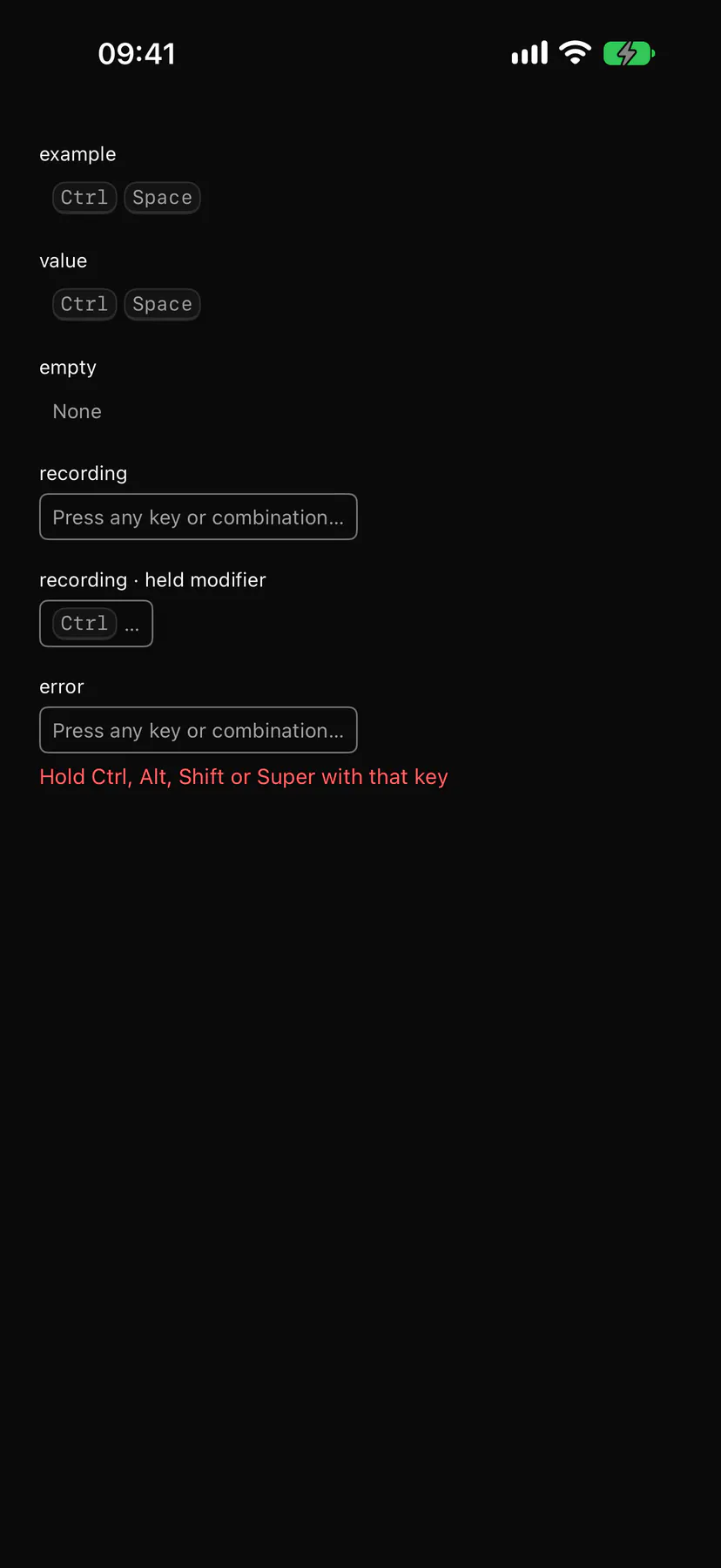
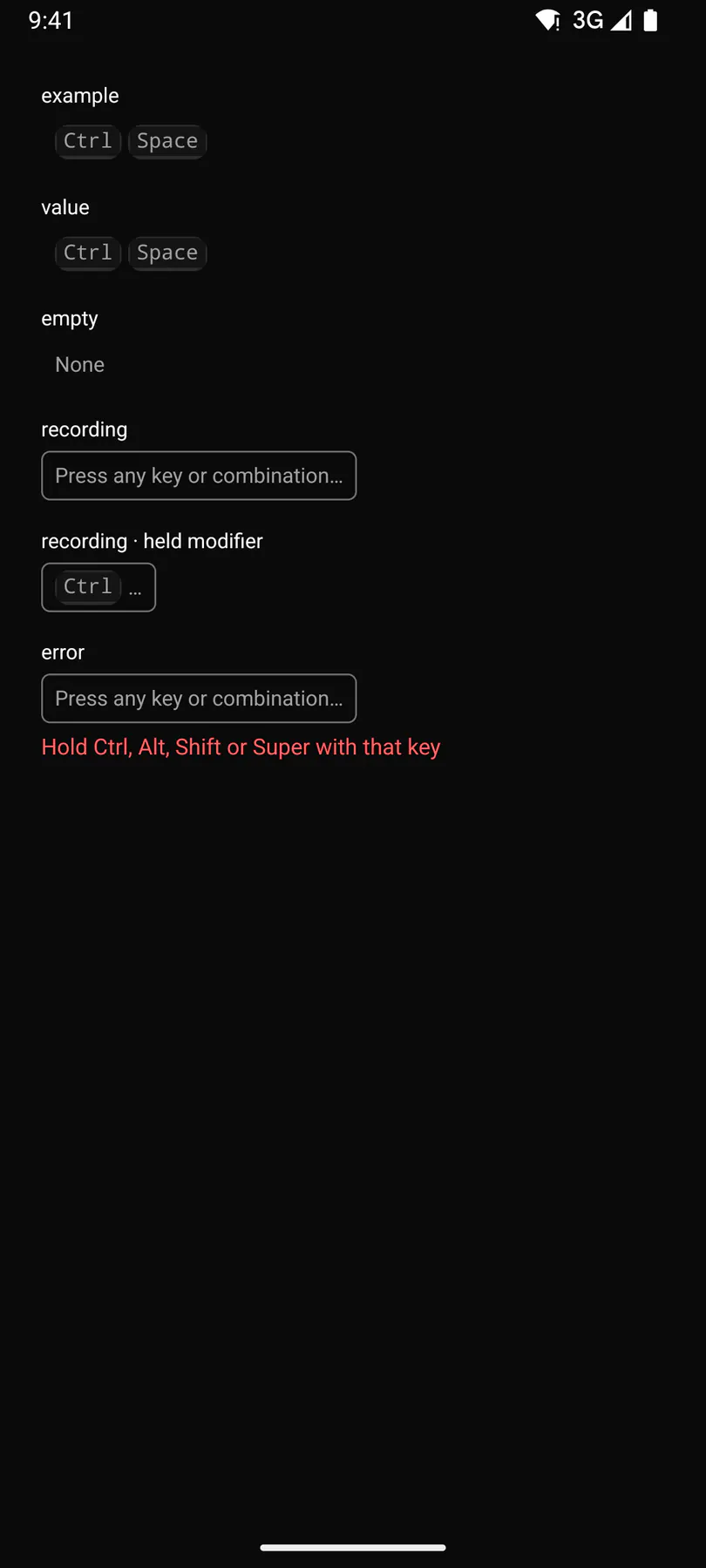
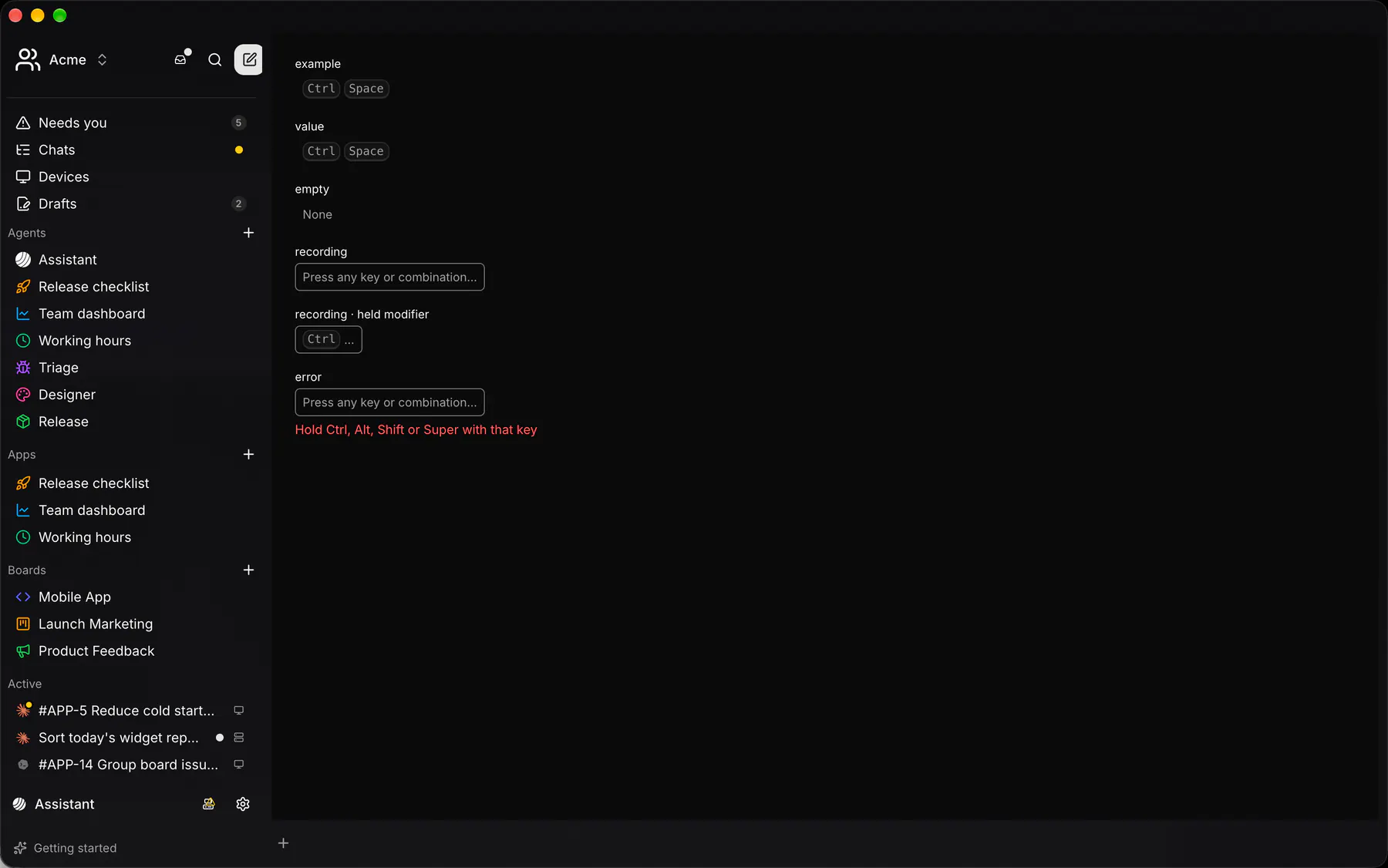
Section titled “Platforms”The same specimen painted by React, SwiftUI, Compose and gpui.

| Prop | Type | Required | Bindable | Description |
|---|---|---|---|---|
label |
string |
yes | – | The accessible name. |
value |
[string] |
– | yes | The recorded keys, one cap each. |
recording |
boolean |
– | yes | Listening for keys; bind it. Default false. |
pending |
[string] |
– | yes | Held modifiers. |
placeholder |
string |
– | – | Shown while recording with no key held. |
error |
string |
– | – | Under the field. |
Events
Section titled “Events”on.start: runs an actionon.stop: runs an actionon.key: runs an action
None.
Children
Section titled “Children”none
A2UI basic mapping
Section titled “A2UI basic mapping”No basic catalog component maps here.
Built from
Section titled “Built from”Accessibility
Section titled “Accessibility”Role: group
field = button named label, aria-pressed while recording; the error line is an alert
| Keys | Action |
|---|---|
Enter Space |
start recording |
| – | While recording every key, modifier change and mouse button 3-5 goes to key; Tab and Escape included (the host decides) |
Theming
Section titled “Theming”Recipe parts: KeyRecorder/root KeyRecorder/field KeyRecorder/none KeyRecorder/value KeyRecorder/placeholder KeyRecorder/held KeyRecorder/pending KeyRecorder/ellipsis KeyRecorder/error
Keyed by: recording :hover :pressed :focus :disabled :checked :open :selected :invalid :dragover :warning :info
Related
Section titled “Related”KbdGroup · Text · Form · FieldGroup · FormActions · SettingsRow · Input · Textarea