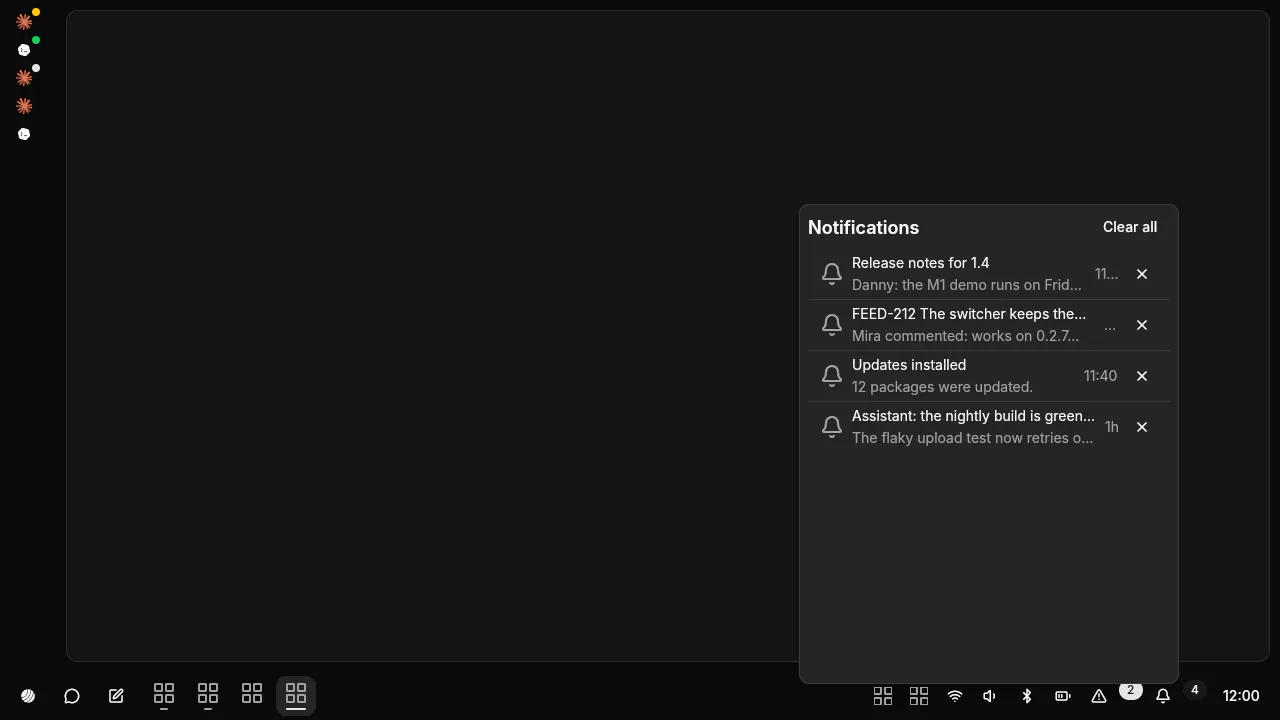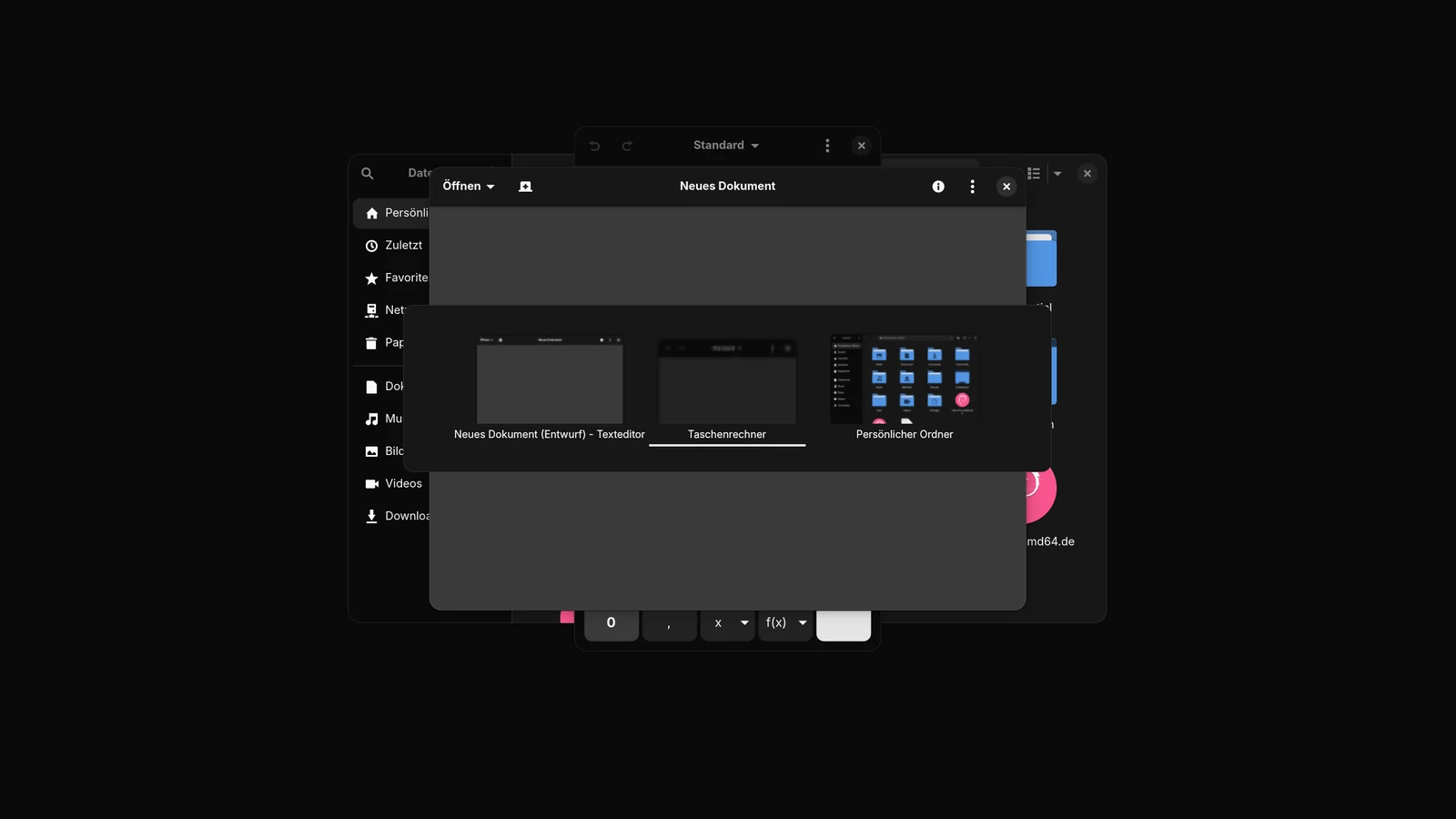
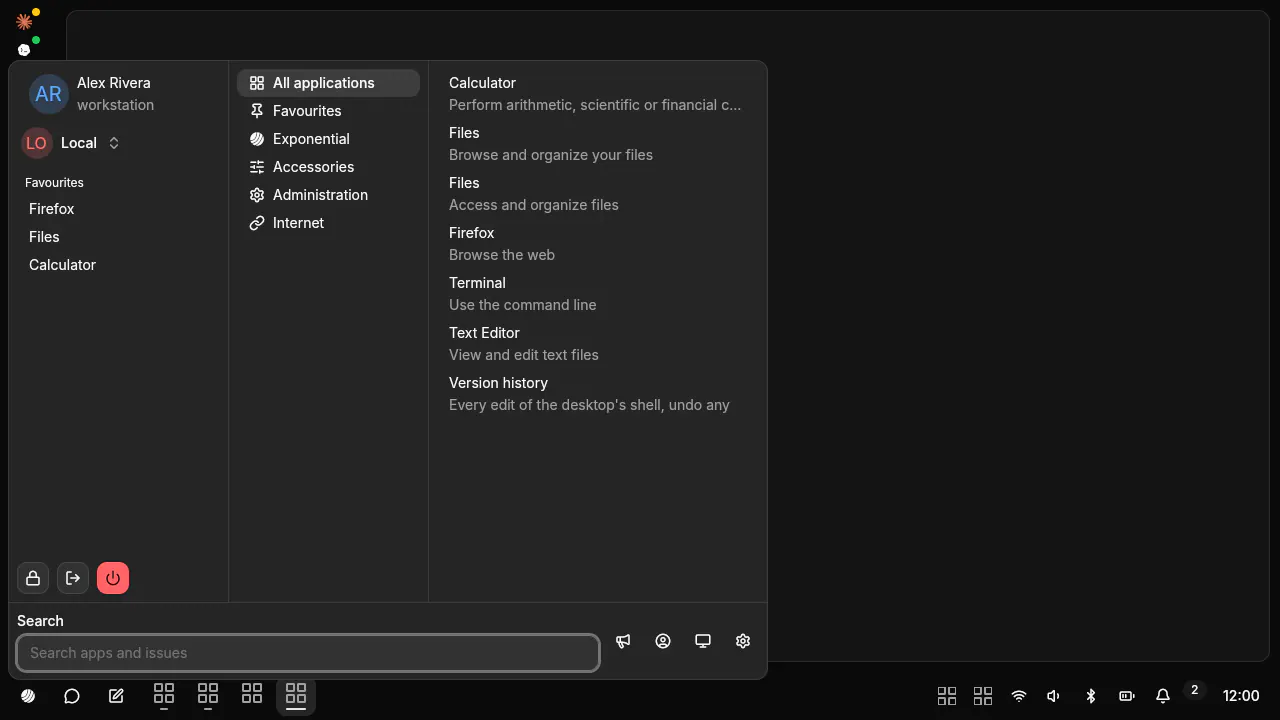
The desktop is data
Panel, menu, switcher, notifications and settings are genUI documents in your home folder.
Features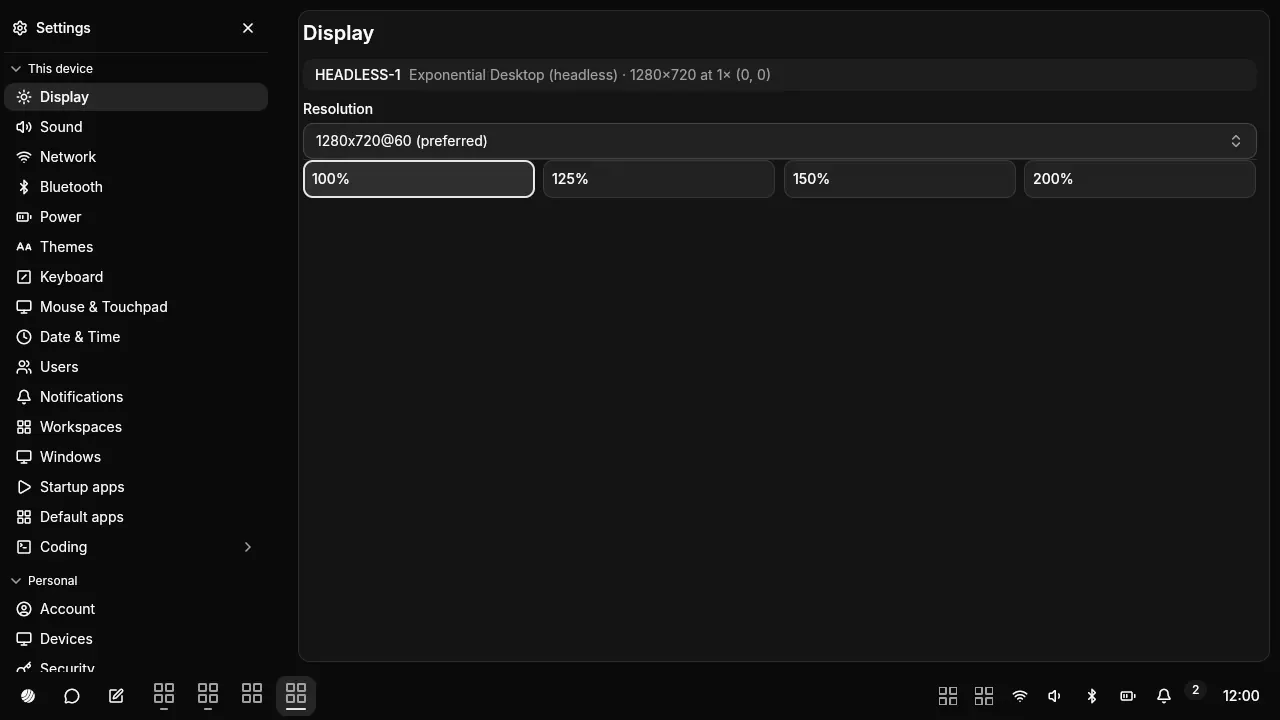
Edit it live
Save a file and the shell redraws it. A broken file is refused and the last good version stays on screen.
Every edit is a commit
History$ exponential-ui log4be1c0a2 Undo: Edit panel.json, rolled back9f31d7e5 Edit panel.json1c02aa94 Set panel7e8d5b10 Factory panelAgents run the machine
Network, sound, Bluetooth, power, disks and updates as MCP tools, each behind a grant.
MCP toolsnetwork_get network_connect network_wifi_enablesound_get sound_set_volume sound_mutebluetooth_get bluetooth_connect bluetooth_powerpower_get power_set_profile power_suspenddisks_get disks_mount updates_upgradeNotifications and the tray