

Exponential Desktop
Exponential Desktop is a Linux desktop: a Wayland compositor with Xwayland, and a shell drawn in genUI. Everything the shell shows is a document on disk, so you and your agents change it the same way. The login screen lists it as Exponential.
The shell
Section titled “The shell”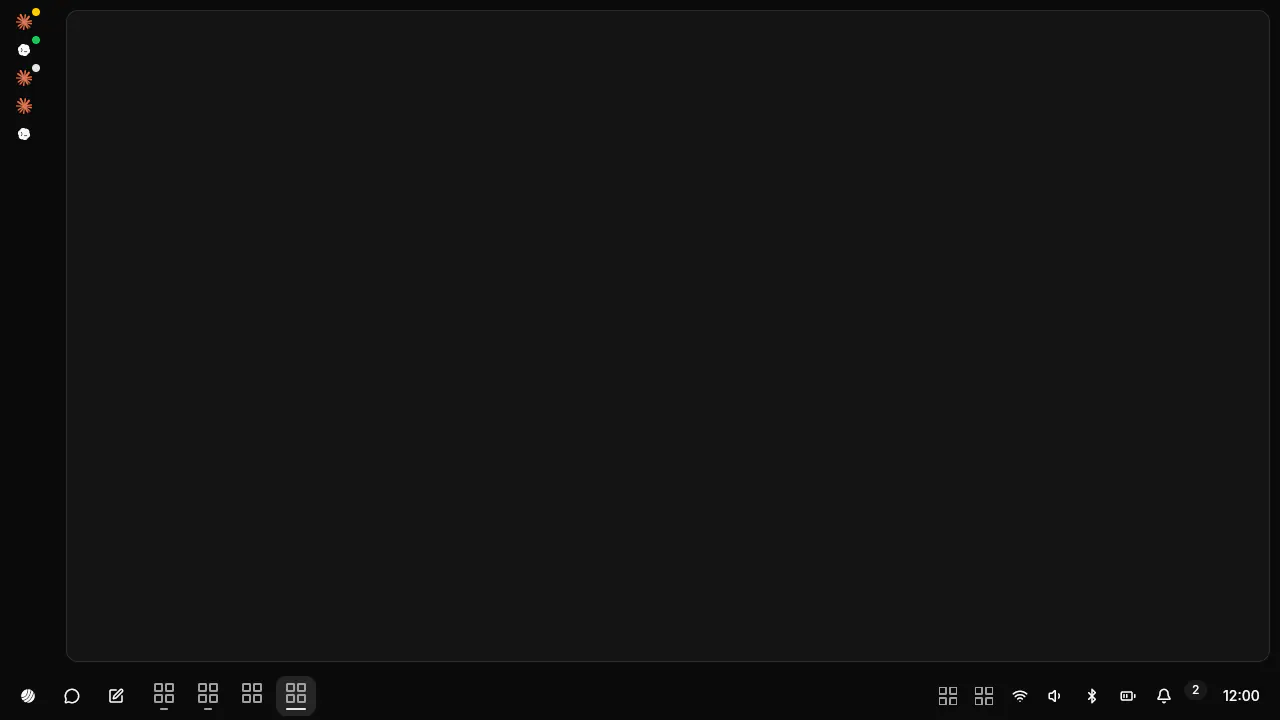 |
Panel: the menu button, the taskbar, the tray, the bell, the clock. |
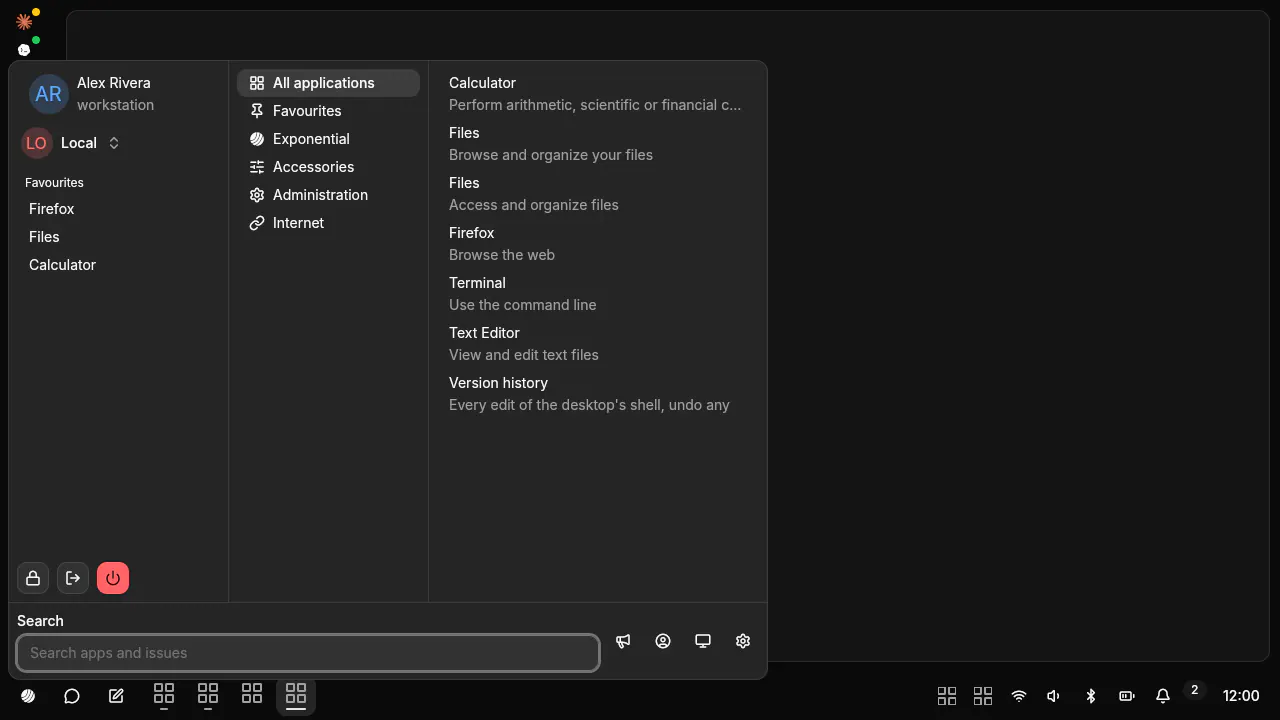 |
Menu: Super opens it. Search apps, launch, lock, log out, power. |
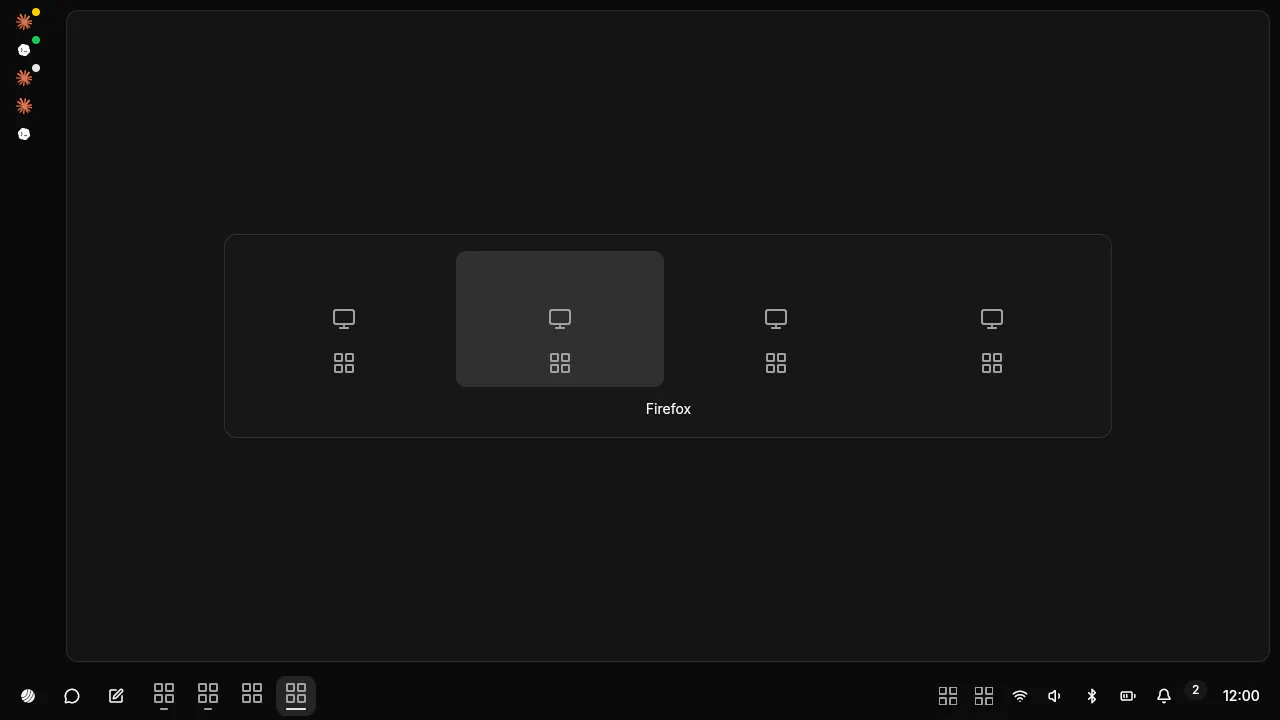 |
Switcher: Alt+Tab, live thumbnails with app icons, most recent first; Alt+` for one app’s windows. |
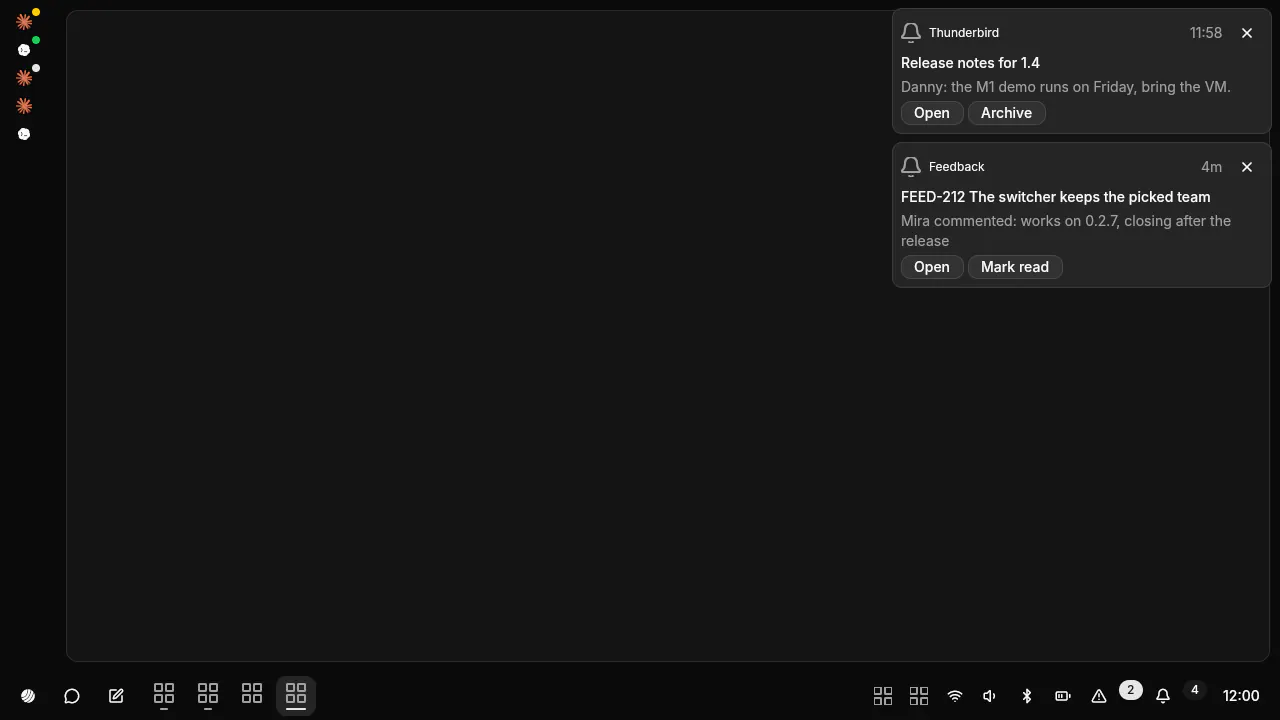 |
Notifications: toasts top right, the history under the bell. |
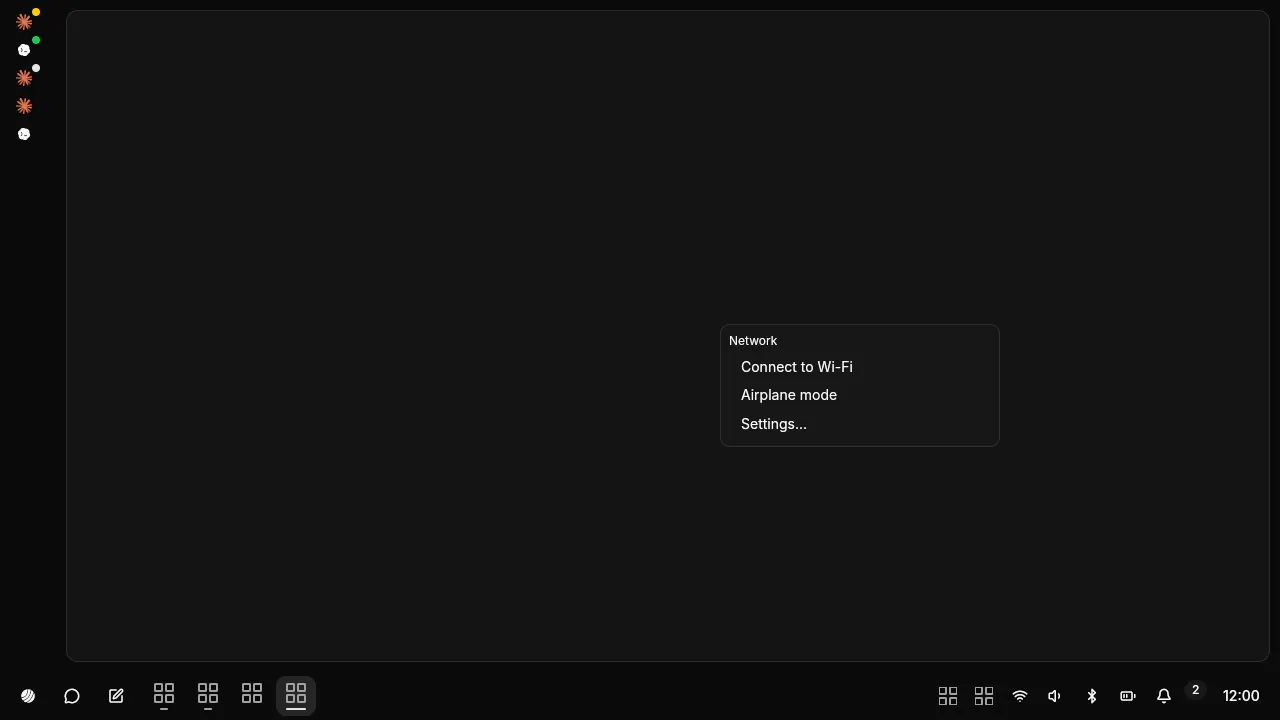 |
Tray: StatusNotifier items and their menus. |
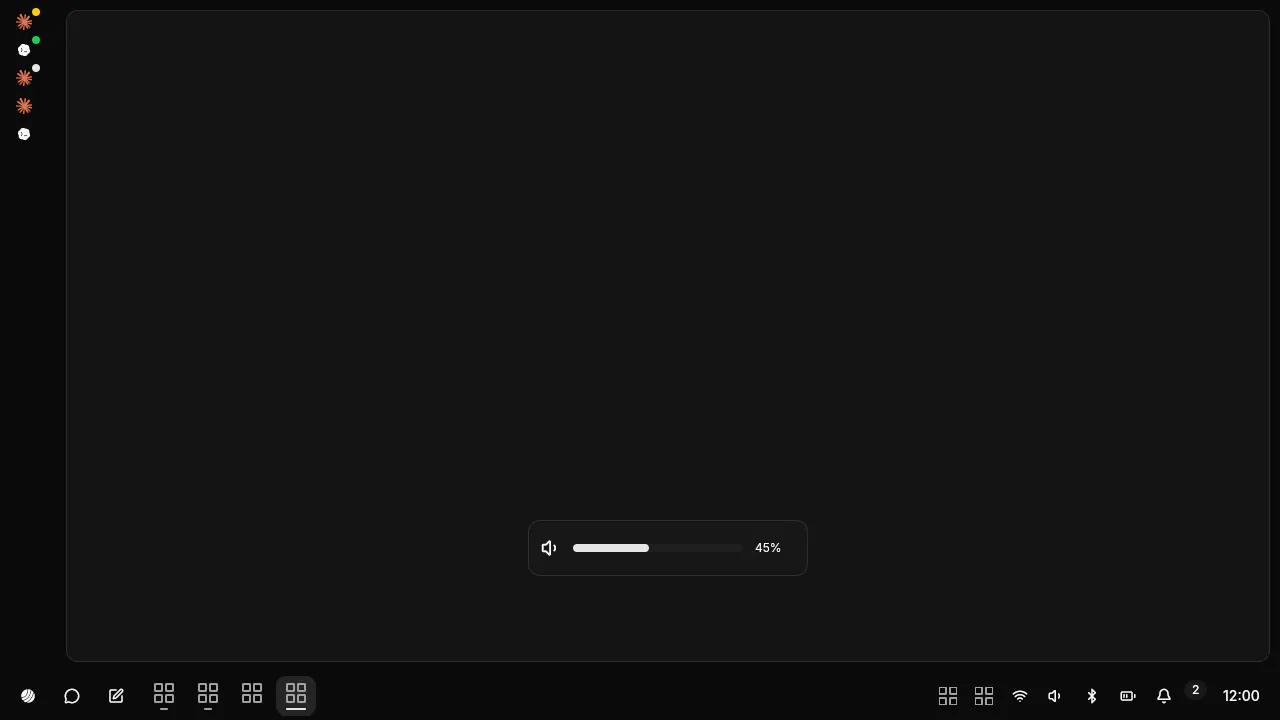 |
OSD: volume, microphone and brightness keys. |
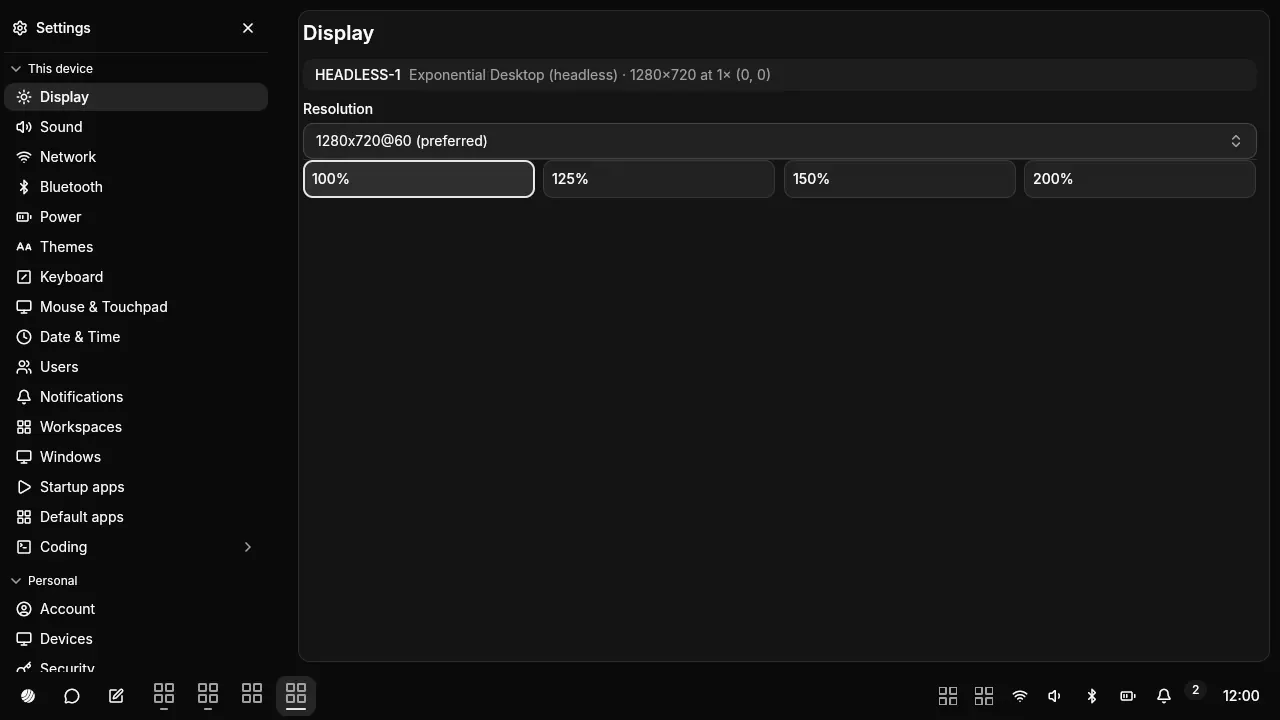 |
Settings: Displays, Network, Sound, Bluetooth, Power, Input, Theme, Apps & updates, Users, Printers, About (with the system check). |
Each one is a genUI document in ~/.config/exponential-desktop/ui/ (panel.json, menu.json, switcher.json, notifications.json, notification-center.json, tray-menu.json, osd.json, settings.json) plus theme.json for the look. The factory copies live in /usr/share/exponential-desktop/ui/.
Change it on the fly
Section titled “Change it on the fly”Edit a document and save. The shell checks it and redraws within a moment.
- The file changes on disk.
- It is validated: the surface header, the Tier C rules, then every component, prop, style and token.
- Valid: it is committed and the shell redraws it.
- Invalid: it is refused with the reasons, and the last good version stays on screen.
exponential-ui check # what applies, what is refused and whyexponential-ui watch # one JSON line per change: ui.applied, ui.rejected, theme.applied…History and rollback
Section titled “History and rollback”The ui directory is a git repository. Every edit that applies is a commit; a refused file is never committed. Undo reverts the newest commit as a new commit, so an undo can be undone too.
exponential-ui log [N] # the history, newest firstexponential-ui undo # revert the newest editexponential-ui set panel panel.json # validate, write, commitexponential-ui discard panel # drop a broken hand editexponential-ui reset # every factory document back; your edits stay in the historyThe shell runs under exponential-ui supervise. An edit that draws no frame within 2 s is rolled back. Three shell crashes after an edit revert it; three more put the factory copy back. Super+Shift+R resets every document and restarts the shell at any time.
Agents
Section titled “Agents”An agent works the desktop through three doors.
- Documents: the same files, the same checks, the same history. An agent’s edit is a commit you can undo.
- System services:
exponential-servicesserves network, sound, Bluetooth, power, disks, updates, firmware, printers and about as MCP tools, one bearer per agent session, each action gated by a capability, every call written to an audit log. See Services MCP. - The compositor:
exponential-ctllists windows and outputs, captures the screen as PNG and sends keys and pointer input. Captures and input are what Computer Use works with: look, act, look again.
Security tiers
Section titled “Security tiers”| Tier | What | Who can change it |
|---|---|---|
| A | Window frames, the recovery screen, the restore hotkey. Drawn by the compositor from colour tokens. | Nobody at run time. |
| B | Lock screen, polkit prompt, consent dialog, screen-share chooser. Compiled into exponential-sealed. |
Nobody at run time. Its surfaces are black in captures and refuse agent input. |
| C | Every shell document. | You and your agents. A document grants no privileges: no password inputs, only the host functions its header lists, each id once. |
Password managers, polkit and keyring prompts, pinentry and ssh askpass are protected too: never captured, never driven by an agent.