

A screen as data
A2UI is an open wire format for user interfaces, started at Google: a flat list of components from a fixed catalog, a data model they bind to, and the actions they send back. A language model can write one, because the catalog fits in a prompt, and a renderer paints it with each platform's own toolkit: SwiftUI, Compose, gpui, the DOM. Exponential UI is one implementation. A Rust core lays out the tree, three native painters draw it, and the React, Solid and web-component renderers pass the same conformance replays. A theme is a JSON file loaded at runtime.
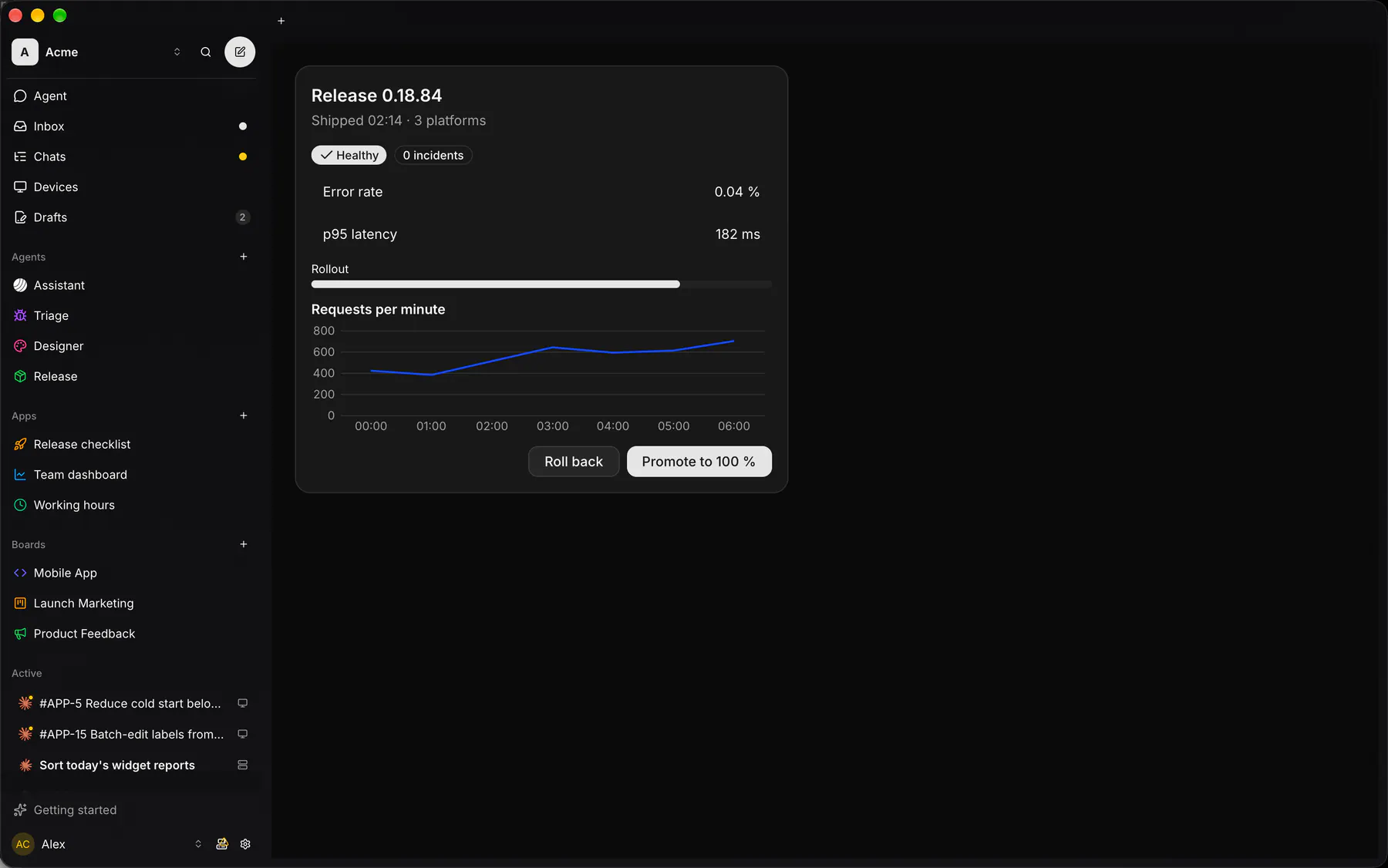
The form below is painted in this page by eUI from nine components. It returns in the next two sections, as a window and as a branch of a tree.
A desktop made of the same data
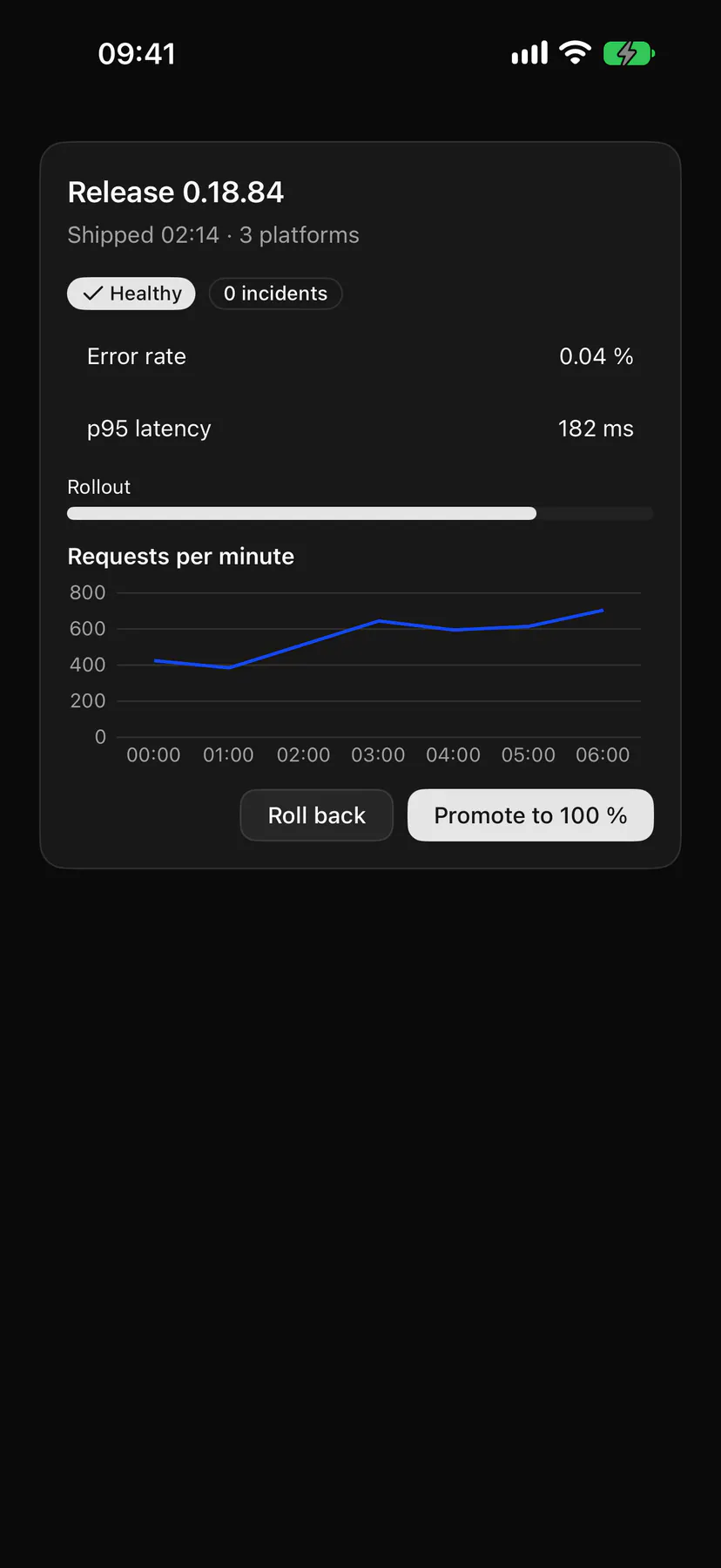
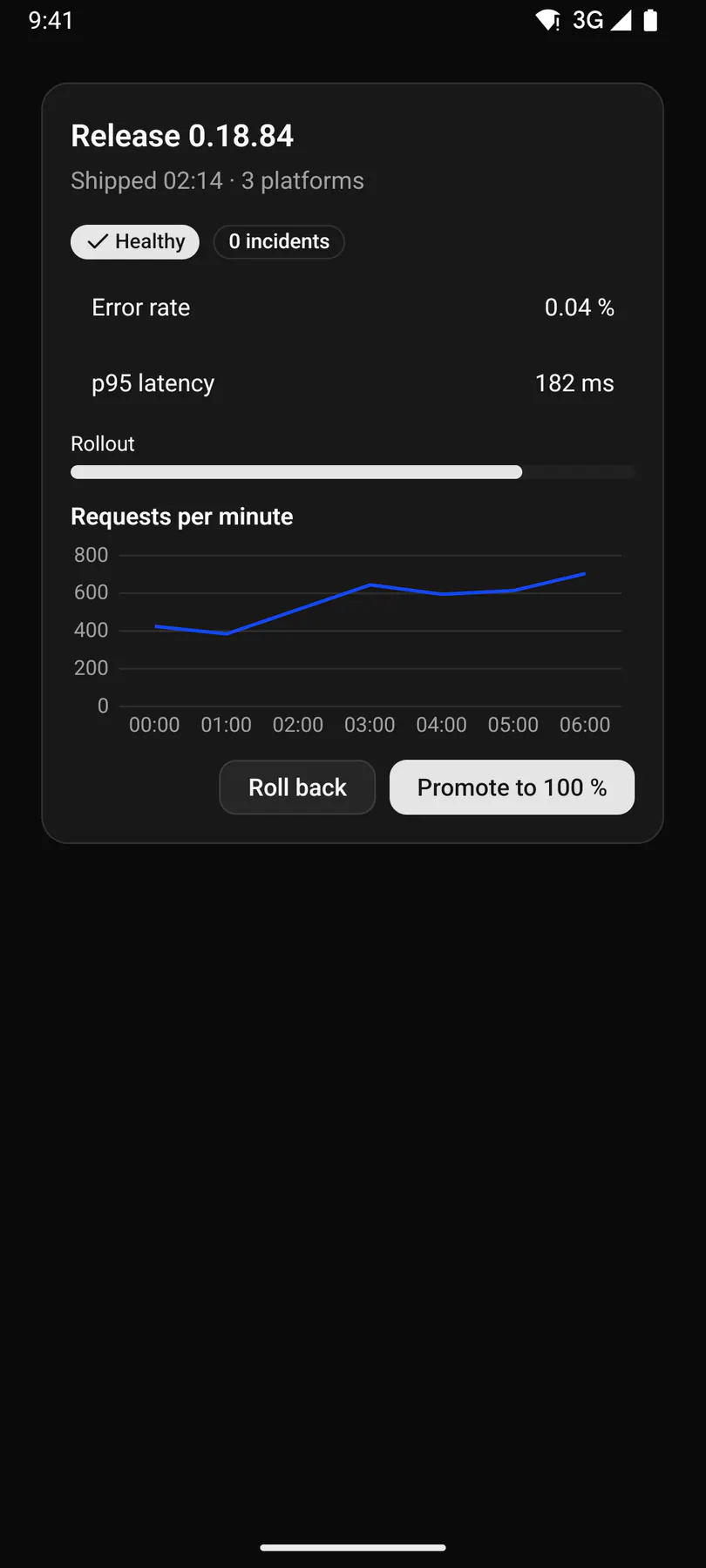
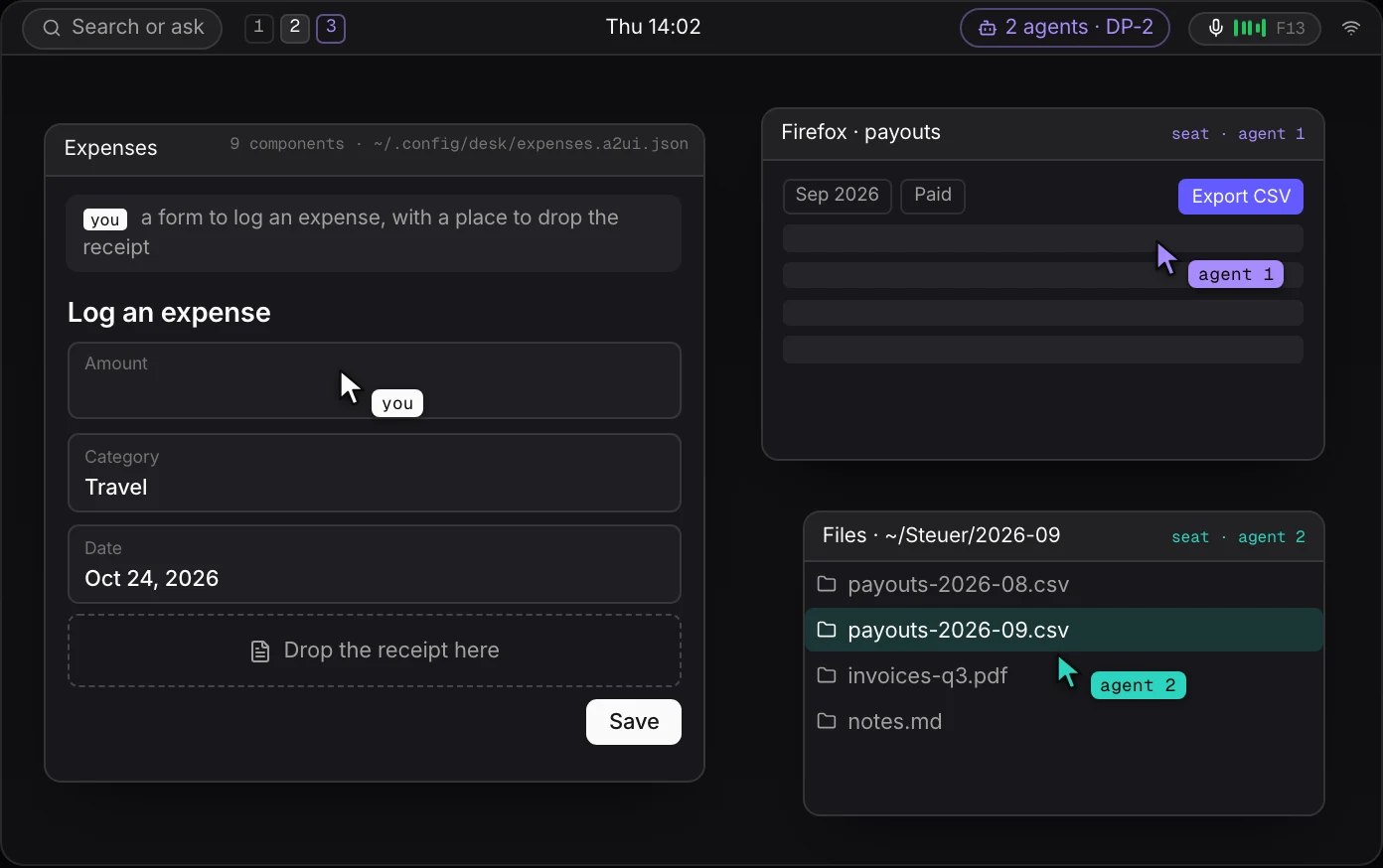
If a card can be data, so can a panel. The desktop environment we are planning keeps its panel, launcher, settings and file view as surfaces on disk, painted by the same renderer, with existing applications running beside them as ordinary Wayland and X clients.
- Every painted part can be changed while it is shown. Moving the clock or adding a tray item is an edit to a file, by a person or by an agent.
- Agents work in the background, several at once, each on its own workspace; how their input is kept apart from yours is the next section.
- UI is built when asked. A request becomes a window whose content the agent streams as a surface, usable while it is still being written.
Voice sits in the tray, one key away: push-to-talk or a wake word, local speech-to-text, short commands acted on at once, everything else sent to the assistant session and answered aloud. Today, computer use runs in the foreground on Linux (X11), macOS and Windows, with your input held and Esc to take it back; a second pointer on X11 was tried and removed after it fought the person's cursor.
The compositor's tree is the API
Every system draws from a tree; what differs is how deep an agent may reach into it. macOS gives the accessibility tree where an application exposes one and pixels where it does not, and Windows gives UI Automation. X11 gives pixels, synthetic input and AT-SPI where the toolkit supports it; Wayland keeps AT-SPI but routes capture and input through portals, one permission prompt at a time.
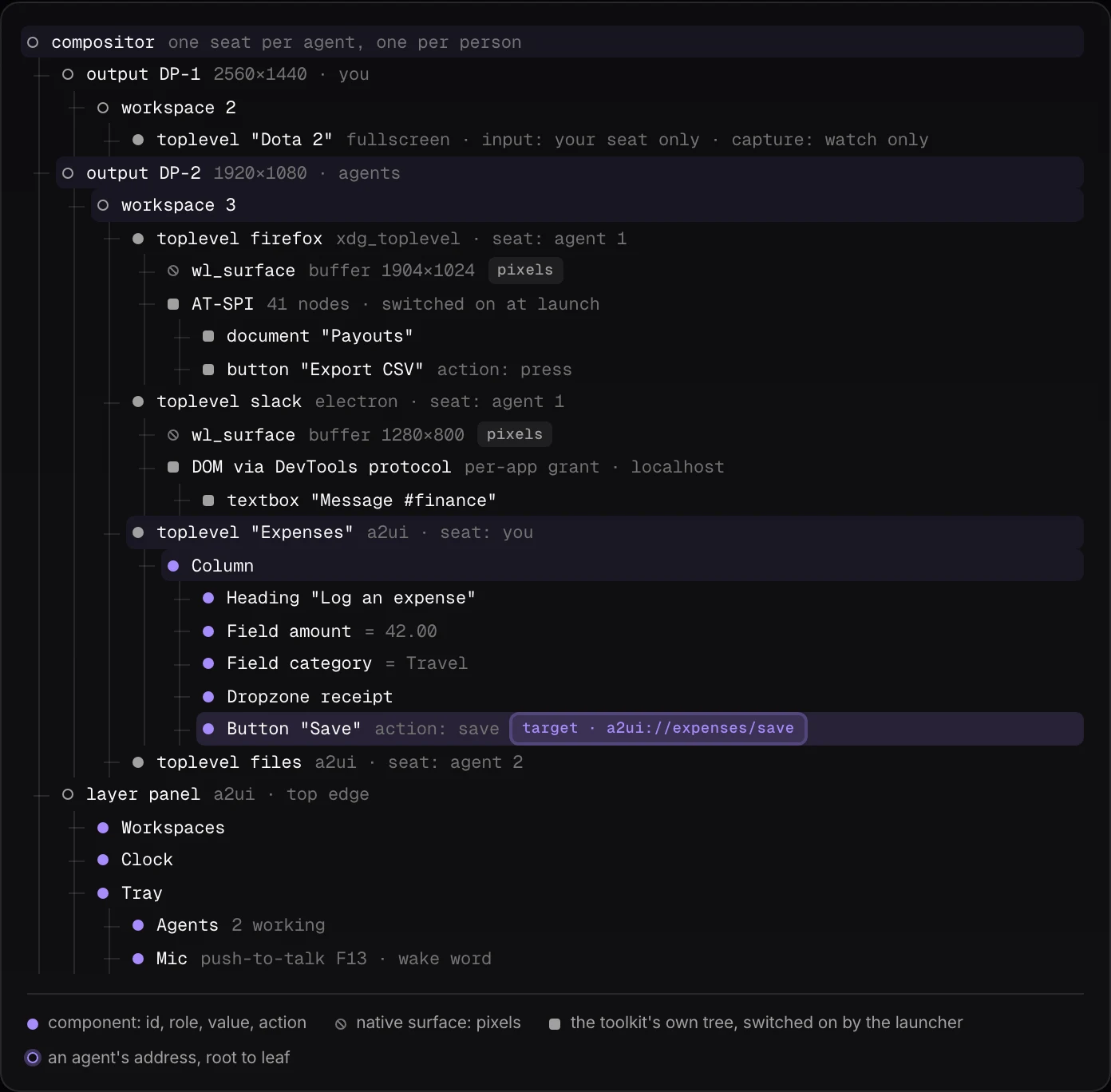
A compositor written for this owns one tree from the outputs down: outputs, workspaces, toplevels, surfaces, and inside a painted window the components themselves, each with an id, a role, a value and its actions. An agent addresses a node by path and acts on it. A native window is pixels below its surface, but the desktop is the parent of every process, so it switches on whatever tree the toolkit offers at launch: AT-SPI for GTK, Qt, Firefox and Java, the accessibility flag or the DevTools protocol for Electron, an in-process probe for Qt. macOS needs private APIs and entitlements for the same reach; here it is an environment variable. The compositor joins those subtrees into one tree, with per-seat input and per-window capture: an agent's seat never moves your pointer, and a covered window still captures.
The risks are plain: a tree is only as good as the app's labels, canvas apps and games stay pixels, multi-seat is poorly exercised by toolkits, X clients through Xwayland see one seat, and a compositor is years of edge cases, which argues for a library such as Smithay over a blank page.
Watching an agent work
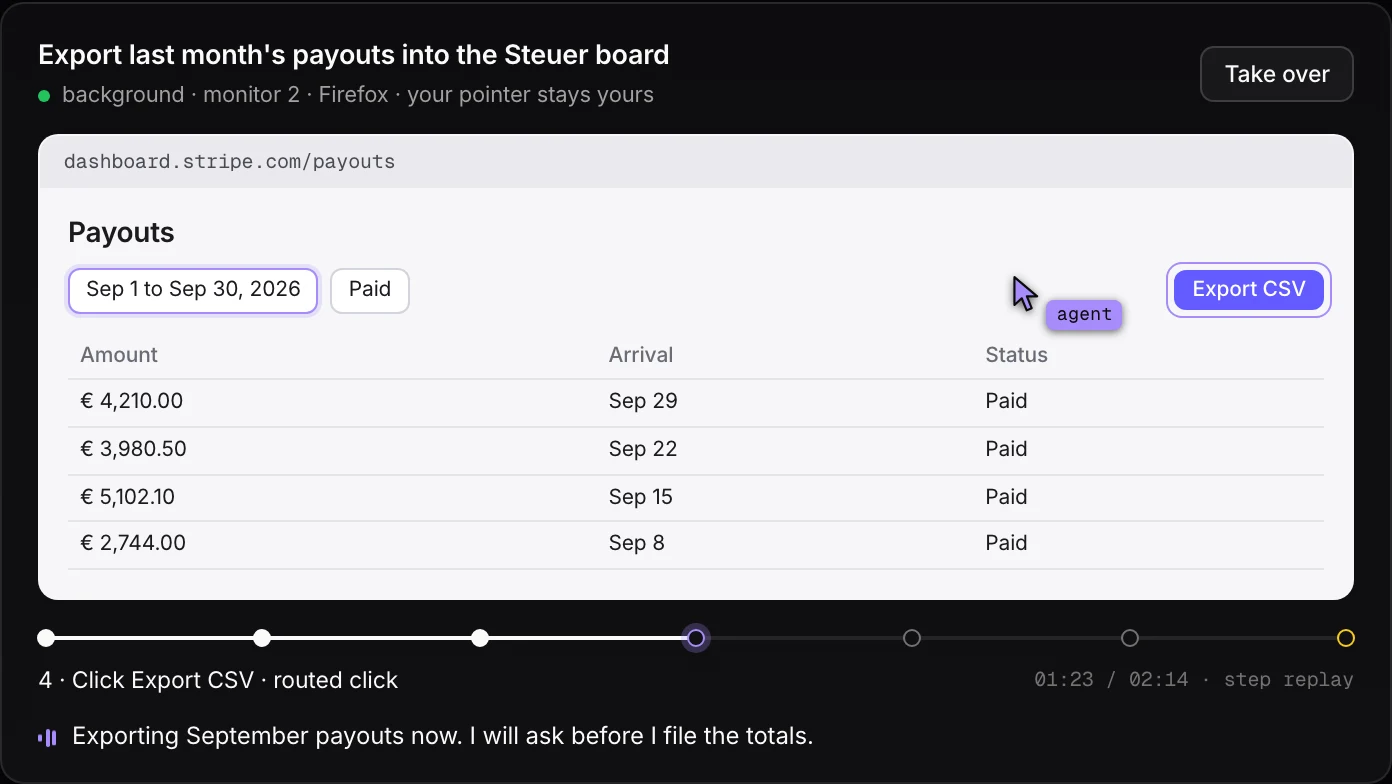
Background work needs a window into it, or it is a trust exercise. The draft below is the watch view for one task: the live window as a per-window capture, the agent's cursor drawn by the viewer in place of the operating system's, the target outlined before the click lands, and under it the steps with how each was done. Which windows an agent may capture or drive is a per-window grant; the game in the tree above is watch-only.
A step the agent marks as irreversible, or that matches a rule you set (payments, deletes), waits for confirmation. The step line and the agent's messages are recorded as timestamped A2UI messages, a few kilobytes you can scrub; the window capture itself is video, or a keyframe per step. The spoken caption is the same line the tray reads aloud.
What exists
- A screen as data: shipped. Six renderers, one conformance suite, themes as files.
- The desktop: planned; nothing exists beyond the renderer it would use.
- The compositor: planned; the tree above is a draft.
- The watch view: a draft; the background path waits for the compositor.
- Voice: planned. Speech-to-text and an intent router small enough for a CPU exist as open models; nothing is wired up.